Host your team building event

Bring your employees together around a shared challenge. They play on their phones, with nothing to install, and everything appears on a TV or a projector connected to your computer.

Plan your day

You chain the activities in the order of your schedule, and you pick them to fit your teams and your goal. For example, you mix your departments into teams, open the day with a poll, then the teams face off in quizzes and challenges until the final standings.

Mix your departments into teams
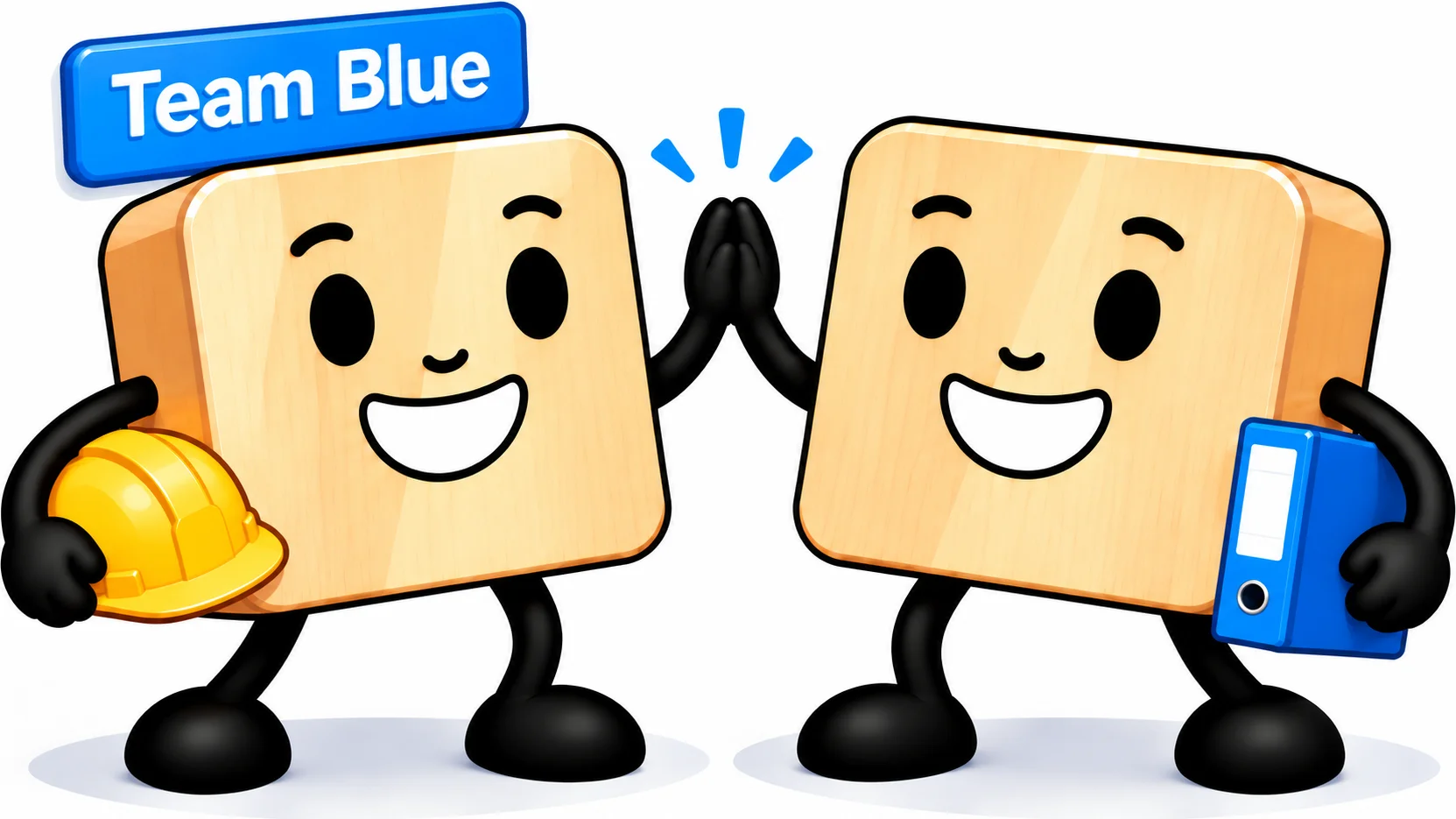
Two employees from different departments, one holding a hard hat, the other a binder, high-five under their team's name

A successful team building event gets employees who never cross paths playing together. You import your list as several groups, one per department, location or seniority, and you use the random team generator to build teams that each get members from every group.

Teams are drawn on screen, in front of everyone. Each team gets its own name and color, and you can assign certain employees ahead of time. Once formed, the teams stay the same from one game to the next, all the way to the end-of-day standings.

See our team generator previews
Break the ice from the start

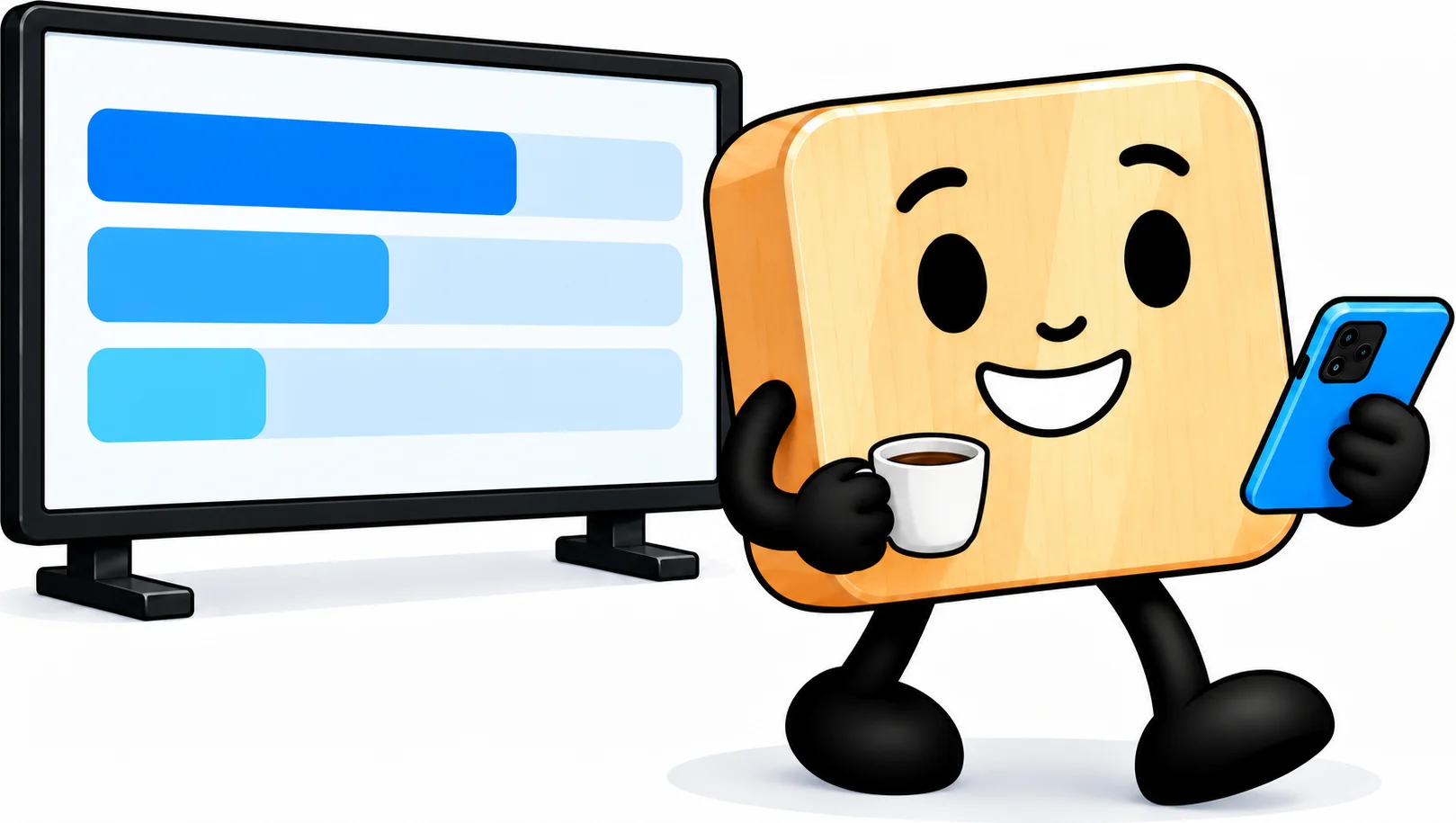
An employee, coffee in hand, answers the poll on their phone in front of the results on screen

Open the day with a live poll. Everyone scans the QR code on screen and answers from their phone, then the whole room's answers appear on the big screen. Just what it takes to get the first conversations going.

Keep the questions light, about everyone's habits, or ask your employees what they expect from the day. The poll can also stay open all day. Everyone answers whenever they like, and you reveal the results at the end of the day.

See our poll and quiz previews

Play a team quiz

Two teammates confer before answering the quiz on their phones

The teams formed at the start of the day come together for a quiz about your company, its lines of work, its key figures or its history. Each employee answers on their phone, their points add to their team's score, and the team leaderboard updates question by question.

Switch formats from one round to the next: a survivor quiz, where teams lose lives and drop out one by one, or a showdown pitting the room against the executives. Nobody needs to know it all: the team scores the points.

See our phone quiz previews

Run your corporate olympics

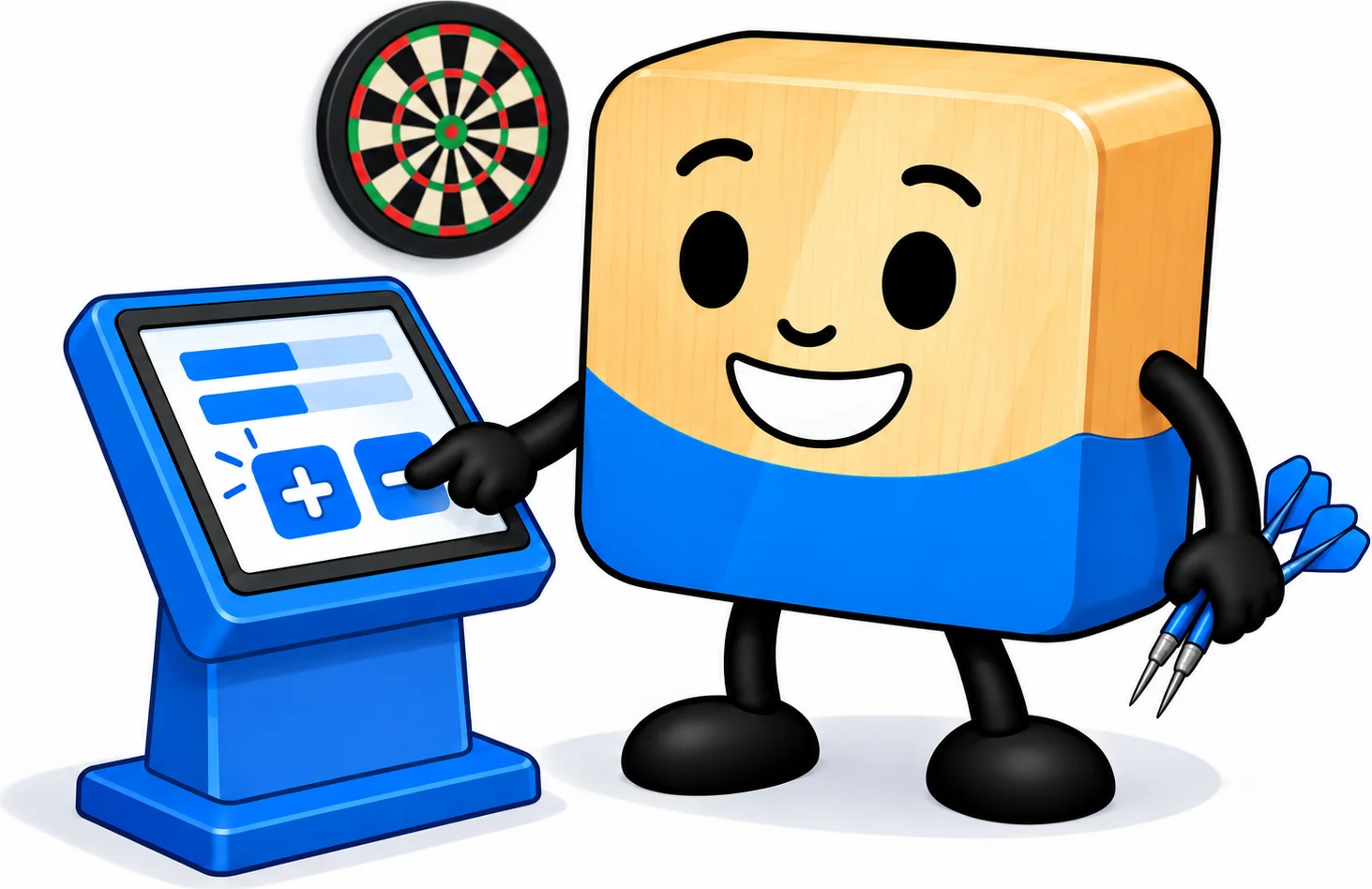
A darts player enters their score at a score-entry kiosk

For your corporate olympics, teams compete across several events. You choose the events, we handle the pairings and the standings. Each type of event has its own scene, with its own rules: pétanque is ready now, and foosball, ping-pong and board games are coming Planned for February-March 2027.

Players enter the scores themselves, on their phones by scanning a QR code, or at a score-entry kiosk. All you have to do is check the results, then approve each match.

The standings for each competition update on the big screen, tiebreakers included, and a podium wraps up the event. Points from every event, quizzes included, will add up to overall standings for the day Planned for December 2027.

See our competition management previews

Add activities to your company offsite

Team building doesn't have to fill the whole day. A ten-minute quiz brings attention back between two sessions, a team challenge closes out the first day, and a poll gathers everyone's feedback before they leave.

You prepare your scenario ahead of time in your studio dashboard, chaining the scenes in the order of your schedule. On the day, you launch each activity at the right moment, from your computer.


Frequently asked questions about your participants

Do my employees need to create an account or install an app?

No. They take part by scanning a simple QR code, and only give what you ask them for. We do not record their IP address.

How many participants can I add?

The number of participants depends on your plan:

  • 100 participants on the “Discovery” plan,
  • 1,000 participants on the “Essential” plan,
  • 10,000 participants on the “Pro” plan.

Same-day sign-ups have their own limit

Having people sign up on the day is counted separately:

  • 25 sign-ups on the “Discovery” plan, by QR code,
  • 100 sign-ups on the “Essential” plan, by QR code or at a kiosk,
  • 1,000 sign-ups on the “Pro” plan, by QR code, at a kiosk or from a web form.

How can participants sign up?

  • By phone: each participant scans a QR code and signs up from their phone.
  • At a kiosk: a screen or tablet, self-service or with a host, where everyone signs up. Available on the paid plans.
  • Through the website: an online sign-up form that you share with a link. On the “Pro” plan.

Frequently asked questions about your data security

Is my employees' data protected?

Yes. You remain the controller of your data, and we only process it on your instructions, as a processor under the GDPR. The screen only shows names.

Everything is explained in our participant data protection policy and on our Security and data protection page.

Where is the data hosted?

On your studio's server, in the region of your plan. With the “Pro” plan, you choose your server's region from Northern Europe, Italy, North America or Asia (Singapore).

How long is the data kept, and can I delete it?

Until you delete it. You can delete an event, its results or its participants at any time.

When you close your account, it is deleted 30 days later, or 30 days after the end of your paid plan if it is still running. During that time, you can reactivate it.

Are my employees' names visible online?

Only if you publish a result. Its page only opens from its address, which carries a random identifier that is impossible to guess, and search engines do not index it.

Frequently asked questions about plans

What do I get with a paid plan?

More participants, your logo on the screen, and data that is kept.

  • “Discovery”, free: everything is erased 24 hours after creation, our logo is shown, 100 participants.
  • “Essential”: your logo, your data kept, 1,000 participants.
  • “Pro”: on top of that, some quiz and phone game options, the server-side proof of the draw, a choice of region for your server, 10,000 participants.

What if I need more capacity, or a server just for my company?

We reserve a dedicated server for you, for a year or for three days, plus a backup server if you wish. Tell us what you need.

How do payment and invoices work?

We entrust payment to Stripe, which bills you directly, on our behalf.

Your plan is a yearly subscription, and you can cancel its renewal at any time, from the second day. Your subscription still runs until the end of the year. If you stay subscribed, a loyalty discount applies to your renewal.