
Dynamic raffle number display

Dynamic raffle number display

Connections between scenes

Inputs

  • Numbers

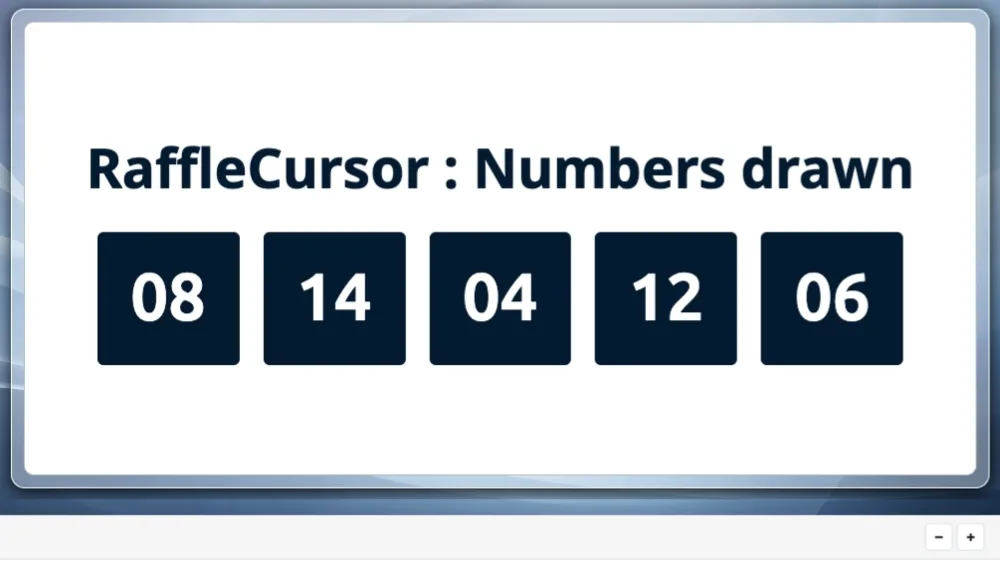
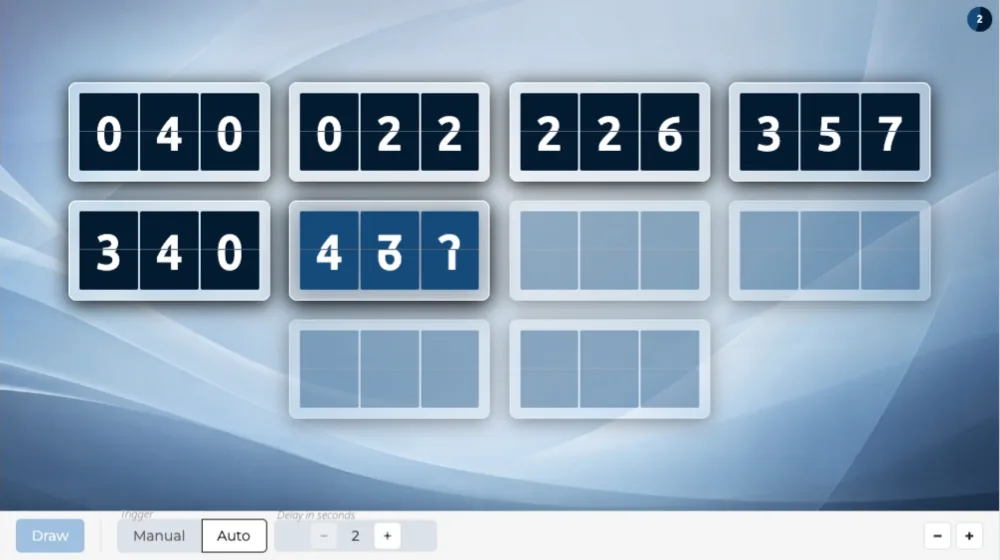
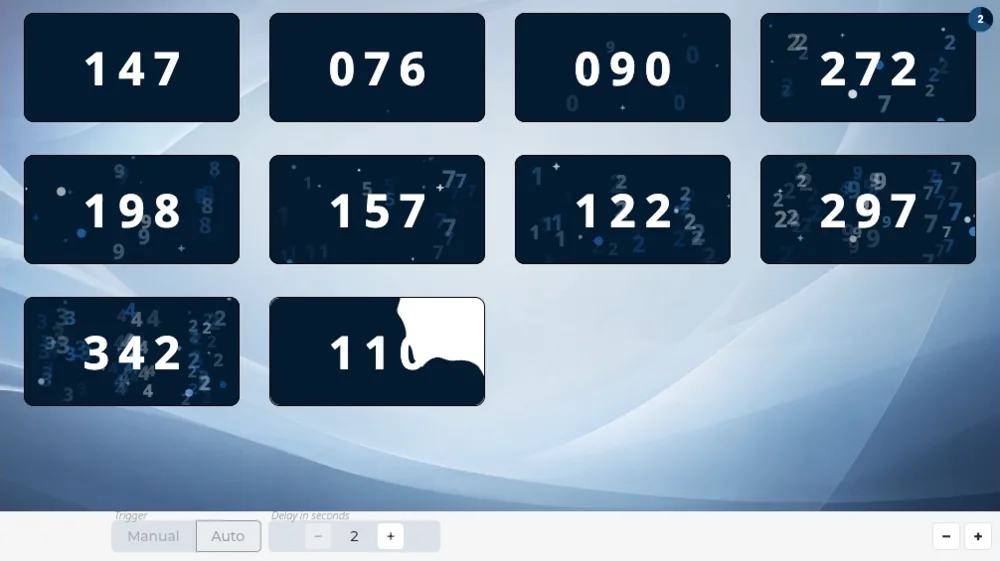
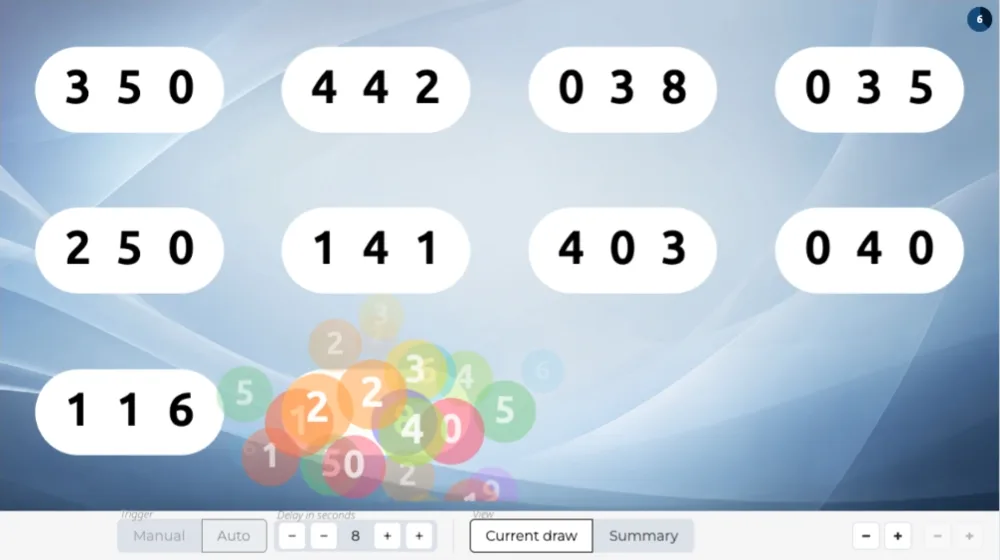
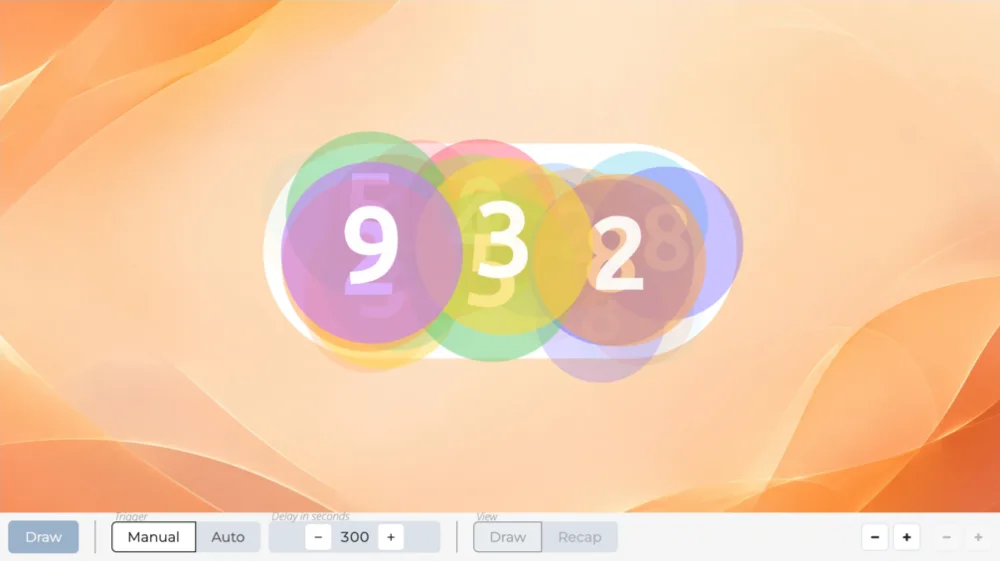
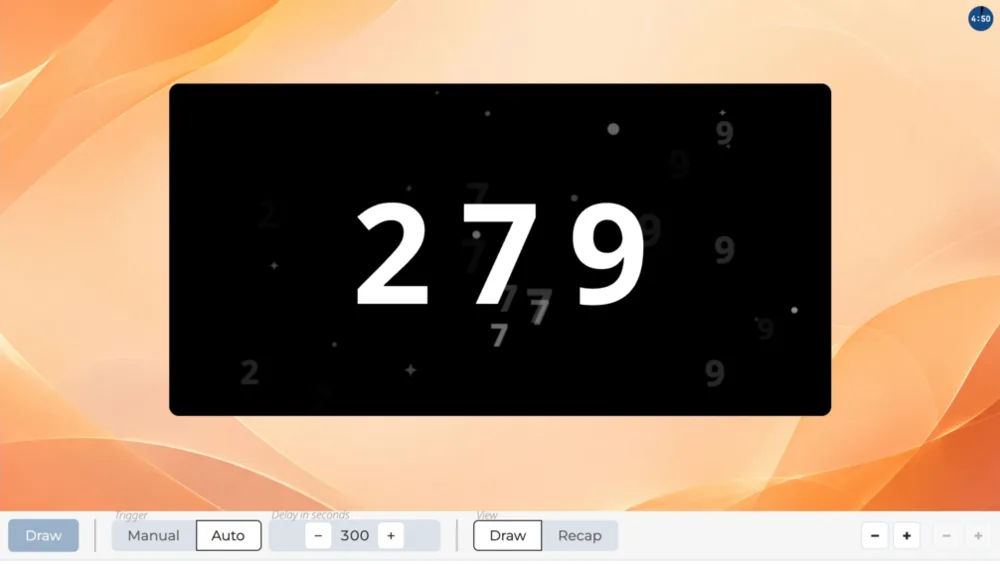
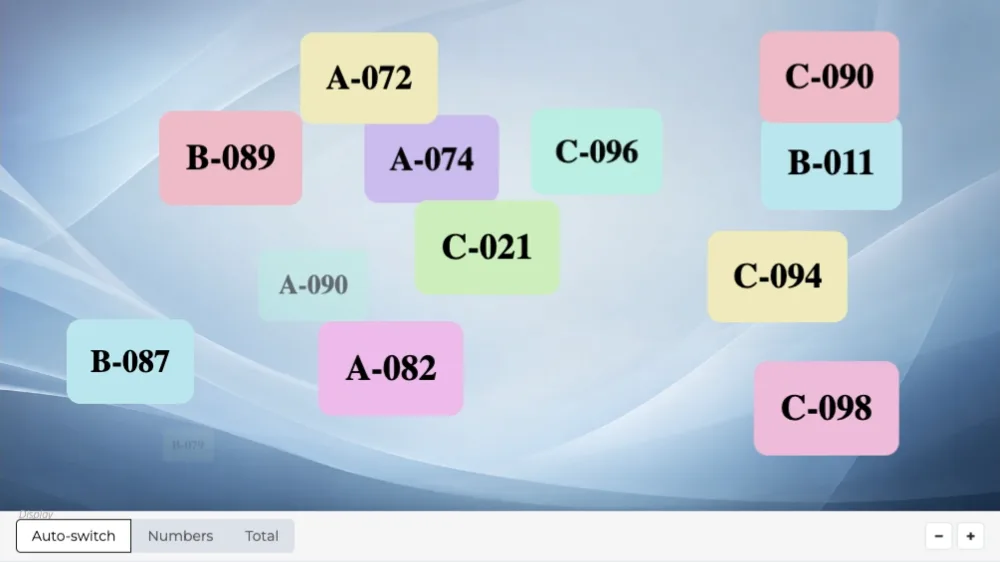
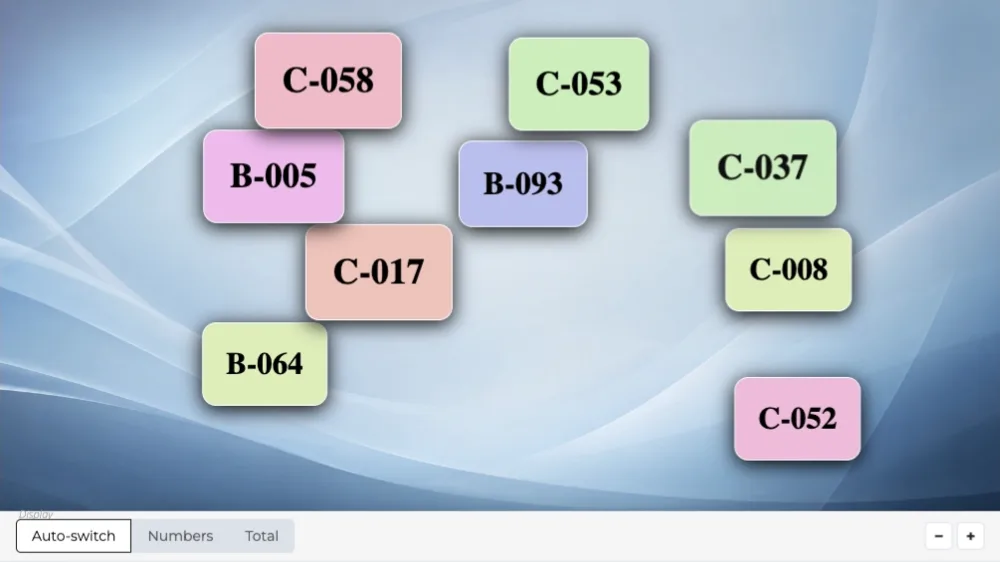
Raffle numbers pop up all over the screen, then fade as others arrive. The total of numbers in play also appears, alone in the center.

Overview

Your raffle numbers appear on the screen

IntroRaffle brings up the numbers in play all over the screen, each one in a colored label.

After the duration you have set, the screen empties and the total of numbers in play appears alone in the center. It fades in turn, and the numbers resume.

When to use it

Before the draw: everyone can find their own number, and the total says how many are in play. The scene has no end: it runs for as long as you leave it on screen.

Frequently asked questions

How many raffle numbers can I create?

500 raffle numbers on the “Discovery” plan, 5,000 on the “Essential” plan, 50,000 on the “Pro” plan.
Do I have to enter my numbers one by one?

No: a range of numbers goes on a single line, giving the first and the last.

Enter one line per range or per single number, and mix the two freely:

A : 1-500
B : 1-200
42

The letter before the colon is optional: it tells apart several books of tickets that each start again from 1. Pasting from a spreadsheet works: spaces, tabs and letter case are tidied up.

Can I display my logo and title on screen?

Yes, from the “Essential” plan up: the screen header carries your logo and the title of your event, on every scene.

On the “Discovery” plan, the header stays the Randraw.studio header: its logo, in place of yours.

Scenarios that include this scene

Raffle grid

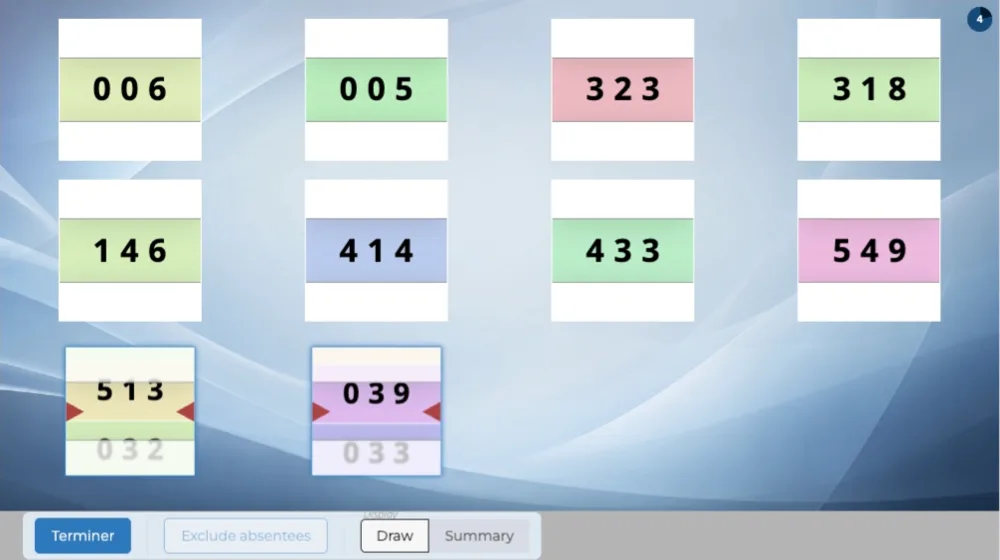
The raffle number ranges, the draw on a grid with the scene of your choice, then the winning numbers.

Create a studio
RaffleGrid
IntroRaffle
RaffleFlapGrid
IntroRaffle

Raffle draw with prizes

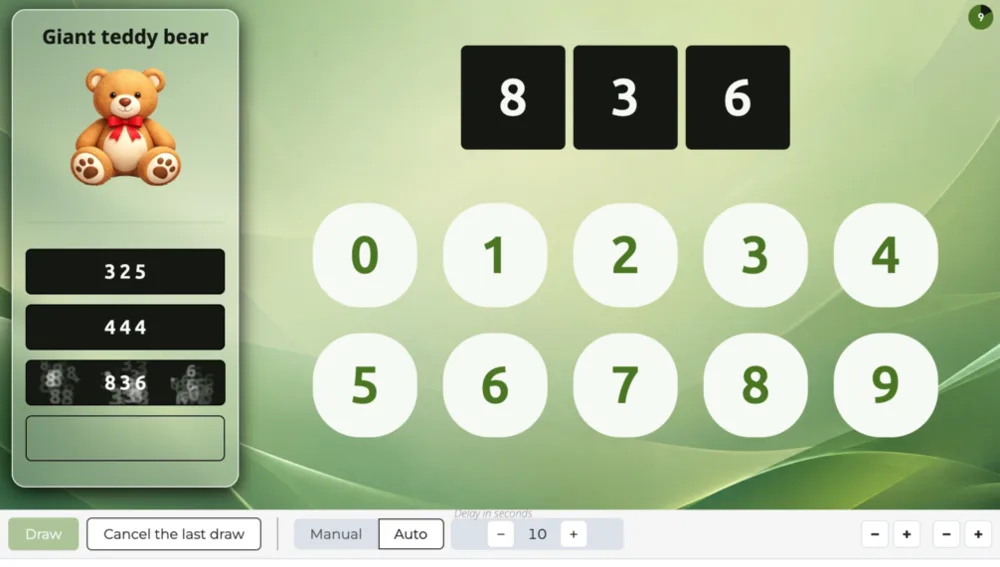
The raffle numbers, the prize draw with the scene of your choice, then the winning numbers.

Create a studio
RafflePrizes
IntroRaffle
PrizePluck
6/6
IntroRaffle

Raffle draw, one by one

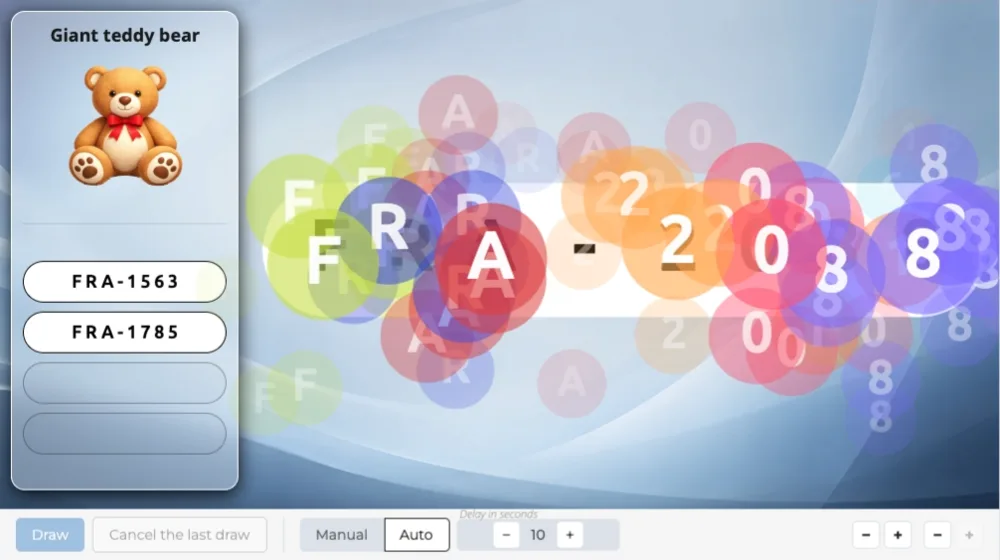
The event announcement, the numbers in play, the raffle number ranges, the numbers drawn one by one with the scene of your choice, then the winning numbers.

Create a studio
RaffleReveal
IntroRaffle
RafflePluck
IntroRaffle

Raffle winners

The event announcement, the numbers in play, the raffle number ranges, the winning number draw with the scene of your choice, then their display.

Create a studio
RaffleWins
IntroRaffle
WinsCursor
1/6
IntroRaffle