Displays your article in markdown format with an optional image (on the right or the left).
Article with or without an image
ShowArticle
Frequently asked questions
Can I display my logo and title on screen?
Yes, from the “Essential” plan up: the screen header carries your logo and the title of your event, on every scene.
On the “Discovery” plan, the header stays the Randraw.studio header: its logo, in place of yours.
Scenarios that include this scene
Bingo, two prizes in a row
A prize is introduced, bingo is played and restarted game after game, then the main prize arrives with a game of its own.
Create a studio
BingoPrizes
 ShowArticle
 Bingo75Cursor
Bingo75Cursor
Bingo75Cursor
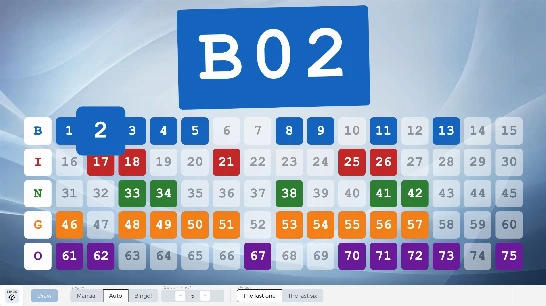 Bingo75Grid
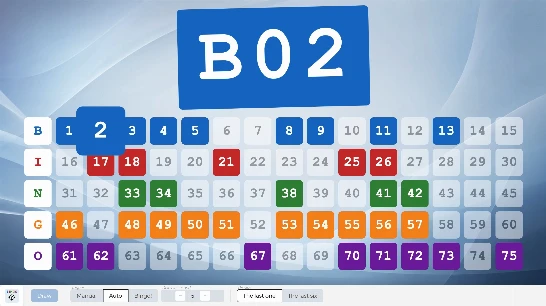 Bingo75Speed
ShowArticle
Bingo75Cursor
Bingo75Cursor
Bingo75Grid
Bingo75Speed
Bingo75Speed
ShowArticle
Bingo75Cursor
Bingo75Cursor
Bingo75Grid
Bingo75Speed
Rules, petanque tournament and podium
Three chained scenes: an article presents the rules, the petanque tournament is played, then the podium automatically receives the final standings.
Create a studio
PetanqueCup
ShowArticle
ShowArticle
Do not play this scene

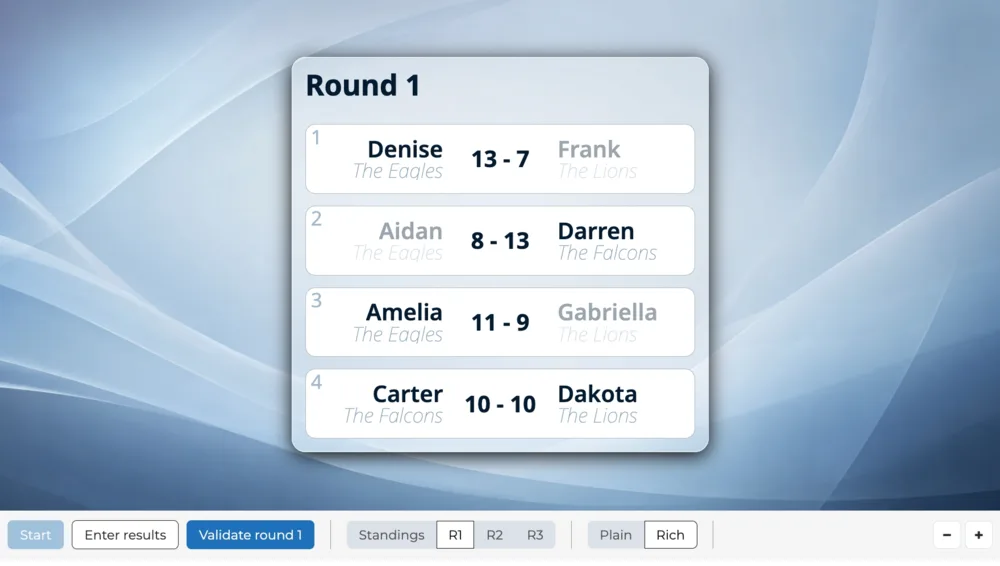 TrnPetanque
 ShowPodium
Do not play this scene
ShowPodium
ShowPodium
Do not play this scene
Raffle grid
The raffle number ranges, the draw on a grid with the scene of your choice, then the winning numbers.
Create a studio
RaffleGrid
ShowArticle
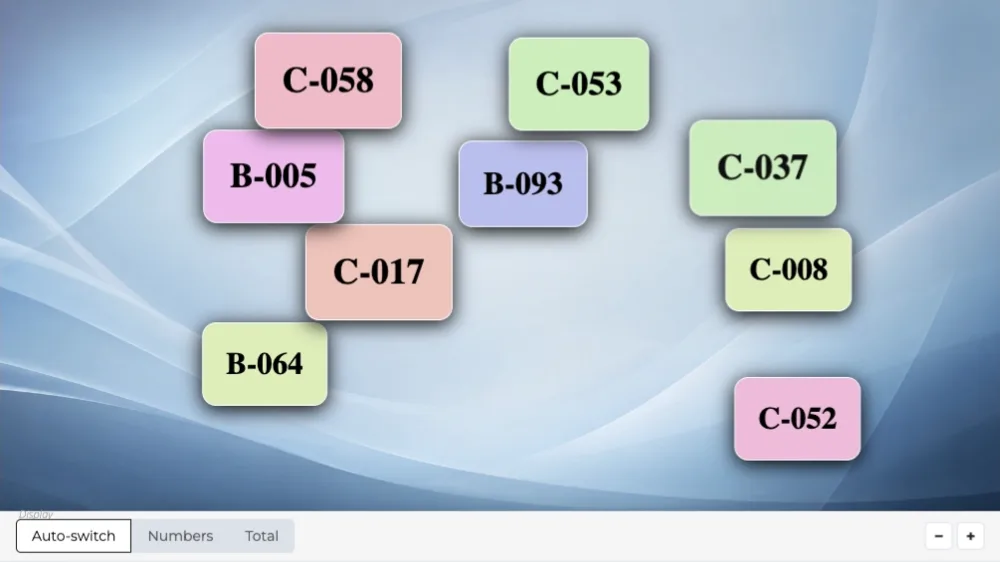 IntroRaffle
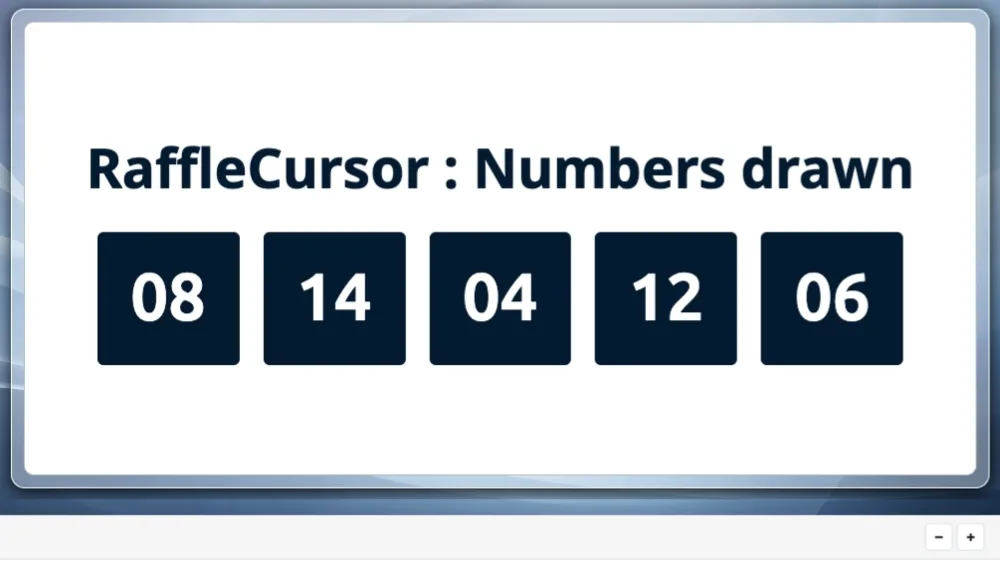 ShowMultiRaffle
 ShowRaffle
ShowArticle
Do not play this scene
ShowRaffle
ShowArticle
Do not play this scene

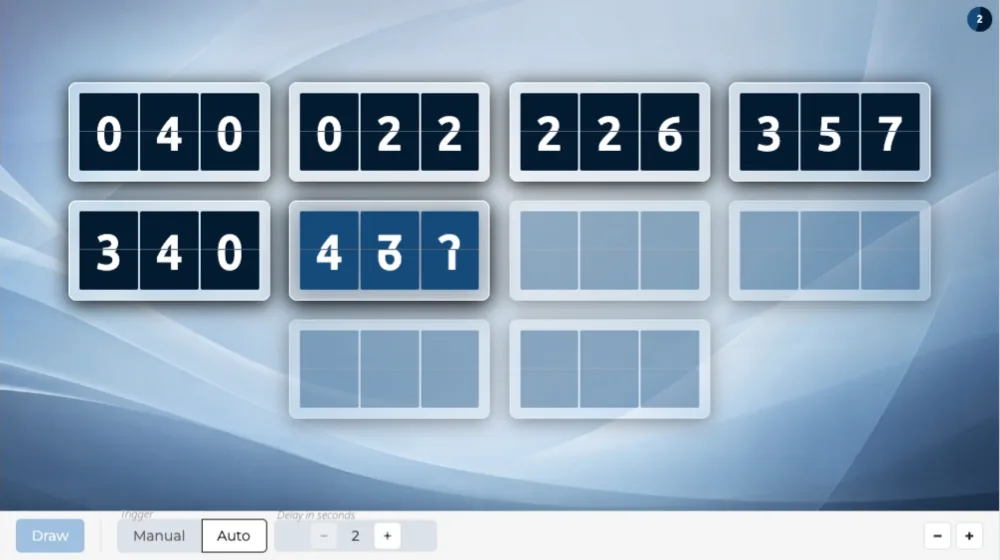 RaffleFlapGrid
RaffleFlapGrid
RaffleFlapGrid

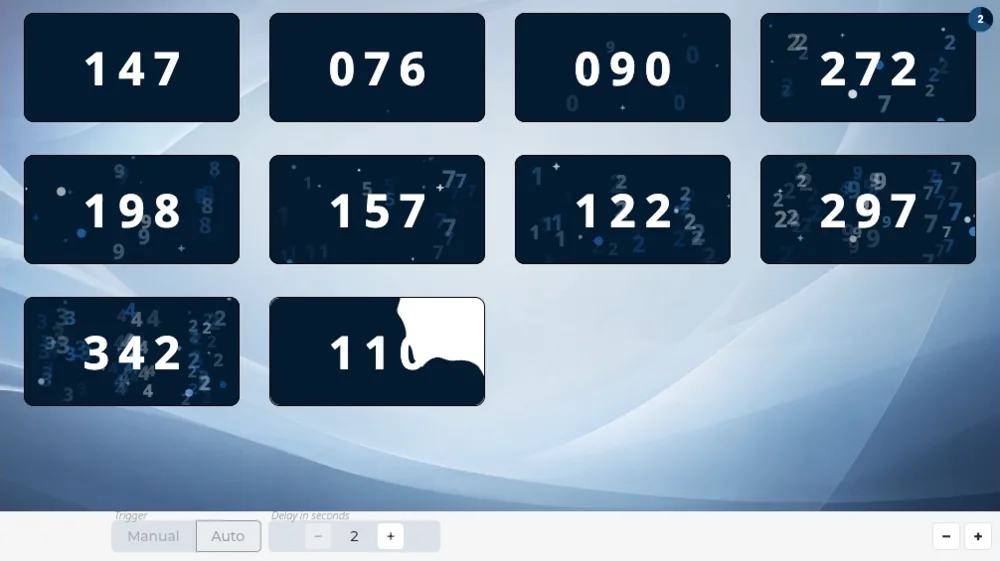 RaffleInkGrid
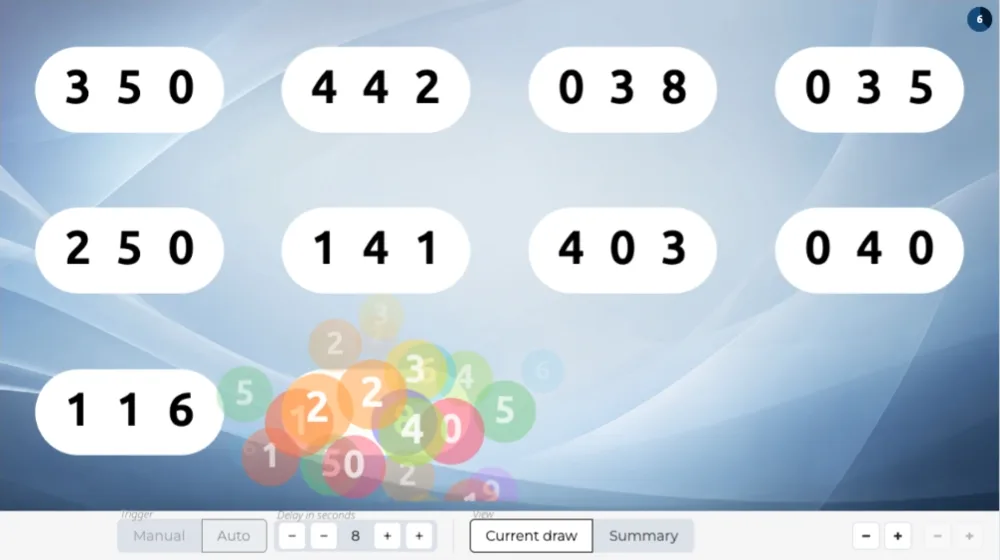 RafflePluckGrid
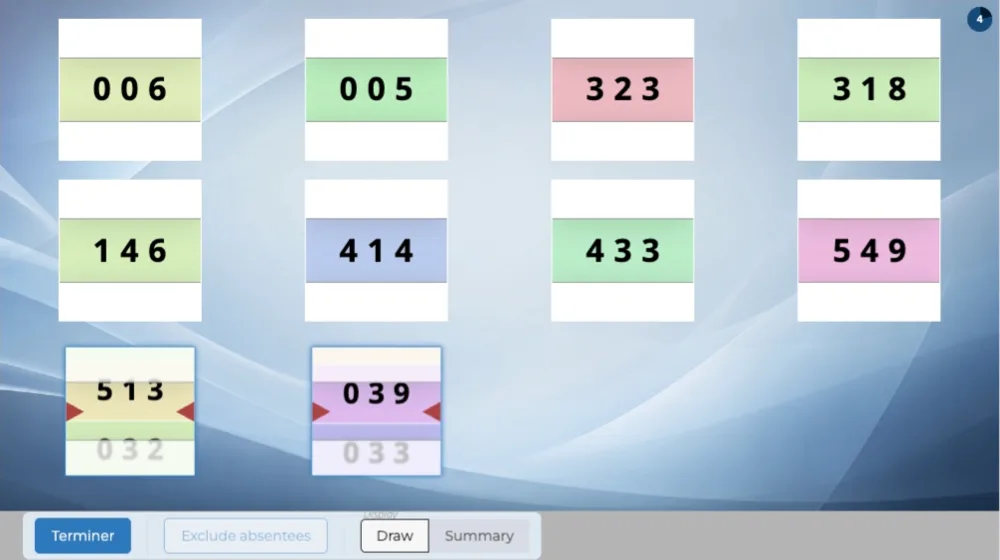 RaffleReelGrid
ShowRaffle
IntroRaffle
ShowMultiRaffle
ShowRaffle
Do not play this scene
RaffleReelGrid
ShowRaffle
IntroRaffle
ShowMultiRaffle
ShowRaffle
Do not play this scene
Raffle draw with prizes
The raffle numbers, the prize draw with the scene of your choice, then the winning numbers.
Create a studio
RafflePrizes
ShowArticle
IntroRaffle
ShowMultiRaffle
ShowRaffle
ShowArticle
Do not play this scene

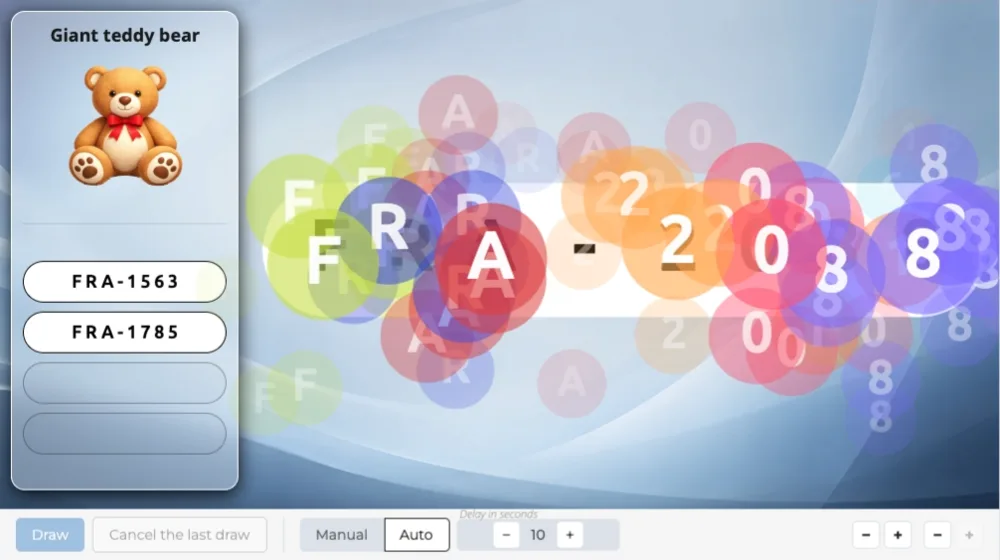 PrizePluck
6/6

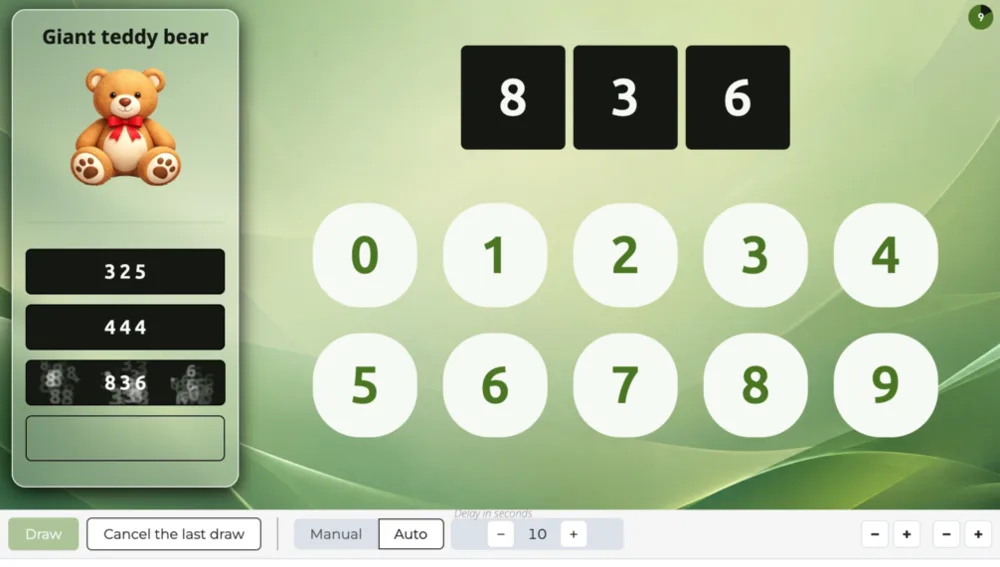 PrizeCursor

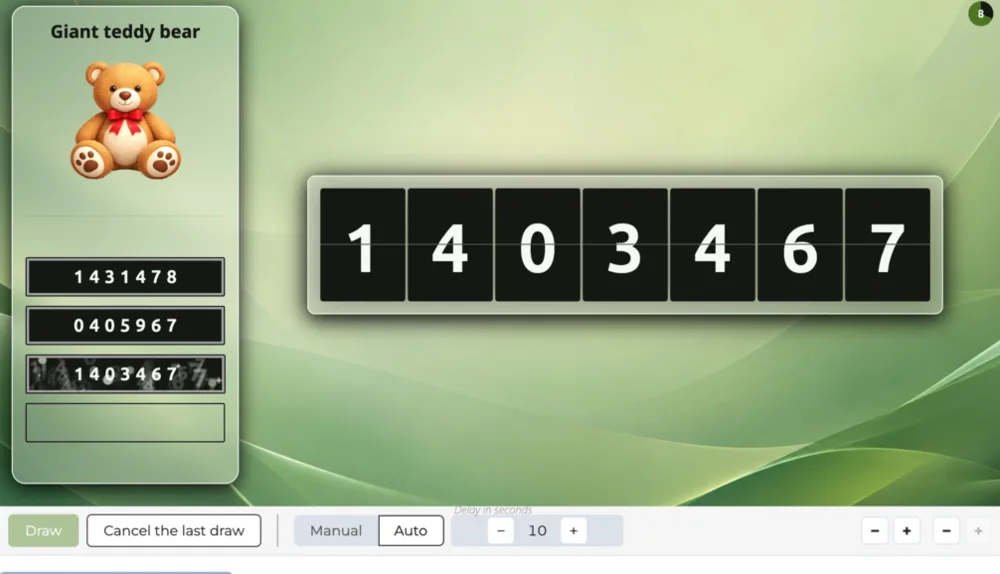 PrizeNumFlap

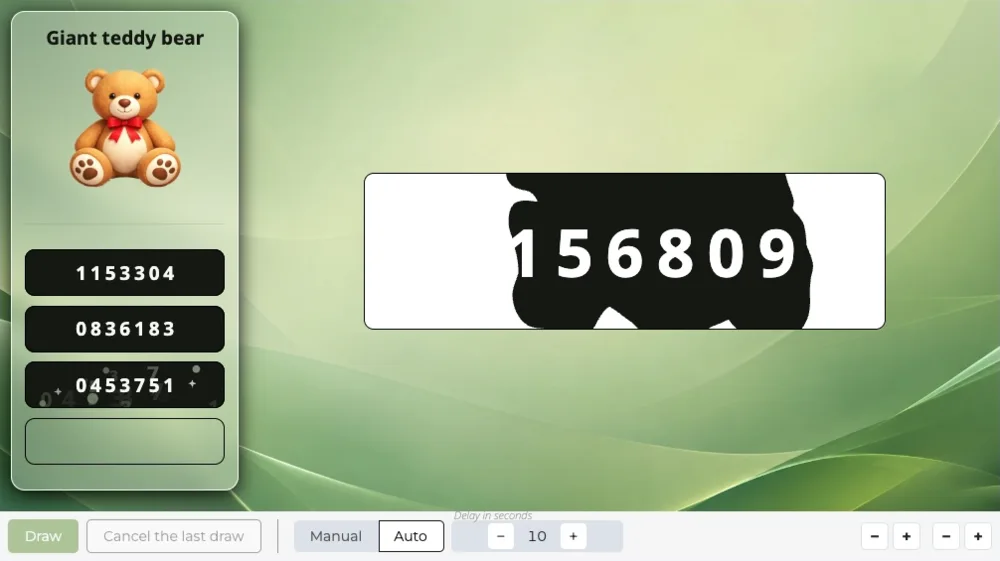 PrizeNumInk

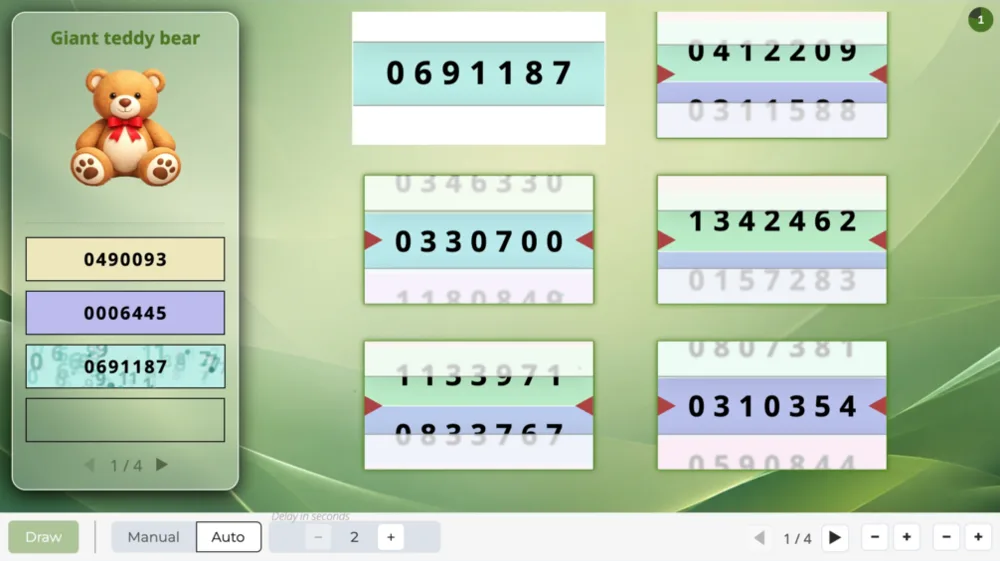 PrizeNumReel

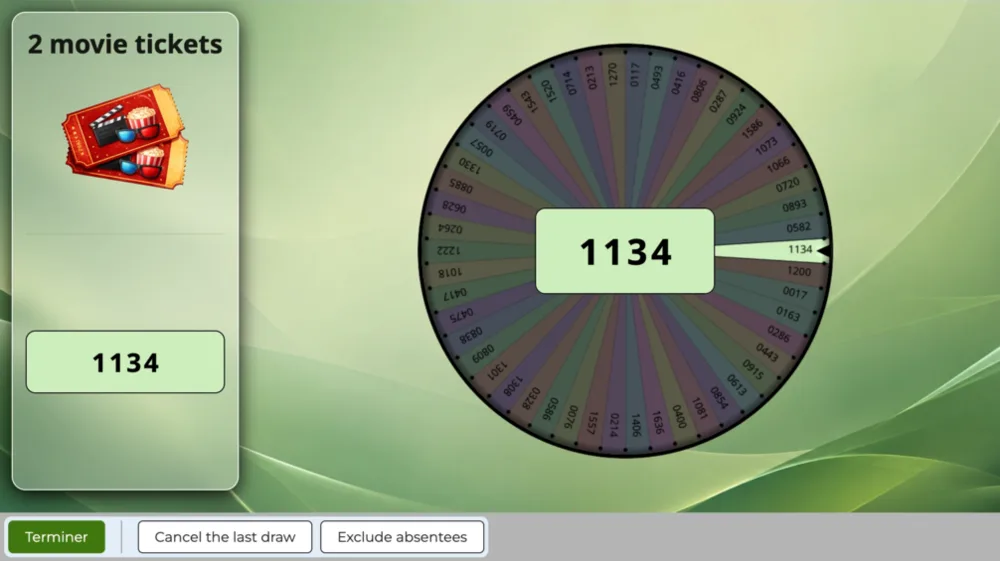 PrizeNumWheel
PrizePluck
ShowRaffle
IntroRaffle
ShowMultiRaffle
ShowRaffle
Do not play this scene
PrizeNumWheel
PrizePluck
ShowRaffle
IntroRaffle
ShowMultiRaffle
ShowRaffle
Do not play this scene
Raffle draw, one by one
The event announcement, the numbers in play, the raffle number ranges, the numbers drawn one by one with the scene of your choice, then the winning numbers.
Create a studio
RaffleReveal
ShowArticle
IntroRaffle
ShowMultiRaffle
ShowRaffle
ShowArticle
Do not play this scene
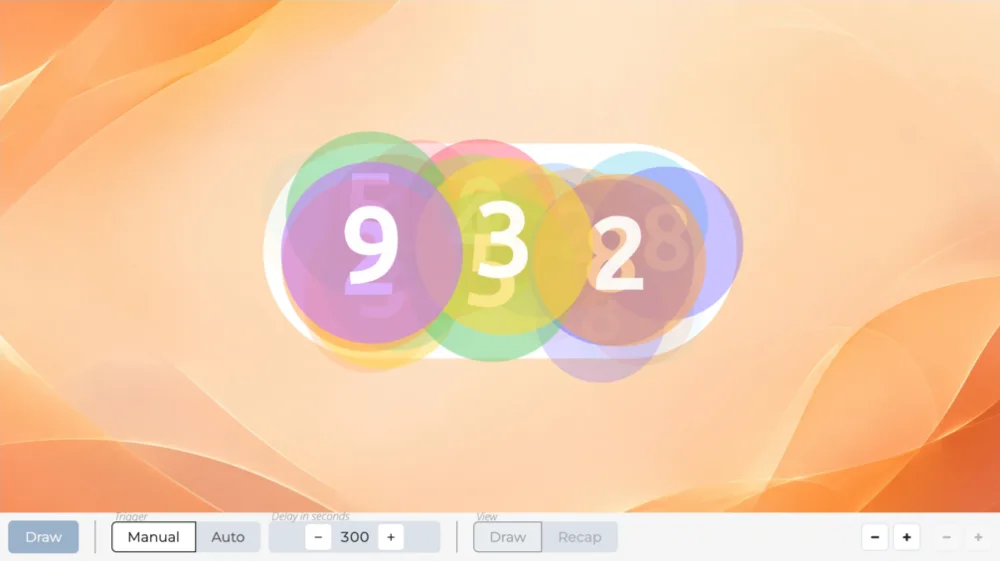 RafflePluck
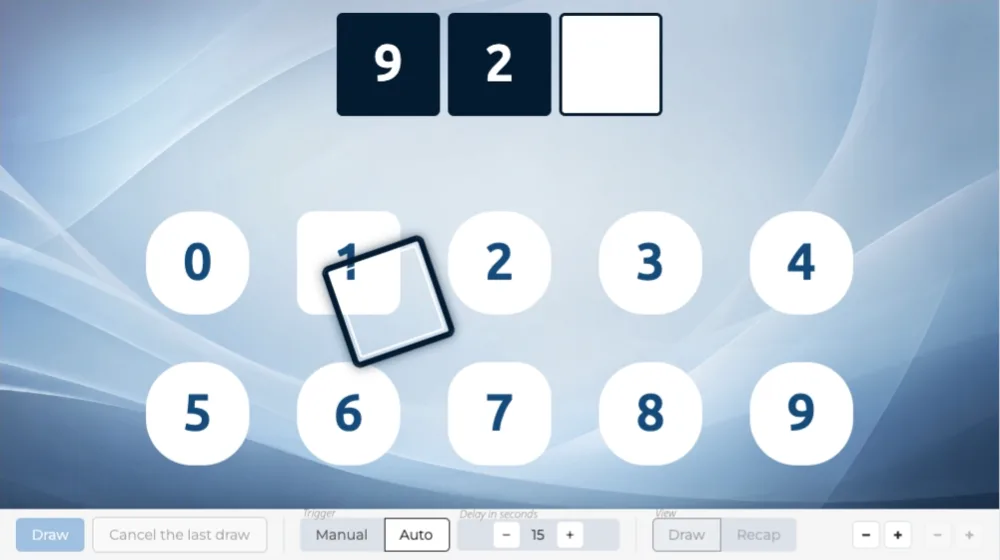 RaffleCursor

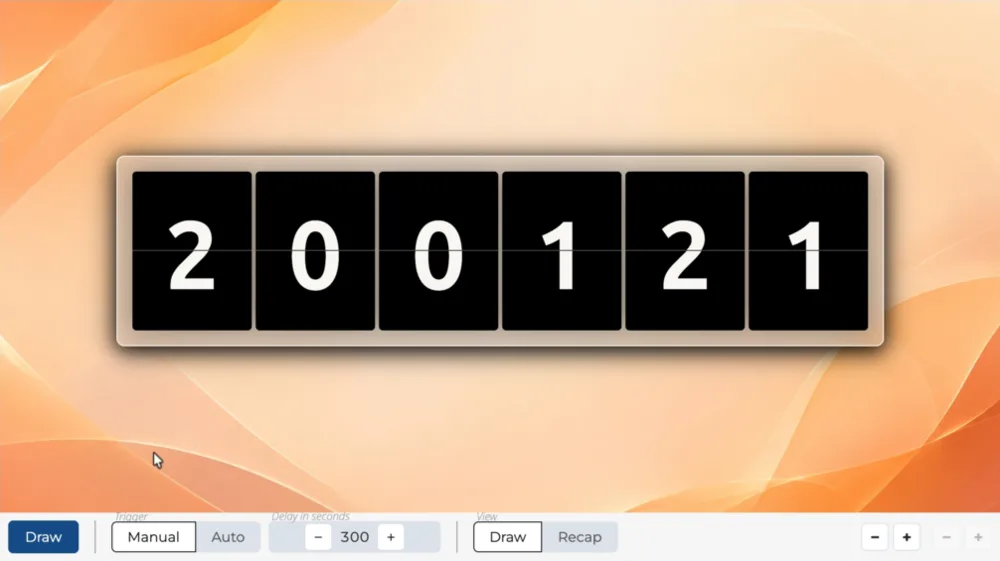 RaffleFlap

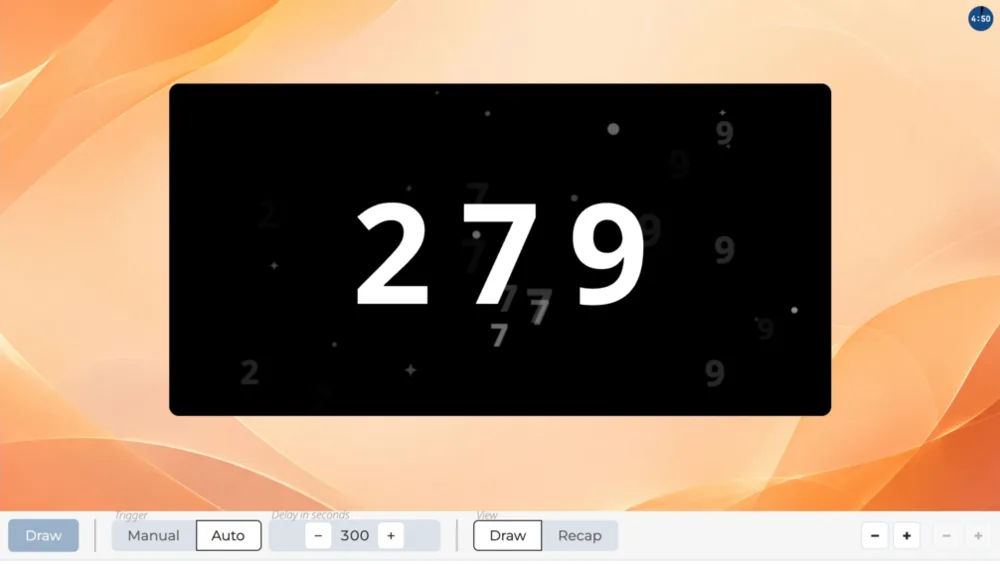 RaffleInk
RafflePluck
ShowRaffle
IntroRaffle
ShowMultiRaffle
ShowRaffle
Do not play this scene
RaffleInk
RafflePluck
ShowRaffle
IntroRaffle
ShowMultiRaffle
ShowRaffle
Do not play this scene
Raffle winners
The event announcement, the numbers in play, the raffle number ranges, the winning number draw with the scene of your choice, then their display.
Create a studio
RaffleWins
ShowArticle
IntroRaffle
ShowMultiRaffle
ShowRaffle
ShowArticle
Do not play this scene

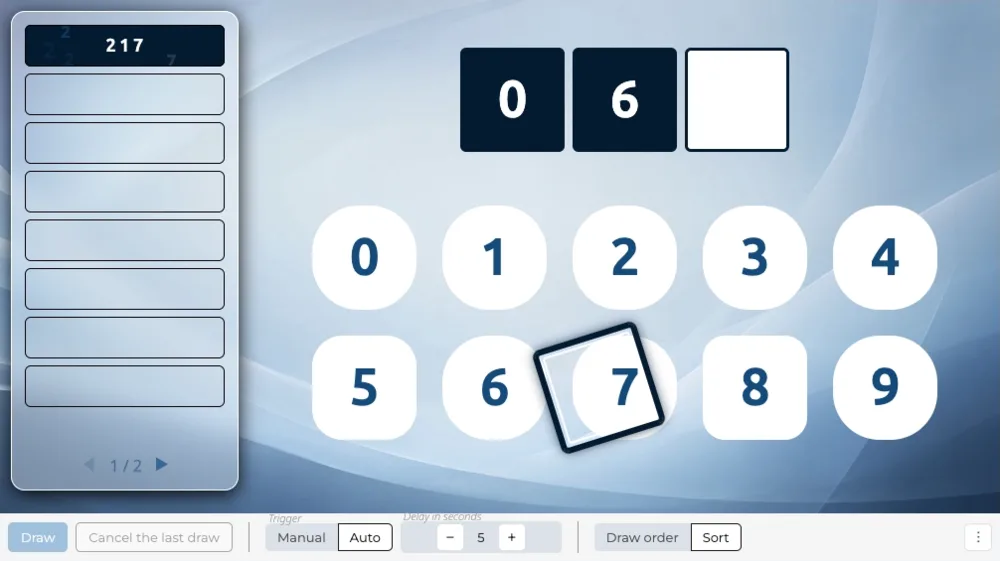 WinsCursor
1/6
WinsCursor

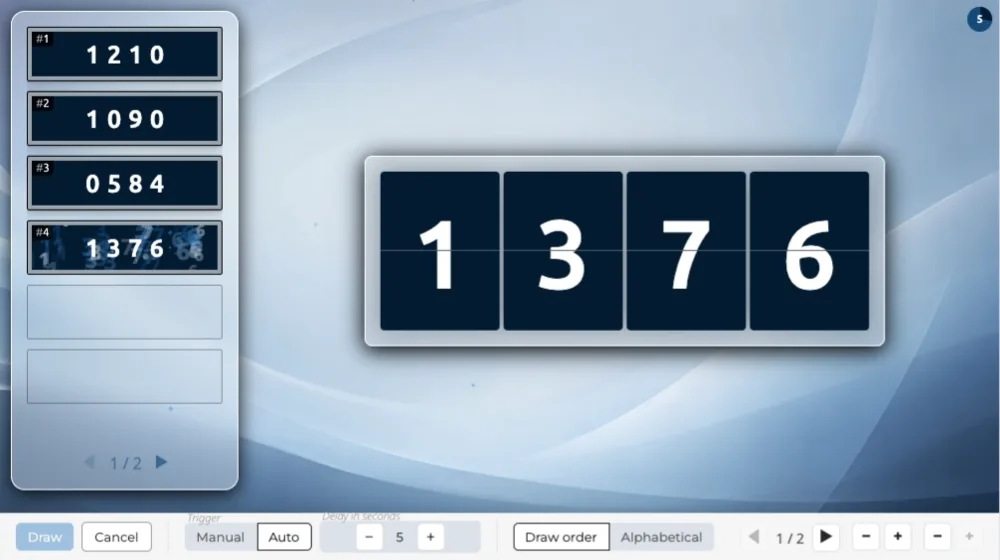 WinsNumFlap

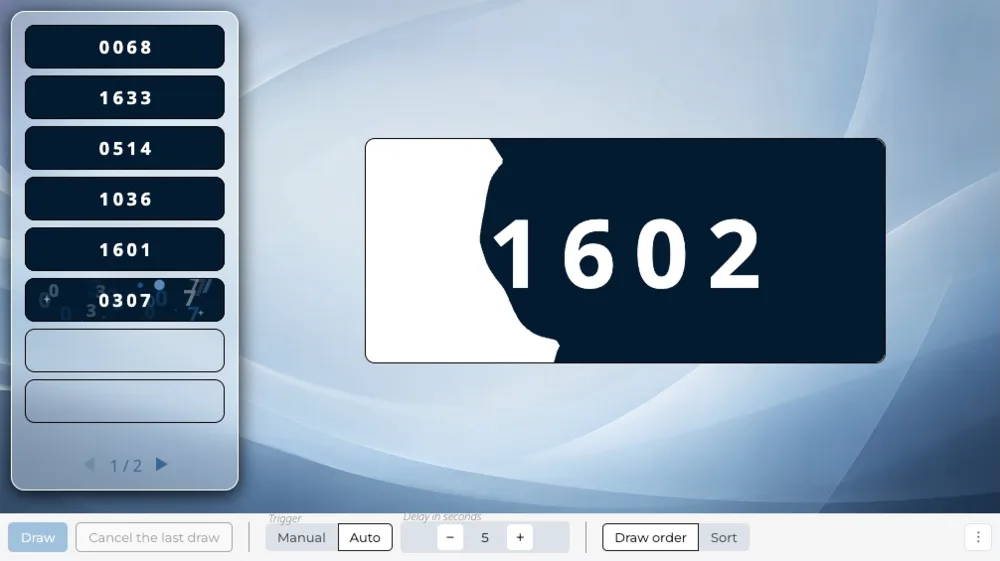 WinsNumInk

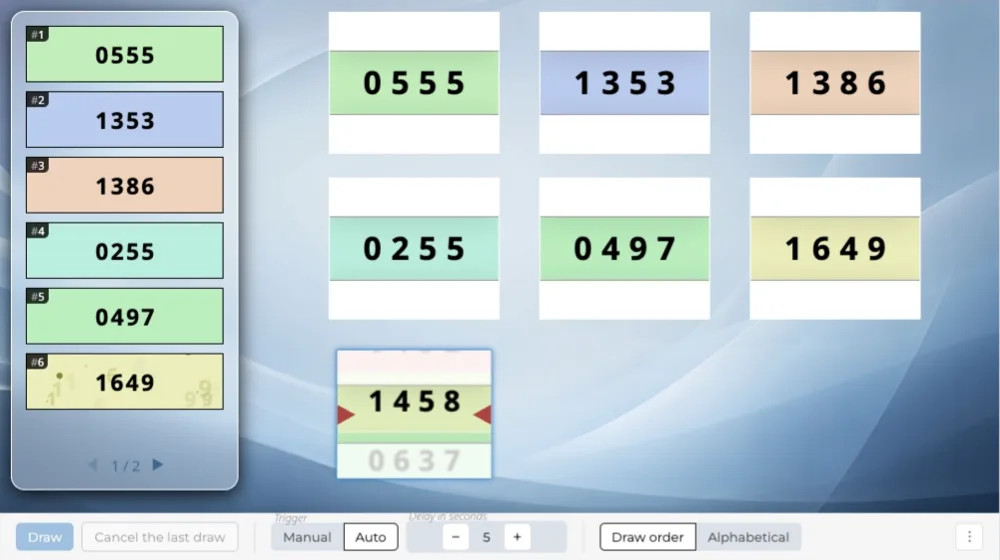 WinsNumReel

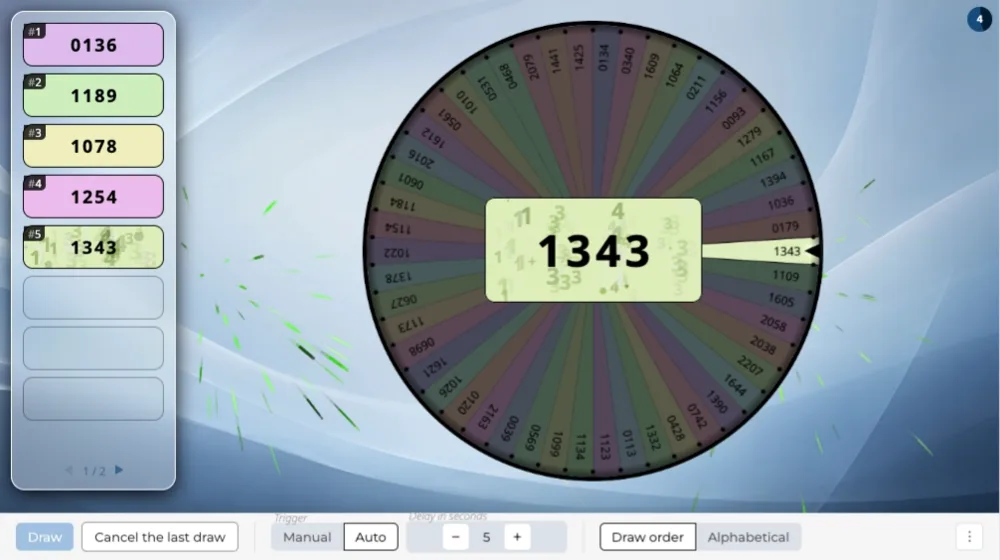 WinsNumWheel

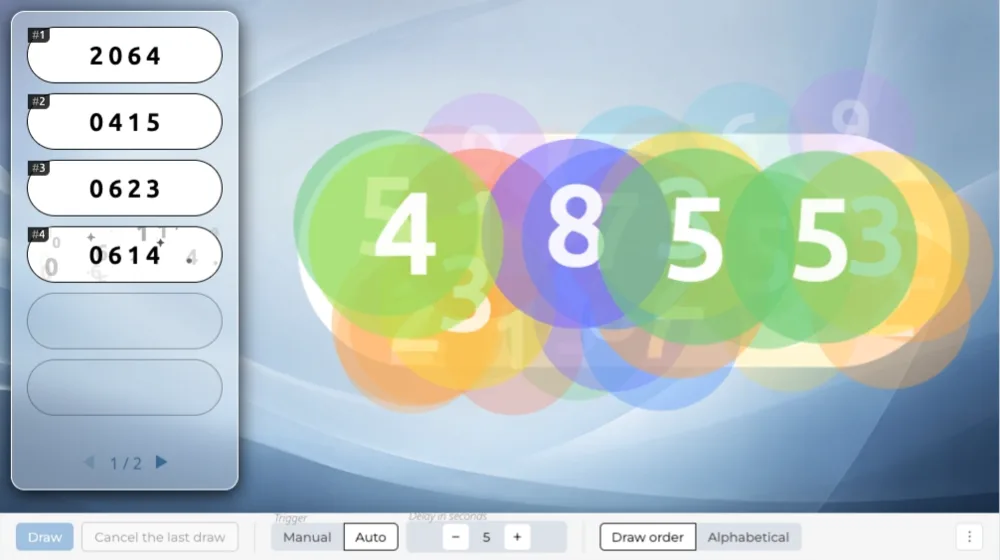 WinsPluck
ShowRaffle
IntroRaffle
ShowMultiRaffle
ShowRaffle
Do not play this scene
WinsPluck
ShowRaffle
IntroRaffle
ShowMultiRaffle
ShowRaffle
Do not play this scene