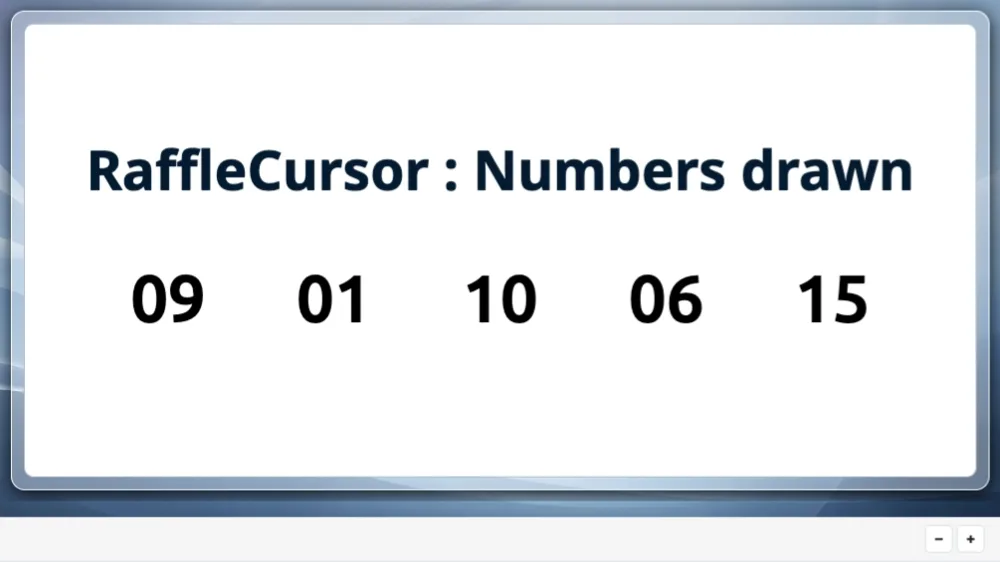
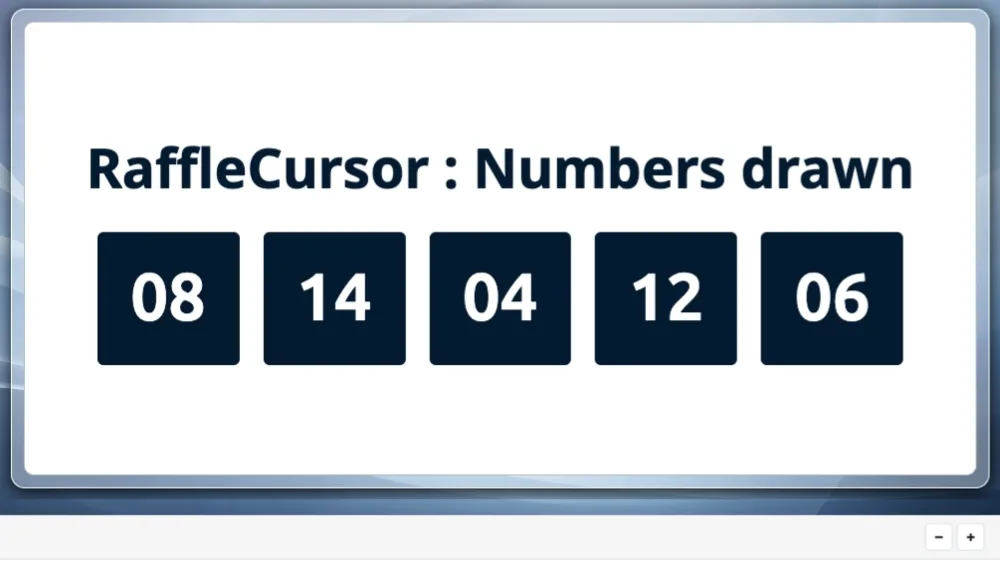
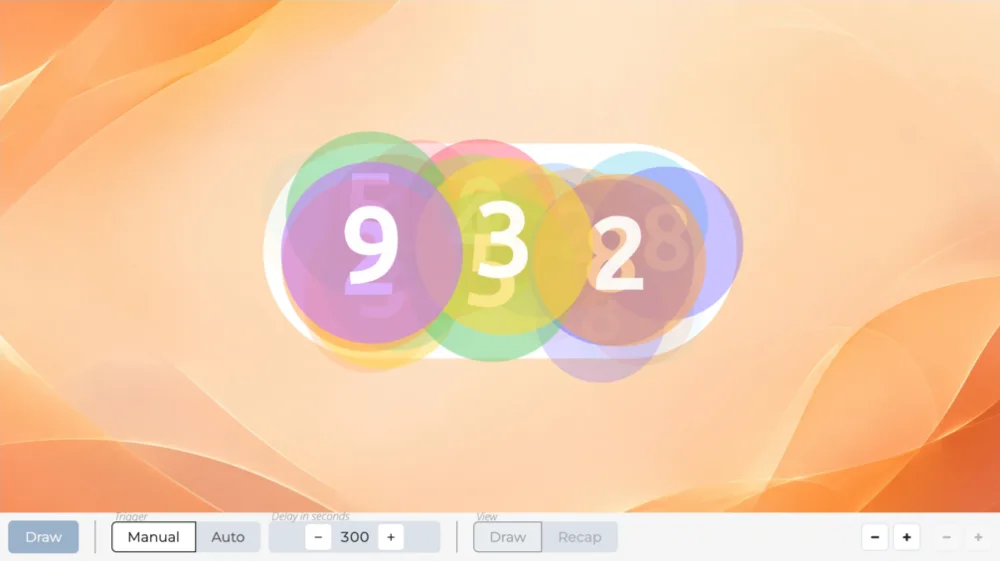
Displays the winning numbers of three previous draws, each under its own title.
Winning numbers of three draws
ShowMultiRaffle
Frequently asked questions
How many raffle numbers can I create?
500 raffle numbers on the “Discovery” plan, 5,000 on the “Essential” plan, 50,000 on the “Pro” plan.
Do I have to enter my numbers one by one?
No: a range of numbers goes on a single line, giving the first and the last.
Enter one line per range or per single number, and mix the two freely:
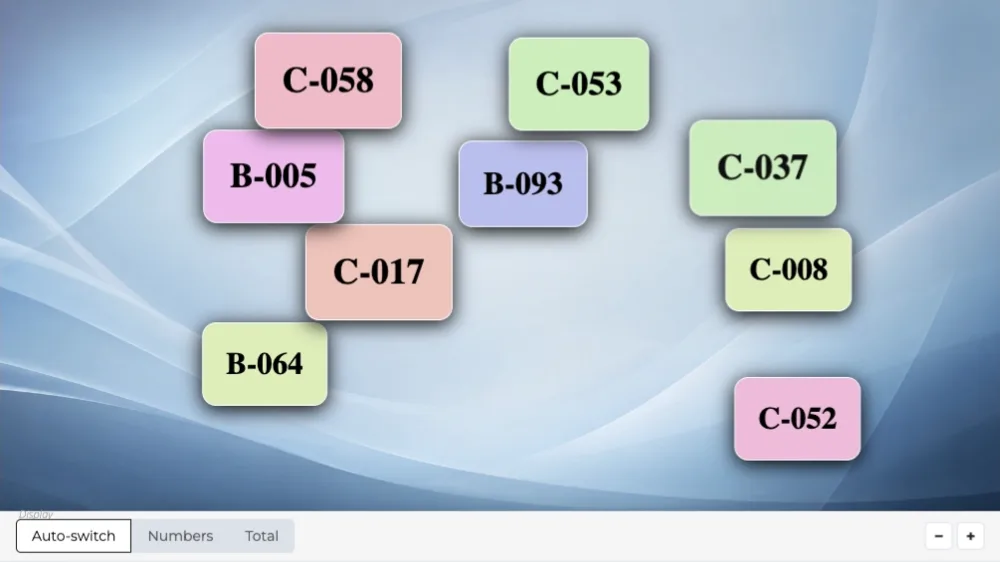
A : 1-500
B : 1-200
42
The letter before the colon is optional: it tells apart several books of tickets that each start again from 1. Pasting from a spreadsheet works: spaces, tabs and letter case are tidied up.
Can I display my logo and title on screen?
Yes, from the “Essential” plan up: the screen header carries your logo and the title of your event, on every scene.
On the “Discovery” plan, the header stays the Randraw.studio header: its logo, in place of yours.

Scenarios that include this scene
Raffle grid
The raffle number ranges, the draw on a grid with the scene of your choice, then the winning numbers.
Create a studio
RaffleGrid
 ShowMultiRaffle

 IntroRaffle
ShowMultiRaffle
IntroRaffle
ShowMultiRaffle
 ShowRaffle
 ShowArticle
Do not play this scene
ShowArticle
Do not play this scene

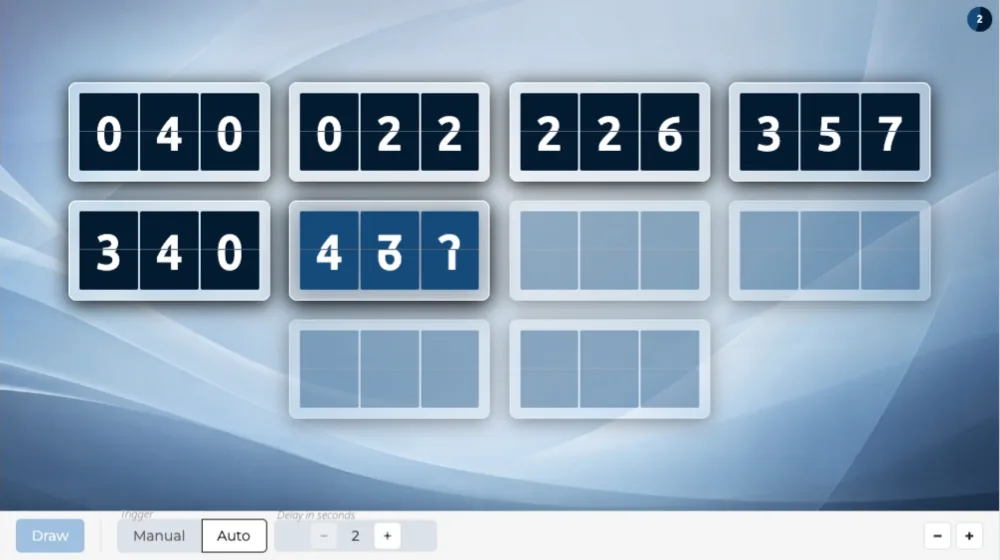 RaffleFlapGrid
RaffleFlapGrid
RaffleFlapGrid

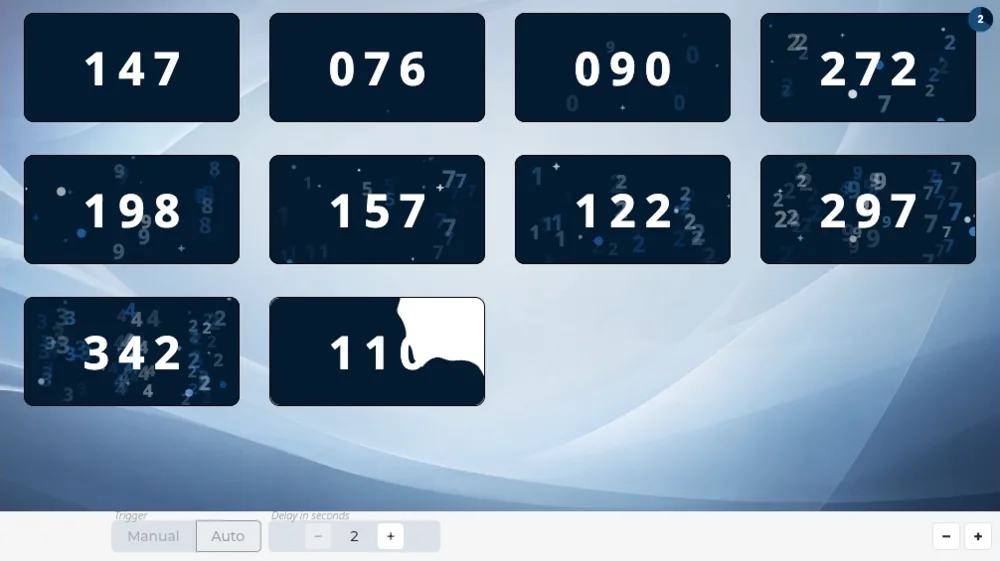 RaffleInkGrid
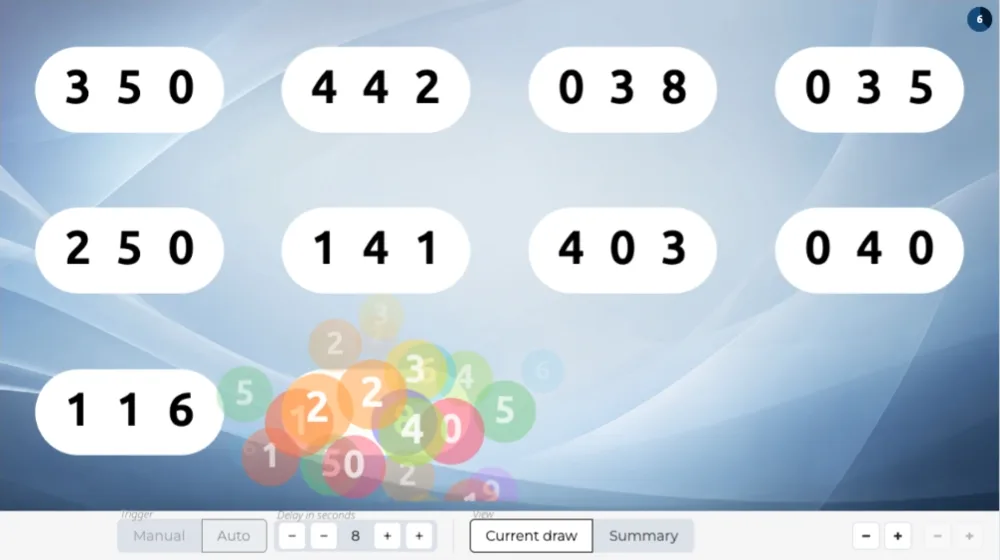 RafflePluckGrid

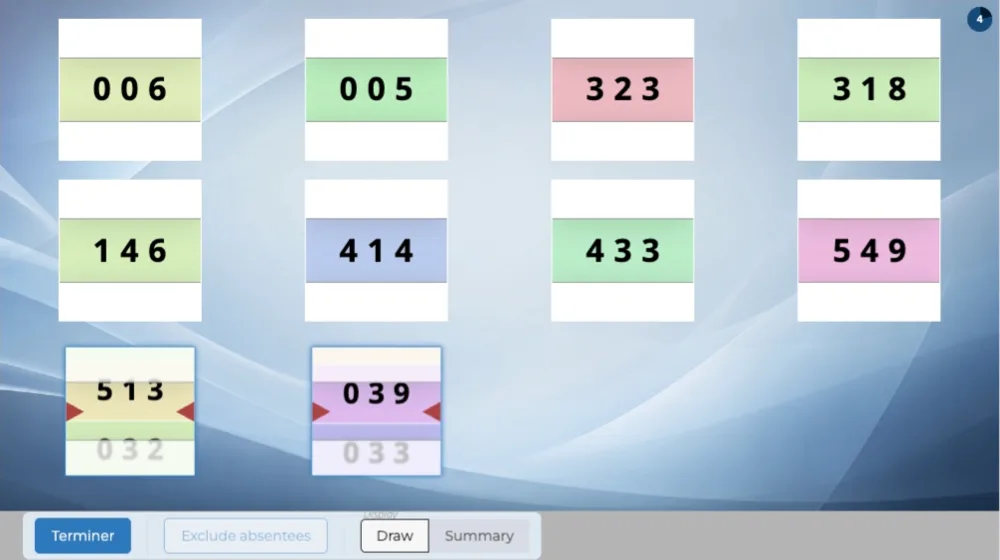 RaffleReelGrid
ShowMultiRaffle
IntroRaffle
ShowMultiRaffle
ShowRaffle
Do not play this scene
RaffleReelGrid
ShowMultiRaffle
IntroRaffle
ShowMultiRaffle
ShowRaffle
Do not play this scene
Raffle draw with prizes
The raffle numbers, the prize draw with the scene of your choice, then the winning numbers.
Create a studio
RafflePrizes
ShowMultiRaffle
IntroRaffle
ShowMultiRaffle
ShowRaffle
ShowArticle
Do not play this scene

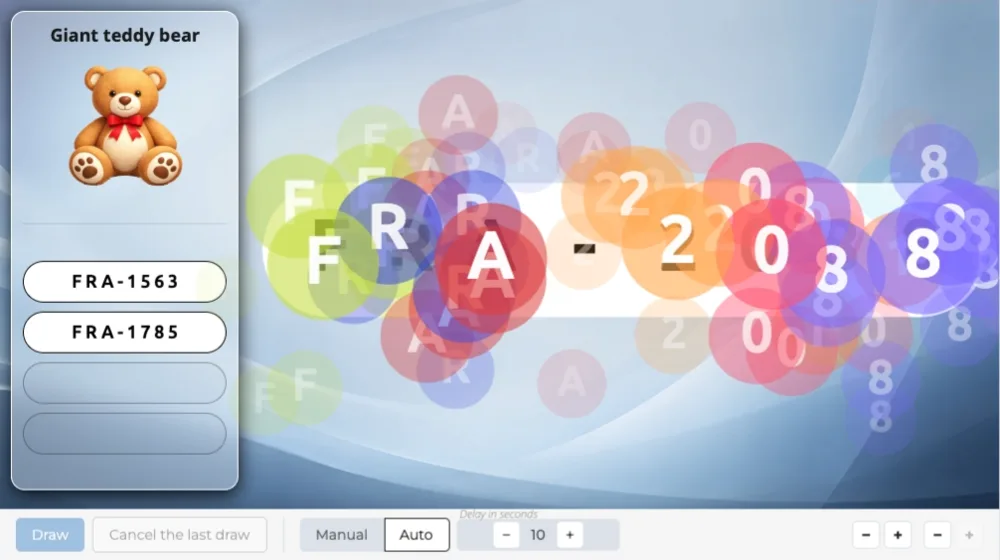 PrizePluck
6/6

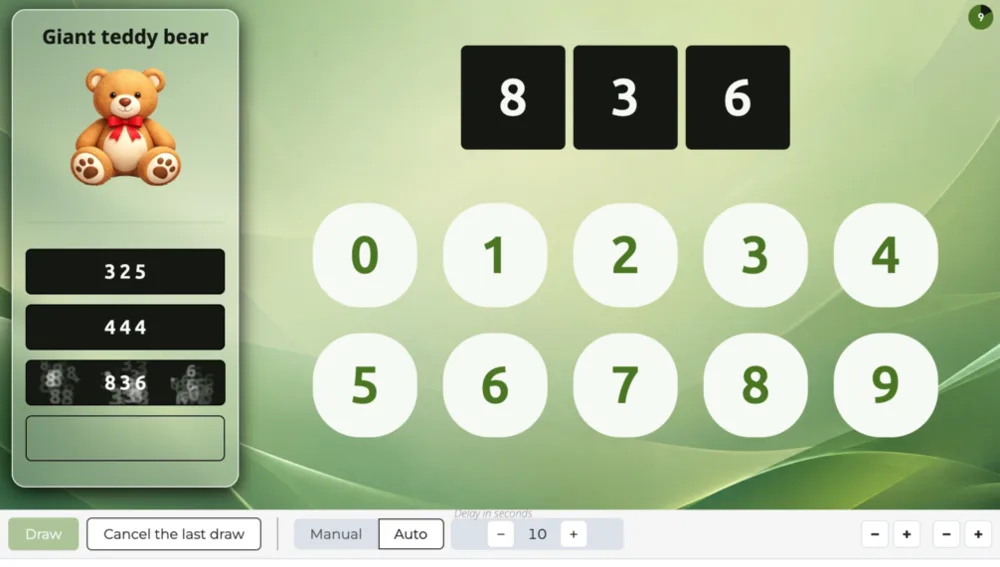 PrizeCursor

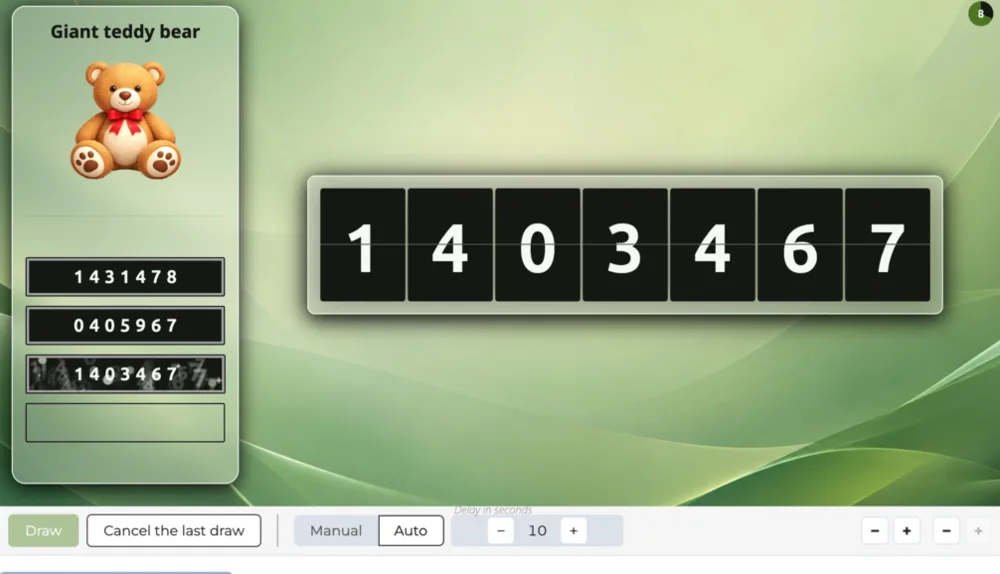 PrizeNumFlap

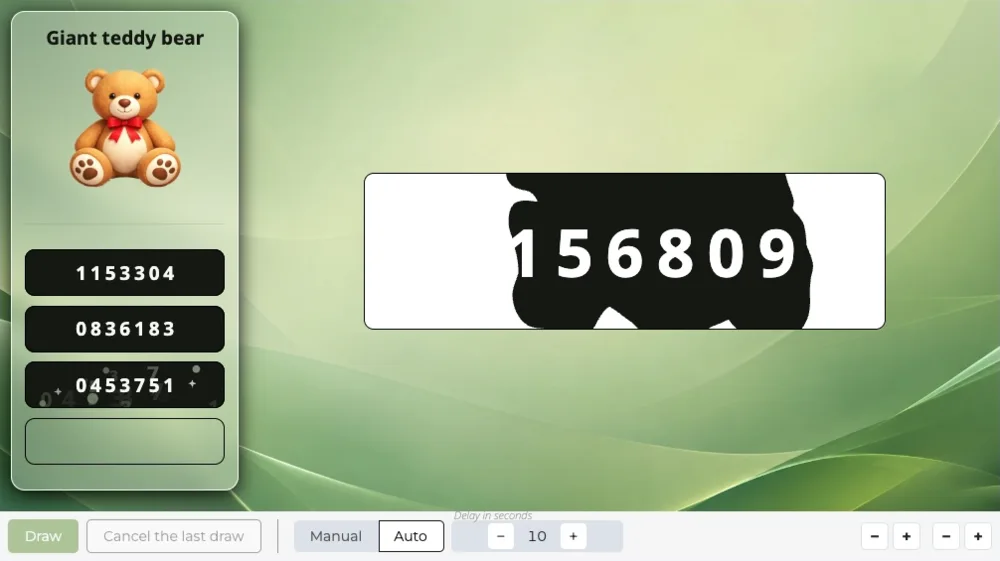 PrizeNumInk

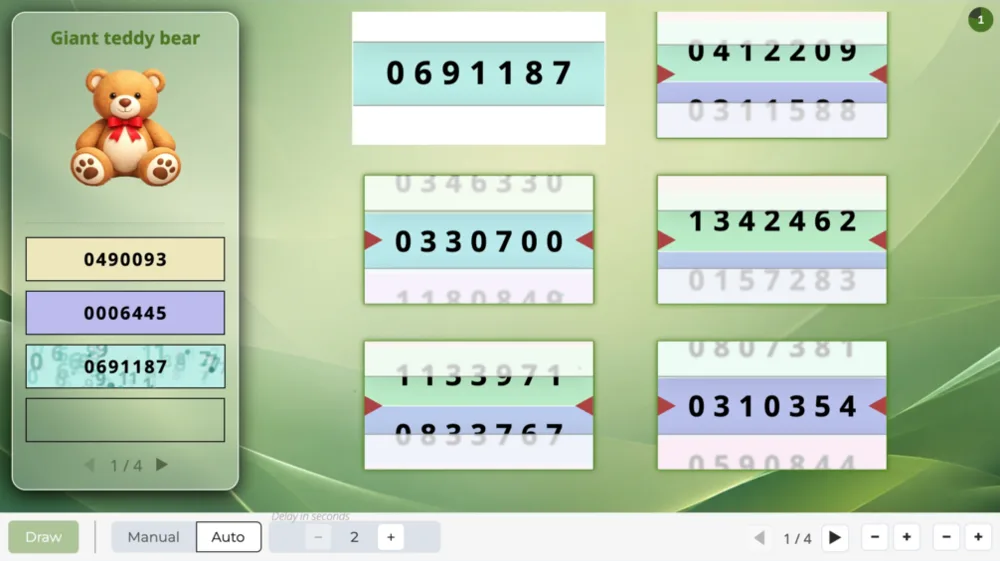 PrizeNumReel

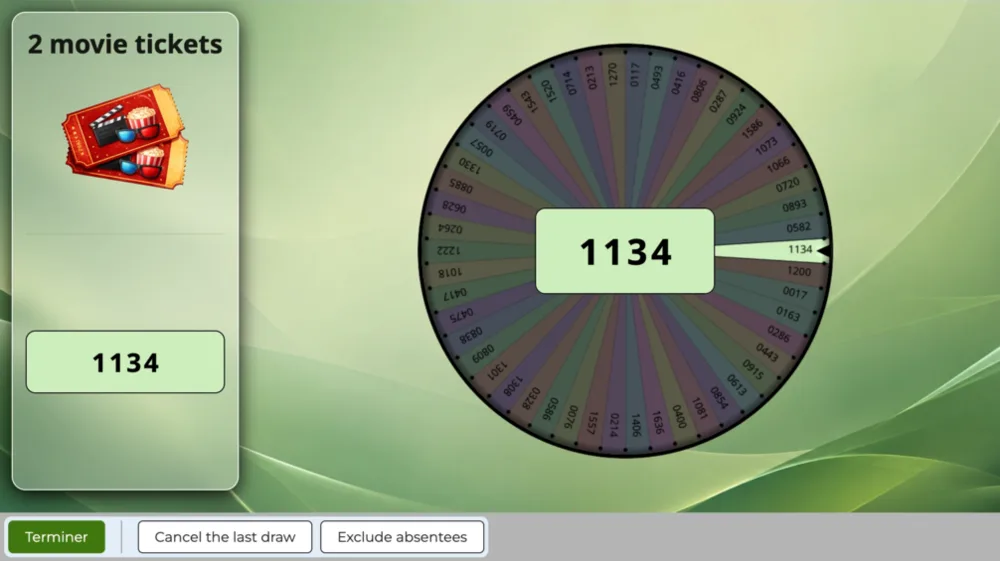 PrizeNumWheel
PrizePluck
ShowMultiRaffle
IntroRaffle
ShowMultiRaffle
ShowRaffle
Do not play this scene
PrizeNumWheel
PrizePluck
ShowMultiRaffle
IntroRaffle
ShowMultiRaffle
ShowRaffle
Do not play this scene
Raffle draw, one by one
The event announcement, the numbers in play, the raffle number ranges, the numbers drawn one by one with the scene of your choice, then the winning numbers.
Create a studio
RaffleReveal
ShowMultiRaffle
IntroRaffle
ShowMultiRaffle
ShowRaffle
ShowArticle
Do not play this scene
 RafflePluck
 RaffleCursor

 RaffleFlap

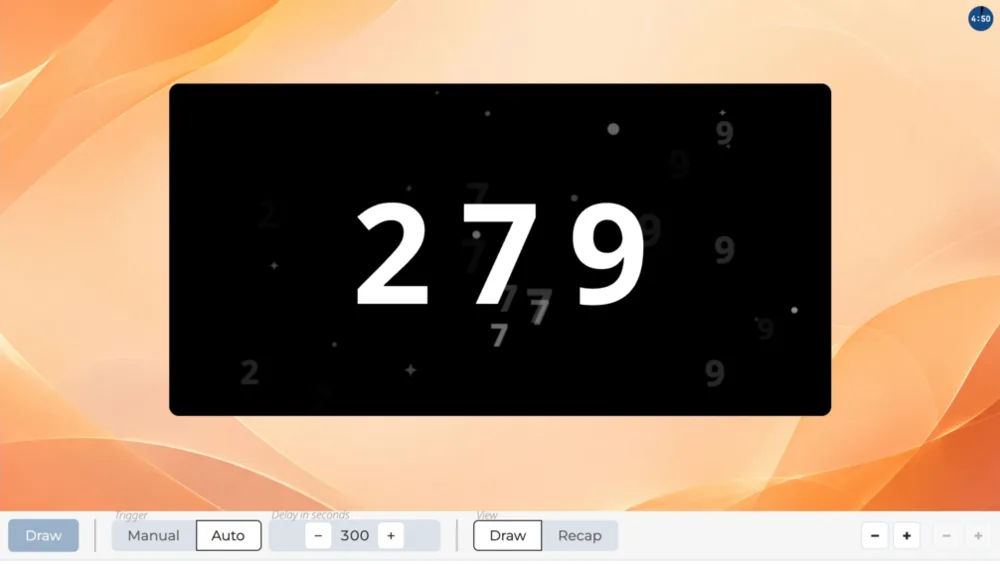 RaffleInk
RafflePluck
ShowMultiRaffle
IntroRaffle
ShowMultiRaffle
ShowRaffle
Do not play this scene
RaffleInk
RafflePluck
ShowMultiRaffle
IntroRaffle
ShowMultiRaffle
ShowRaffle
Do not play this scene
Raffle winners
The event announcement, the numbers in play, the raffle number ranges, the winning number draw with the scene of your choice, then their display.
Create a studio
RaffleWins
ShowMultiRaffle
IntroRaffle
ShowMultiRaffle
ShowRaffle
ShowArticle
Do not play this scene

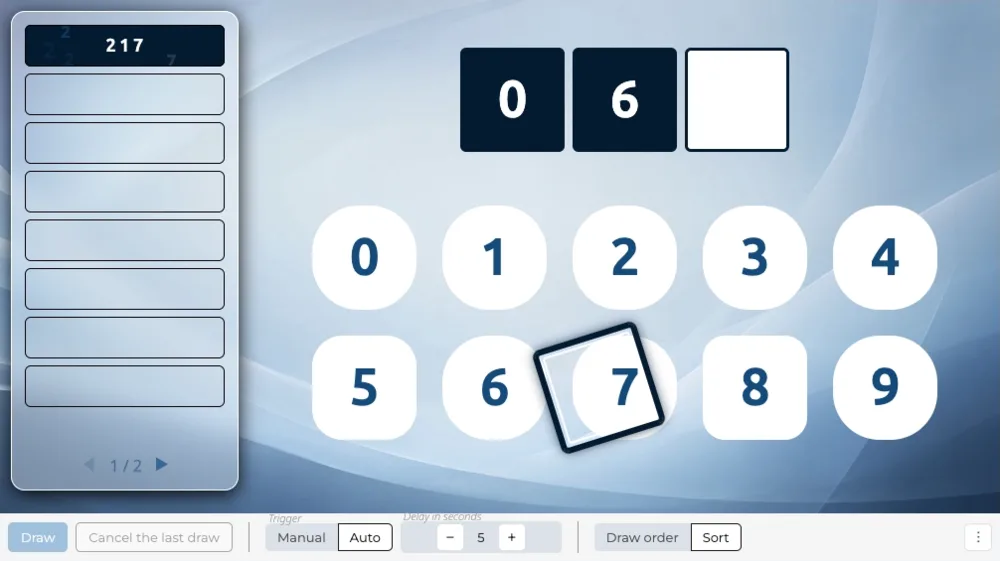 WinsCursor
1/6
WinsCursor

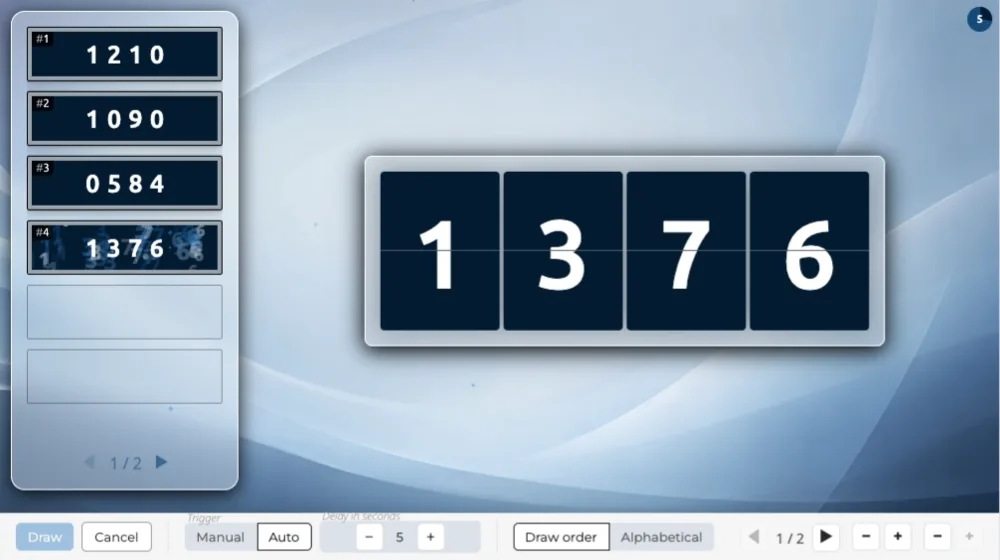 WinsNumFlap

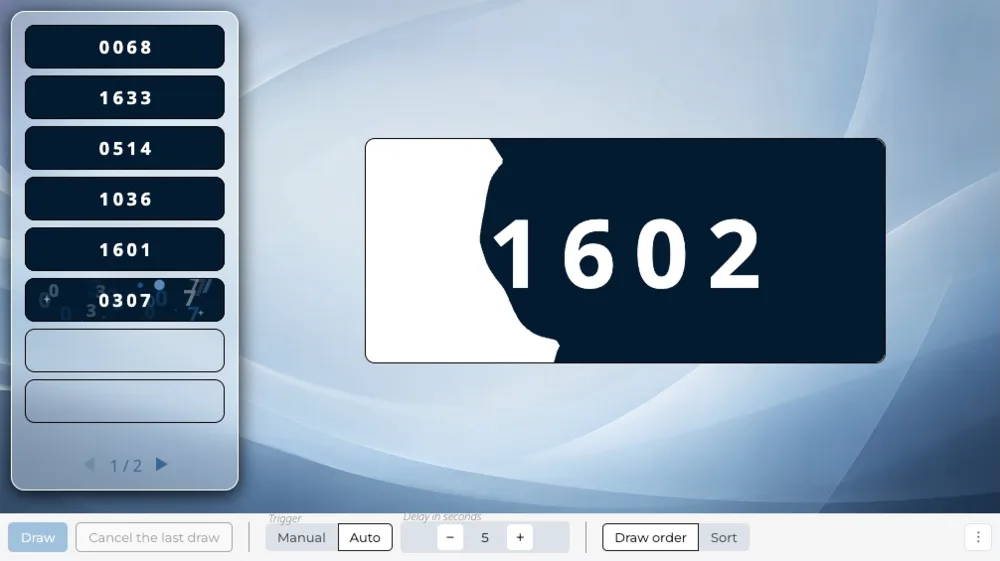 WinsNumInk

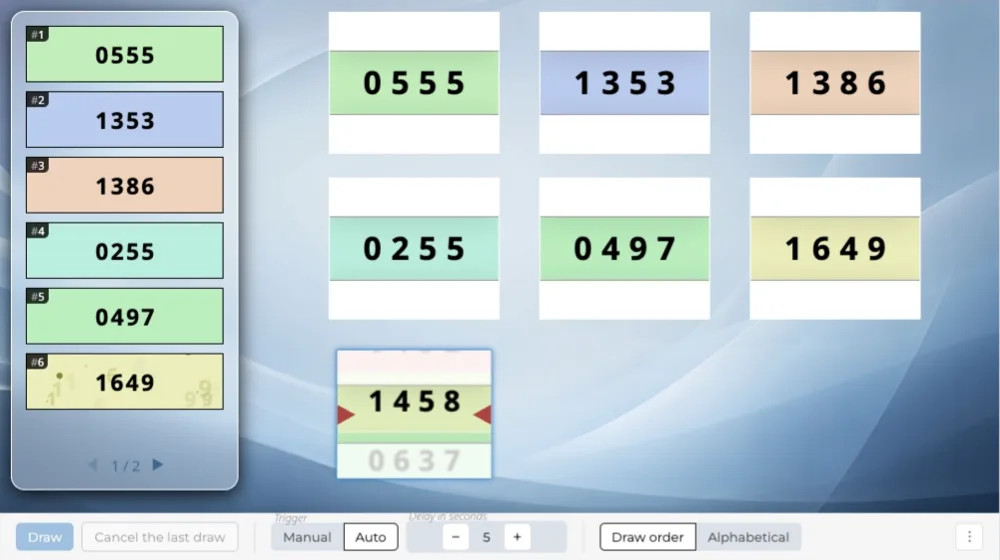 WinsNumReel

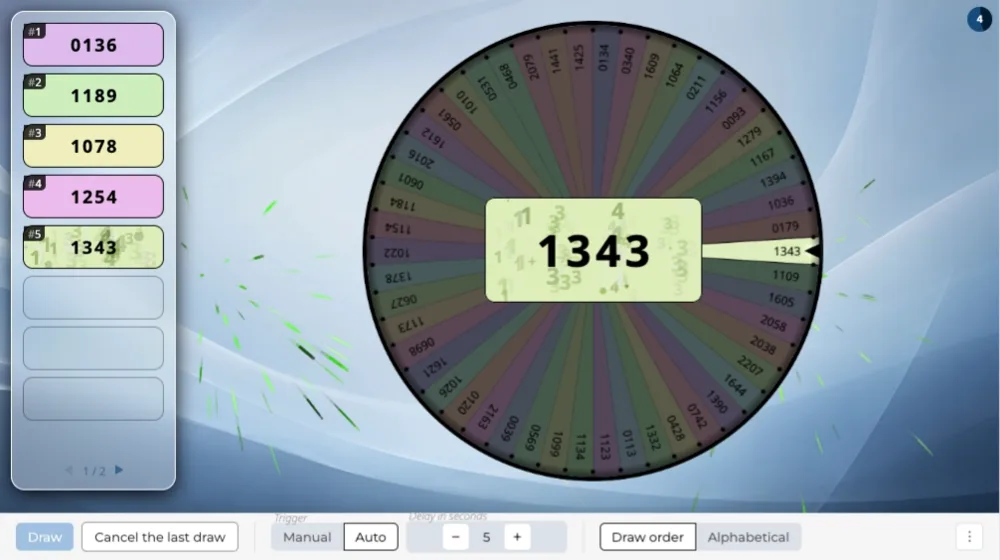 WinsNumWheel

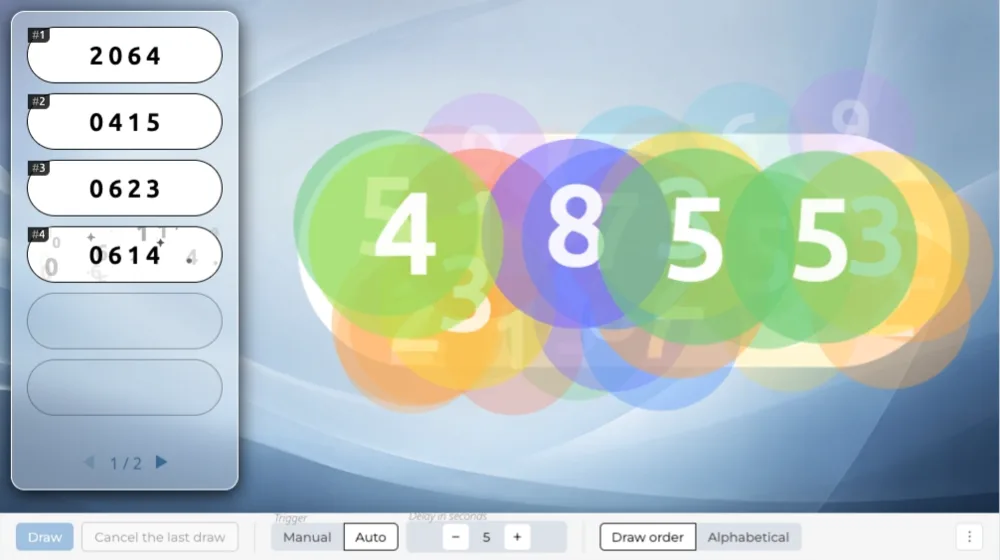 WinsPluck
ShowMultiRaffle
IntroRaffle
ShowMultiRaffle
ShowRaffle
Do not play this scene
WinsPluck
ShowMultiRaffle
IntroRaffle
ShowMultiRaffle
ShowRaffle
Do not play this scene