
Pick winners with a wheel of names

Pick winners with a wheel of names

Connections between scenes

Inputs

  • Participants

Outputs

  • Winners
  • Remaining
  • Canceled

Results

Publication

  • Winners

Download

  • Winners

Record (Pro plan only)

  • Winners
  • Canceled draws

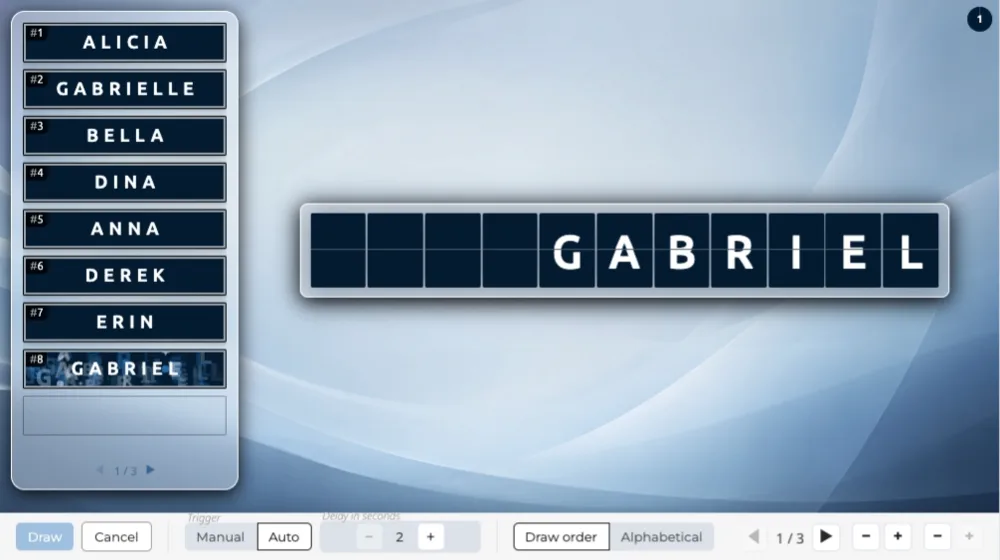
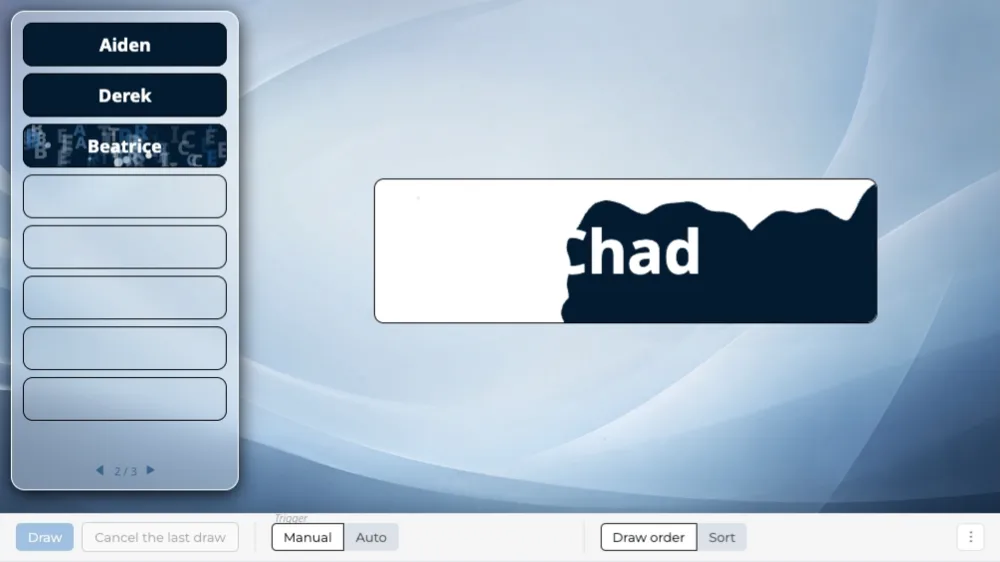
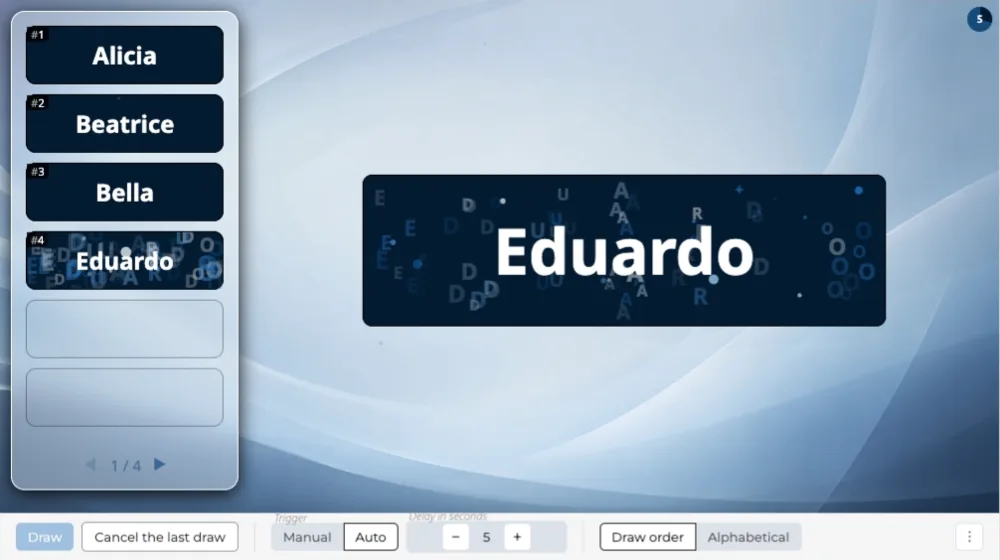
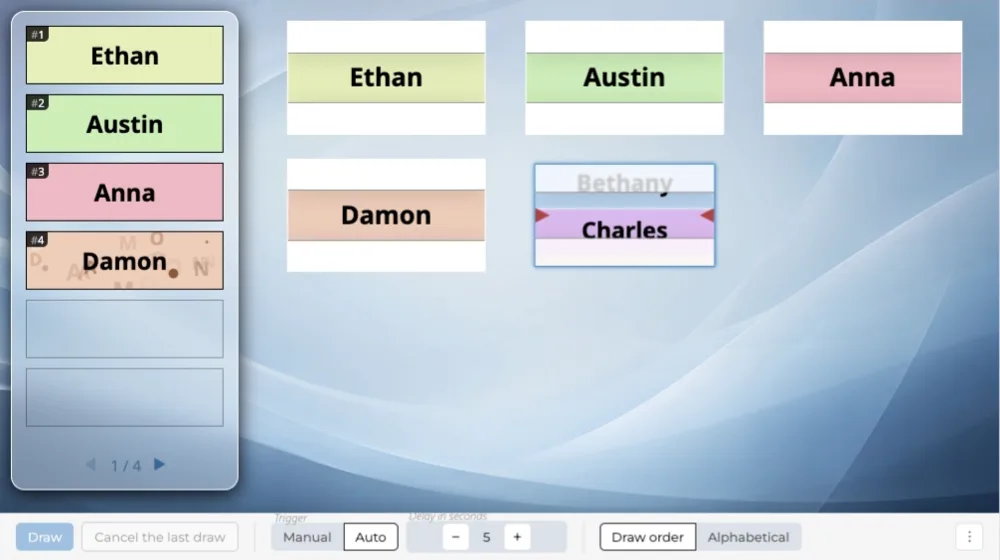
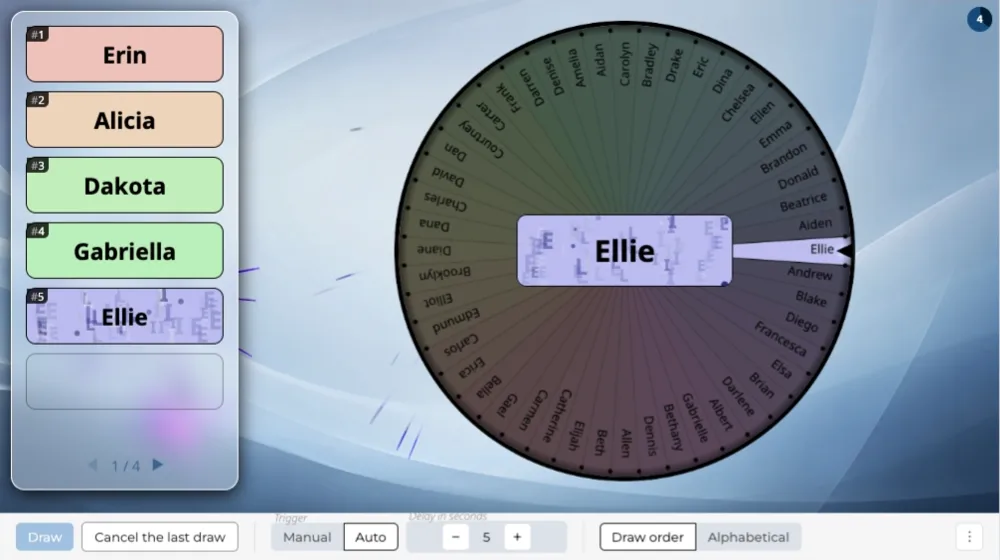
A wheel of names picks a winner, who joins the list. Winners summary on the left, the draw on the right.

Overview

The wheel of names carries every participant's name: it spins, slows down, stops on a name, and that participant joins the list. Beyond 50 participants, each draw opens with an animated pre-draw: 50 finalists land on the wheel one by one before it sets off. The winners summary stays on screen from the first draw to the last.

When to use it

Each draw takes its time: the wheel fills up, spins at length, slows down before it stops. Choose it for a series of a few winners: it gives your draw some duration.

Frequently asked questions

How many participants can I add?

The number of participants depends on your plan:

  • 100 participants on the “Discovery” plan,
  • 1,000 participants on the “Essential” plan,
  • 10,000 participants on the “Pro” plan.

Same-day sign-ups have their own limit

Having people sign up on the day is counted separately:

  • 25 sign-ups on the “Discovery” plan, by QR code,
  • 100 sign-ups on the “Essential” plan, by QR code or at a kiosk,
  • 1,000 sign-ups on the “Pro” plan, by QR code, at a kiosk or from a web form.

Can I display my logo and title on screen?

Yes, from the “Essential” plan up: the screen header carries your logo and the title of your event, on every scene.

On the “Discovery” plan, the header stays the Randraw.studio header: its logo, in place of yours.

Scenarios that include this scene

Show participants, then draw

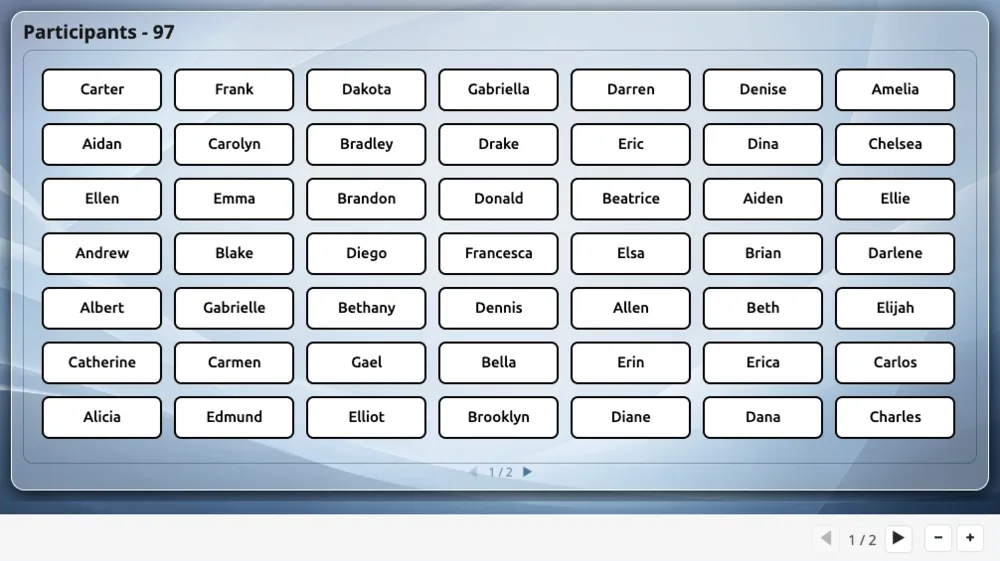
Two scenes in a row: the list of registered participants, then a random draw picking several winners among them.

Create a studio
NamePicker
ShowUsers
WinsNameWheel