
Draw winners with a slot reel

Draw winners with a slot reel

Connections between scenes

Inputs

  • Participants

Outputs

  • Winners
  • Remaining
  • Canceled

Results

Publication

  • Winners

Download

  • Winners

Record (Pro plan only)

  • Winners
  • Canceled draws

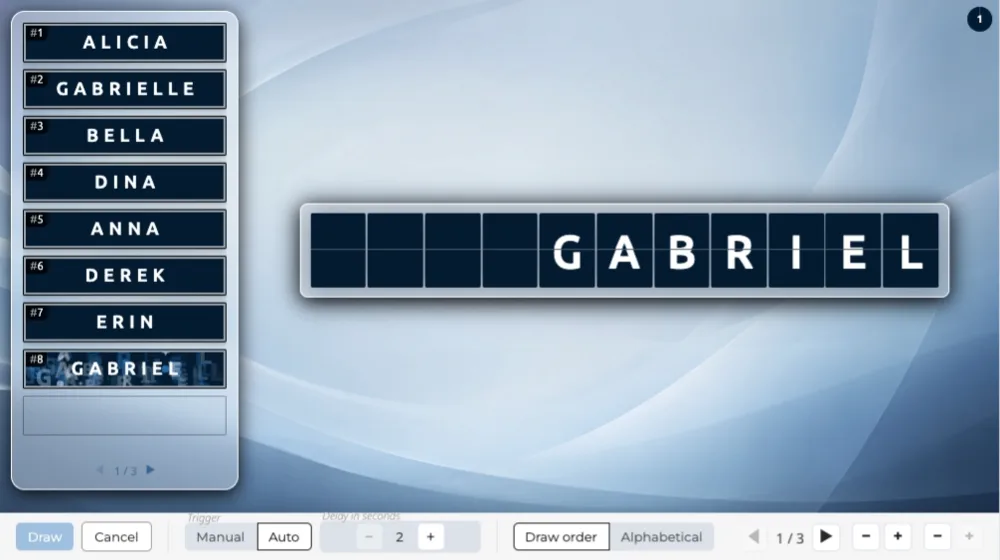
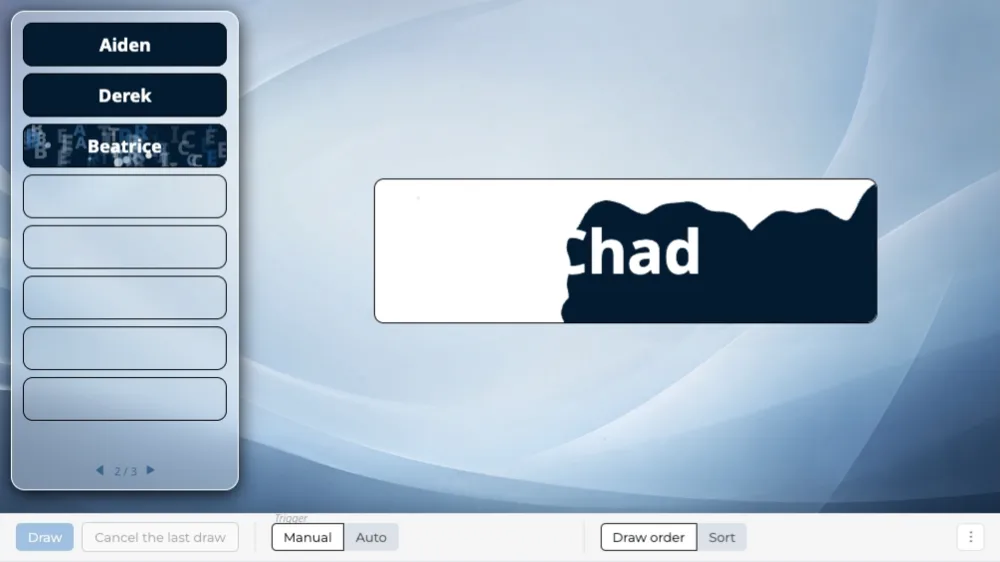
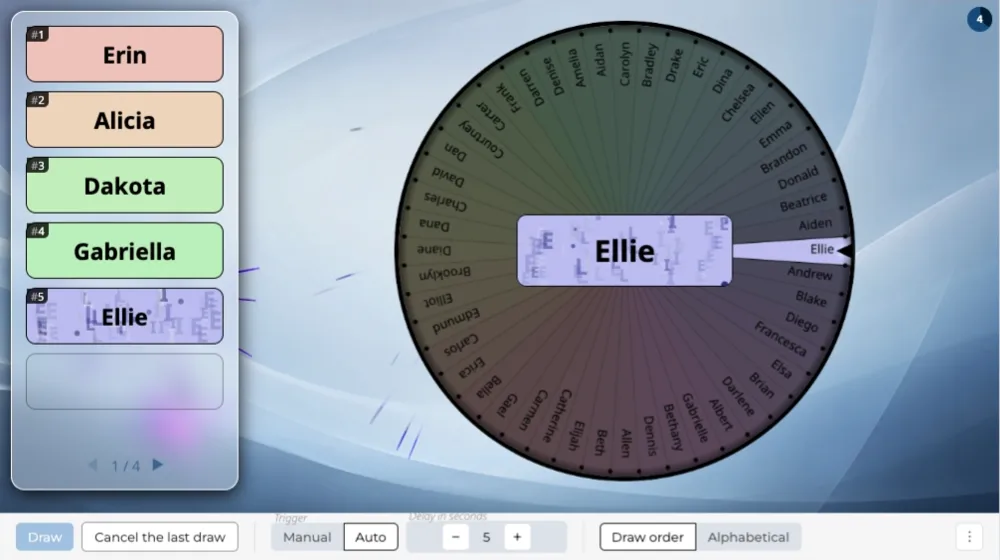
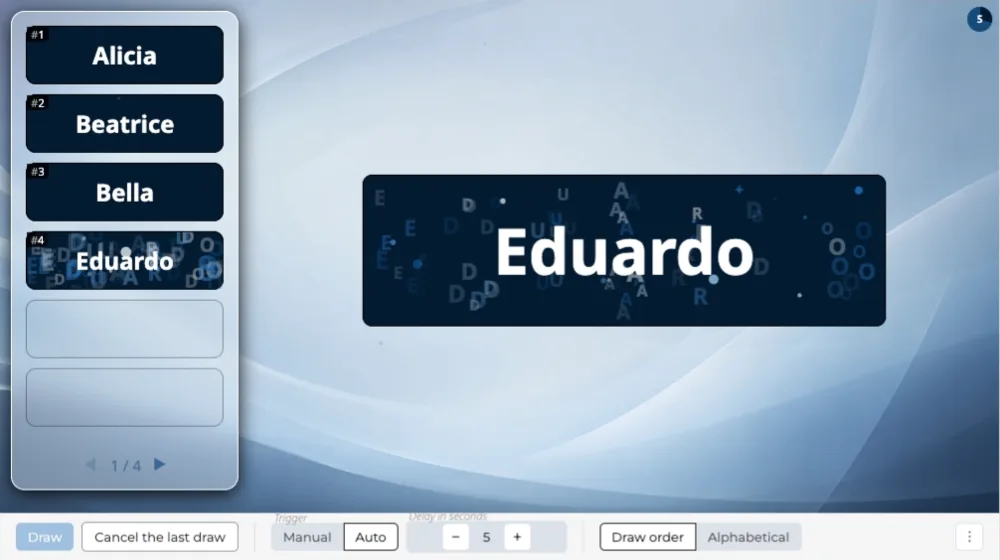
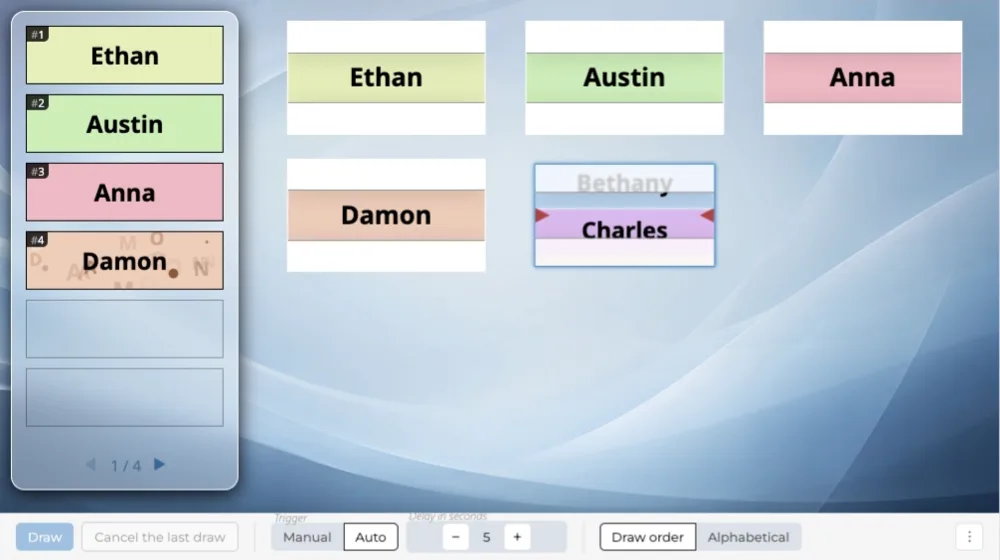
Every draw has its own slot reel: names scroll past, then stop on the winner. Winners summary on the left, draws on the right.

Overview

A vertical slot reel scrolls the participants' names: they fly past, slow down, and the slot reel stops on the winner. Every draw has its own slot reel. The winners summary stays on screen from the first draw to the last.

When to use it

When you draw several winners in a row and the recap must stay available at any moment.

Frequently asked questions

How many participants can I add?

The number of participants depends on your plan:

  • 100 participants on the “Discovery” plan,
  • 1,000 participants on the “Essential” plan,
  • 10,000 participants on the “Pro” plan.

Same-day sign-ups have their own limit

Having people sign up on the day is counted separately:

  • 25 sign-ups on the “Discovery” plan, by QR code,
  • 100 sign-ups on the “Essential” plan, by QR code or at a kiosk,
  • 1,000 sign-ups on the “Pro” plan, by QR code, at a kiosk or from a web form.

Can I display my logo and title on screen?

Yes, from the “Essential” plan up: the screen header carries your logo and the title of your event, on every scene.

On the “Discovery” plan, the header stays the Randraw.studio header: its logo, in place of yours.

Scenarios that include this scene

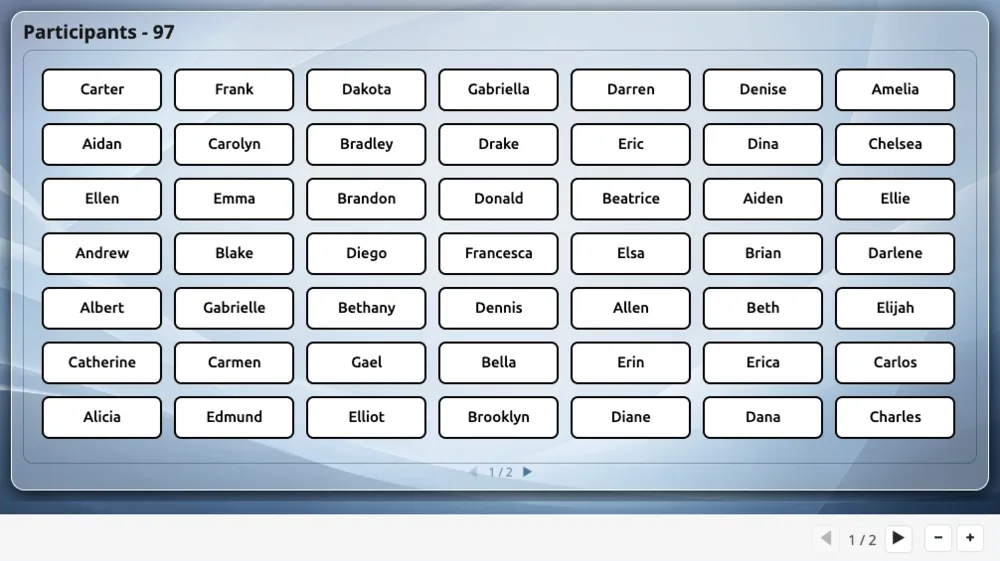
Show participants, then draw

Two scenes in a row: the list of registered participants, then a random draw picking several winners among them.

Create a studio
NamePicker
ShowUsers
WinsReel