Host your conference or convention

Between talks, hand the floor to the audience. Your participants vote, play a quiz and share their opinions from their phones, and the results appear on the big screen at the plenary session.

You plan the sequence of activities in advance, and on the day, you launch each activity at the right moment from your computer.

Register your audience with one scan

At the start of the session, the QR code appears on the big screen. Everyone scans it with their phone and signs up in seconds, with their name or just a nickname, with no app to install. A kiosk at the registration desk also lets people sign up as they arrive and, with the “Pro” plan, so does an online form you share with a link.

The sign-up form can also collect the question each person wants to ask the speaker. These questions will appear on the big screen, and one of them can be picked at random In development.

Get the room voting live

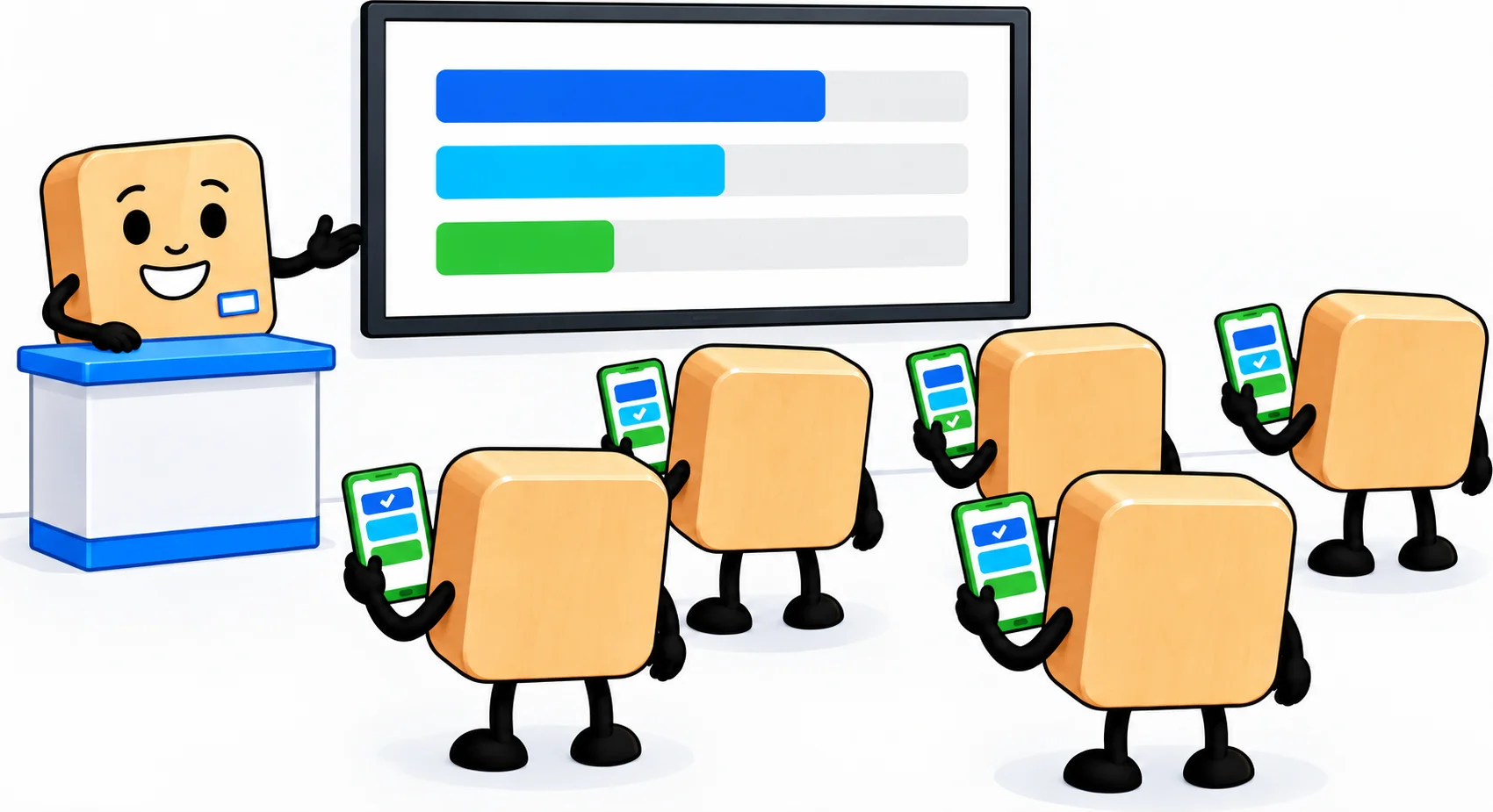
In a conference room, the audience votes in the poll on their phones, and the results appear on the big screen next to the speaker

Launch a live poll: the question appears on the big screen, and everyone votes from their phone. When you decide, the results appear in front of the whole room. It's the simplest way to open a plenary session, take the audience's pulse before a debate, or let them choose the topic of the next talk.

A poll can have up to ten questions, with up to four answers each. Live polls are part of the interactive games in the “Pro” plan.

See our poll and quiz previews

Test the room with a quiz

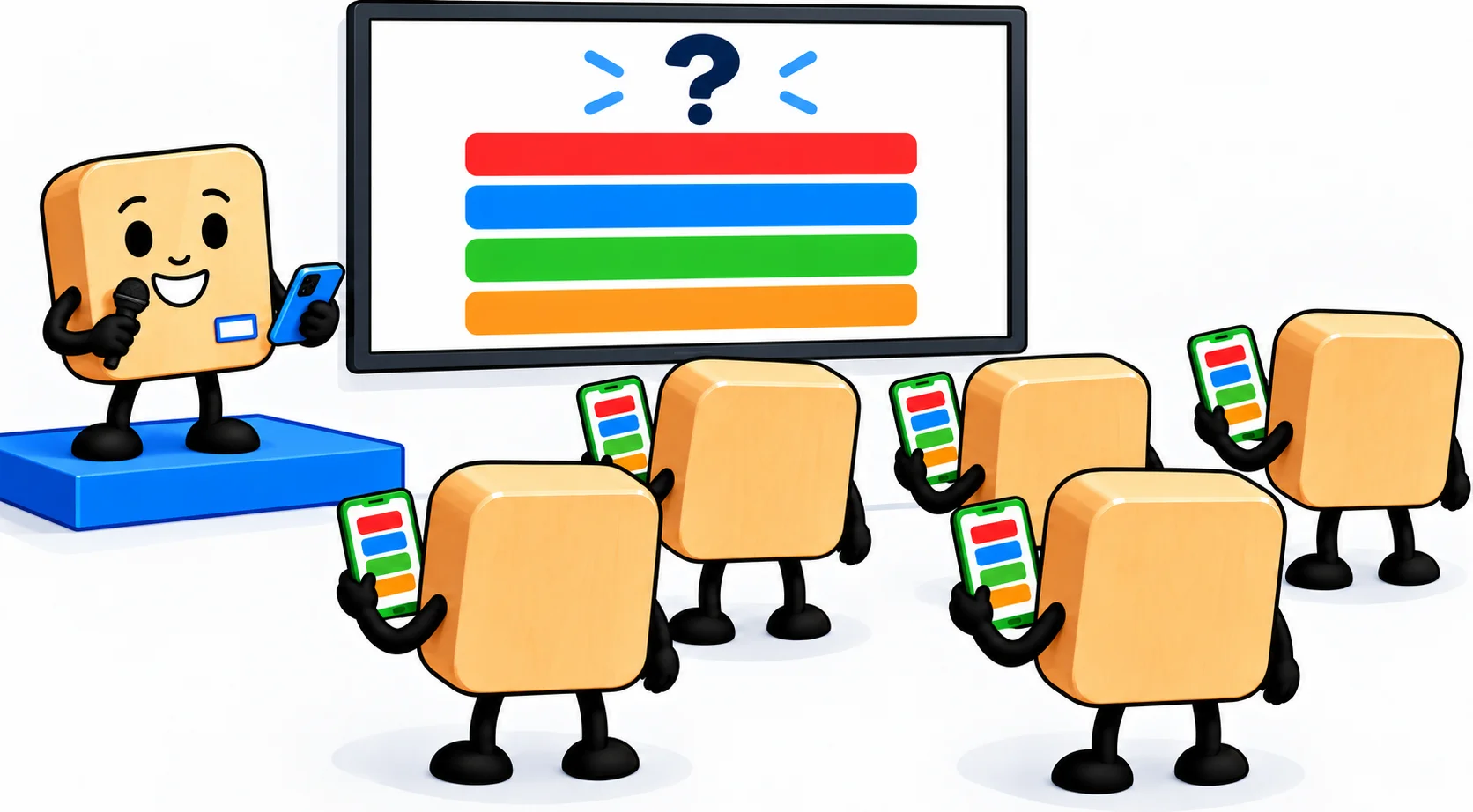
On stage, a speaker at the microphone takes on the audience in a quiz, and everyone answers the question on the big screen from their phone

During a live quiz, the host reveals the questions one at a time, all participants answer at once, and the leaderboard updates question by question, all the way to the podium. An open-ended question turns what the room wrote into a word cloud.

Invite your speakers on stage to take on the room in a head-to-head showdown, question by question. Or play a survivor quiz, where a wrong answer costs a life. Live quizzes are part of the interactive games in the “Pro” plan.

See our phone quiz previews

Gather your participants' feedback

A poll can also be answered at each person's own pace, with no need to wait for the big screen. The questions are asked at sign-up or right after, and everyone answers whenever they like. At the end of the session, you reveal the results on screen, question by question, then download all the answers as a CSV file.

This kind of poll is included in every plan.


Pace the day between talks

You plan the day's lineup of activities in advance, in your studio dashboard: a poll to open, a quiz after the break, the prize draw to close. On the day, you launch each activity at the right moment from your computer, connected to the room's projector.

Is your convention running several breakout sessions at once? Running several rooms in parallel, each with its own screen, within a single event is something we're looking into. Feel free to tell us what you need on this.

With the “Essential” and “Pro” plans, the remote control lets you run the activity from another browser window while the projector shows the screen.


Close with a prize draw

To end the day, pick a winner from the registered participants, on the big screen. If the winner has already left the room, you exclude them and draw someone else. A good way to keep the room full right up to the last word of the final talk.

See our prize draw previews

Frequently asked questions about your participants

How can participants sign up?

  • By phone: each participant scans a QR code and signs up from their phone.
  • At a kiosk: a screen or tablet, self-service or with a host, where everyone signs up. Available on the paid plans.
  • Through the website: an online sign-up form that you share with a link. On the “Pro” plan.

How many participants can I add?

The number of participants depends on your plan:

  • 100 participants on the “Discovery” plan,
  • 1,000 participants on the “Essential” plan,
  • 10,000 participants on the “Pro” plan.

Same-day sign-ups have their own limit

Having people sign up on the day is counted separately:

  • 25 sign-ups on the “Discovery” plan, by QR code,
  • 100 sign-ups on the “Essential” plan, by QR code or at a kiosk,
  • 1,000 sign-ups on the “Pro” plan, by QR code, at a kiosk or from a web form.

Can I handle people who are absent?

Yes: you exclude the absent winner, then draw someone else instead.

  • During the broadcast, depending on the scene: “Cancel the last draw” excludes the winner who has just come up. That draw no longer counts: you draw again.
  • At the end: “Exclude absentees” excludes several winners at once. You get back as many draws as there are absentees.

An excluded person is out of all later draws for good.

Can I display my logo and title on screen?

Yes, from the “Essential” plan up: the screen header carries your logo and the title of your event, on every scene.

On the “Discovery” plan, the header stays the Randraw.studio header: its logo, in place of yours.

Frequently asked questions about your data security

Where is the data hosted?

On your studio's server, in the region of your plan. With the “Pro” plan, you choose your server's region from Northern Europe, Italy, North America or Asia (Singapore).

How long is the data kept, and can I delete it?

Until you delete it. You can delete an event, its results or its participants at any time.

When you close your account, it is deleted 30 days later, or 30 days after the end of your paid plan if it is still running. During that time, you can reactivate it.

Frequently asked questions about plans

What do I get with a paid plan?

More participants, your logo on the screen, and data that is kept.

  • “Discovery”, free: everything is erased 24 hours after creation, our logo is shown, 100 participants.
  • “Essential”: your logo, your data kept, 1,000 participants.
  • “Pro”: on top of that, some quiz and phone game options, the server-side proof of the draw, a choice of region for your server, 10,000 participants.

What if I need more capacity, or a server just for my company?

We reserve a dedicated server for you, for a year or for three days, plus a backup server if you wish. Tell us what you need.

How do payment and invoices work?

We entrust payment to Stripe, which bills you directly, on our behalf.

Your plan is a yearly subscription, and you can cancel its renewal at any time, from the second day. Your subscription still runs until the end of the year. If you stay subscribed, a loyalty discount applies to your renewal.