Quizzes and games on the big screen
Heads up: what are the synchronization issues?
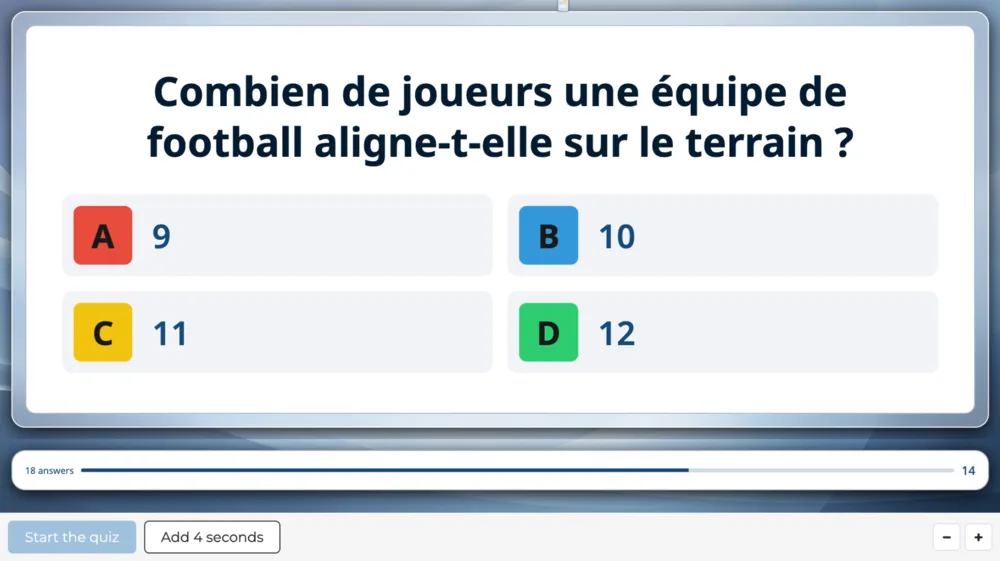
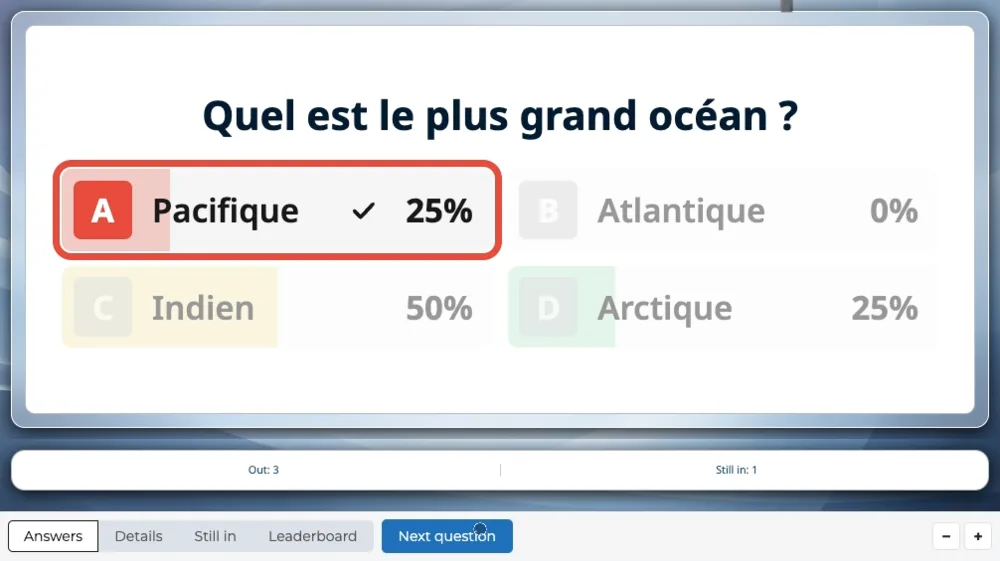
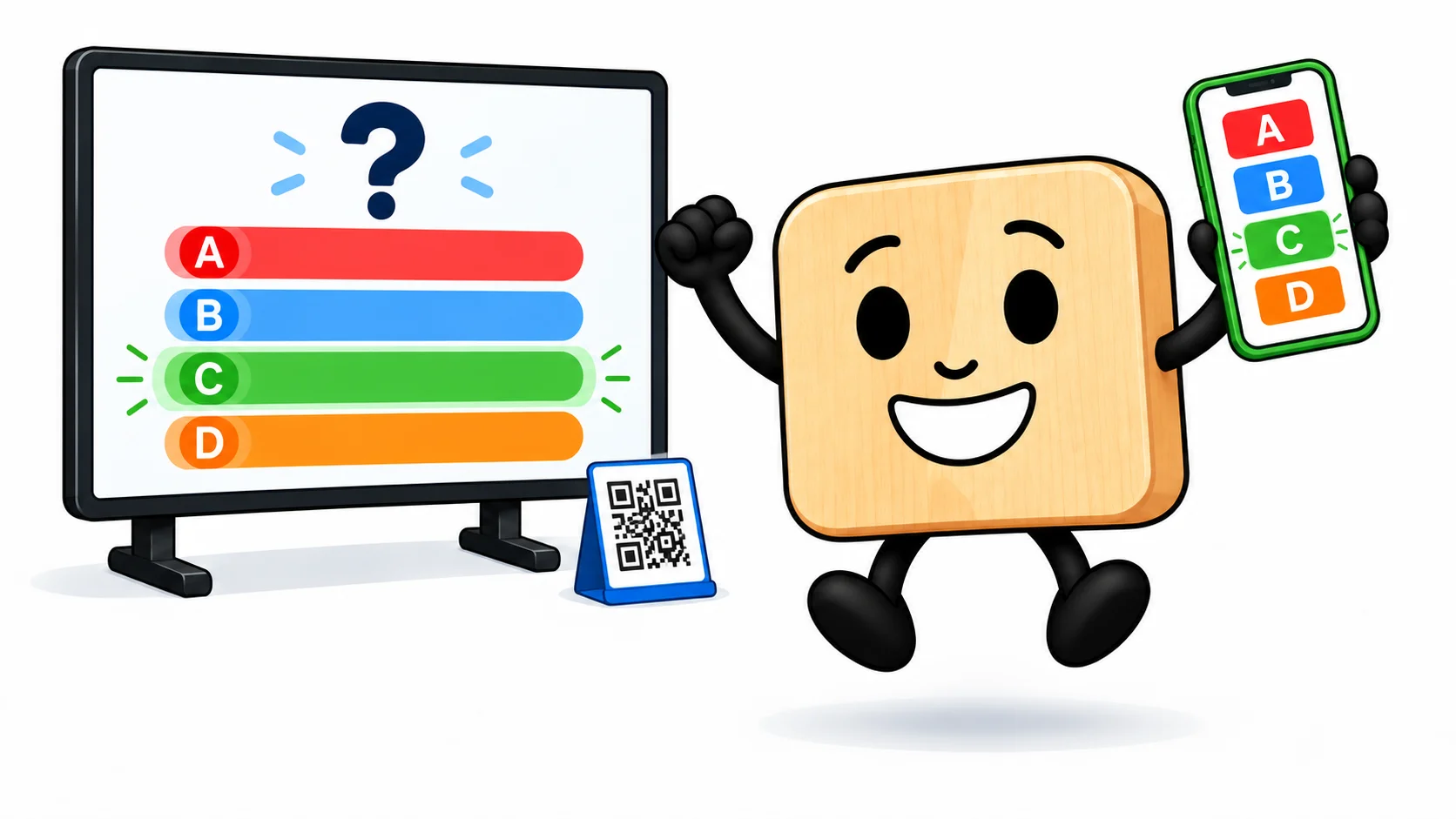
In a synchronized game, everything happens at the same moment: the screen reveals each question, the whole room answers at once by phone, and the leaderboard updates after every question. Place QR codes around the room so everyone can join the game.
Games fit into scenarios
As everywhere in our solution, scenes fit into scenarios. For example:
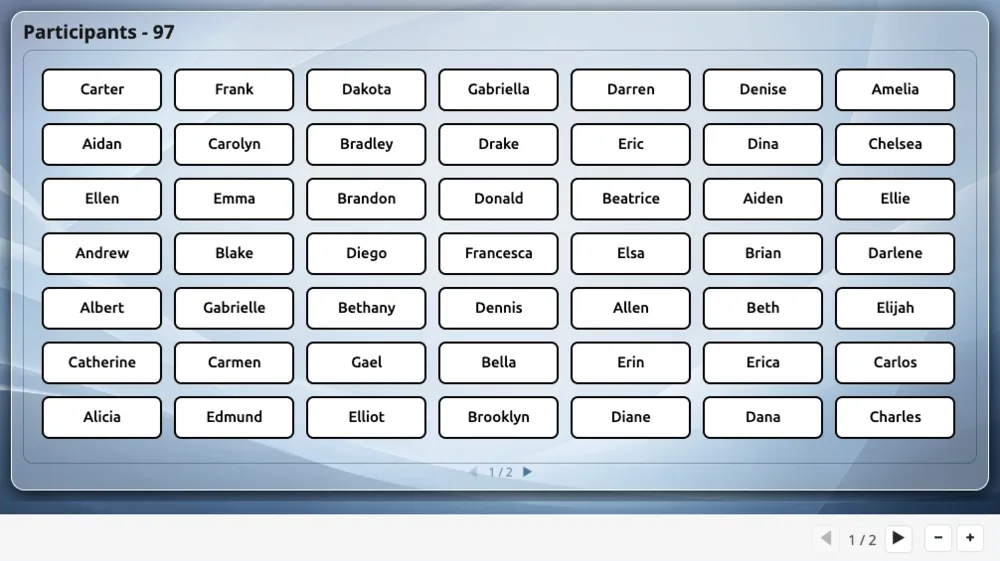
- hand out prizes at random at sign-up,
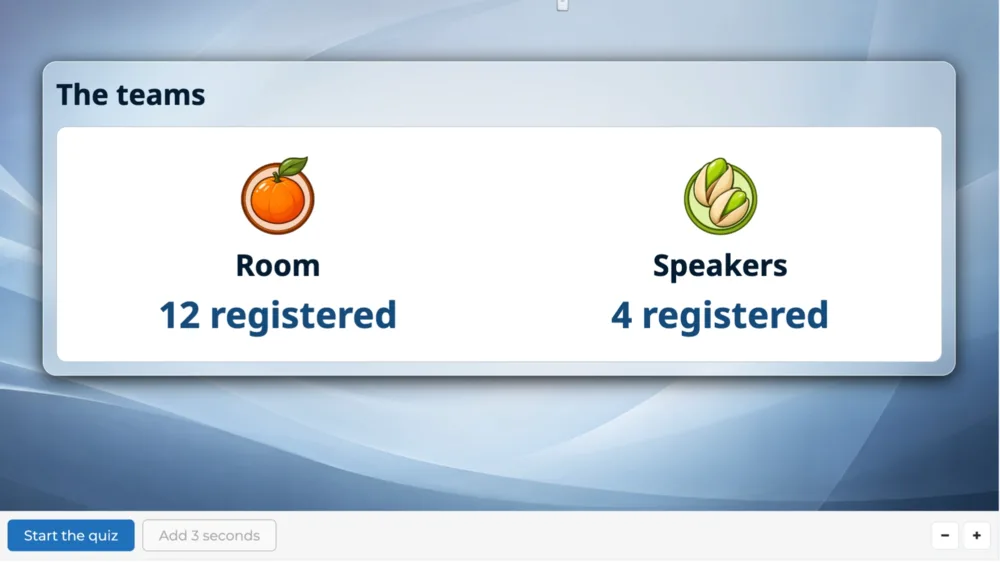
- pit the room against your speakers,
- pick a grand prize winner with a prize draw,
- open the event with a poll, to take the temperature of the room,
- spread the questions between talks, one round after each speaker.
Qualify your leads
Collect qualified leads at two moments: at sign-up, through the form each participant fills in, then during the game, through their path in it. Your marketing, sales or HR teams know who to follow up with, and what to say.