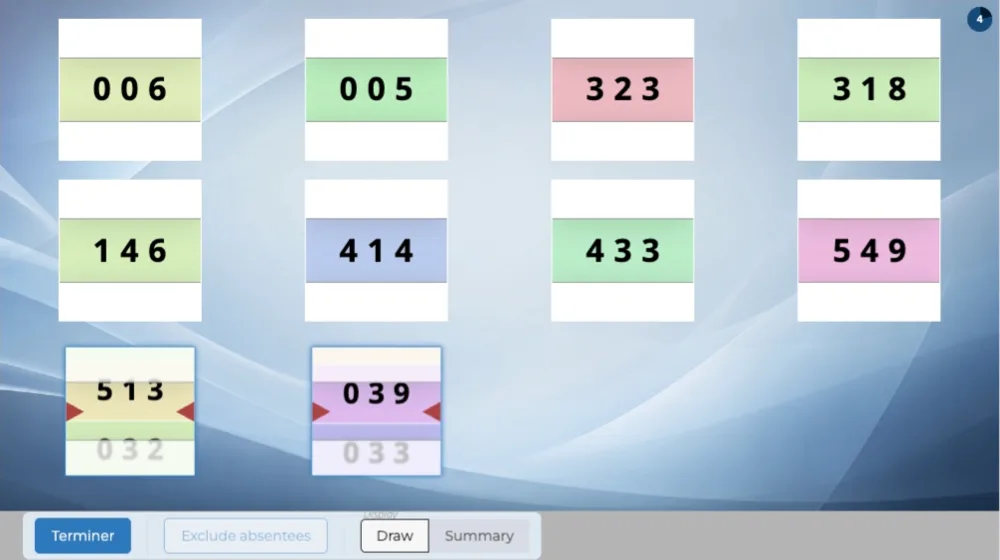
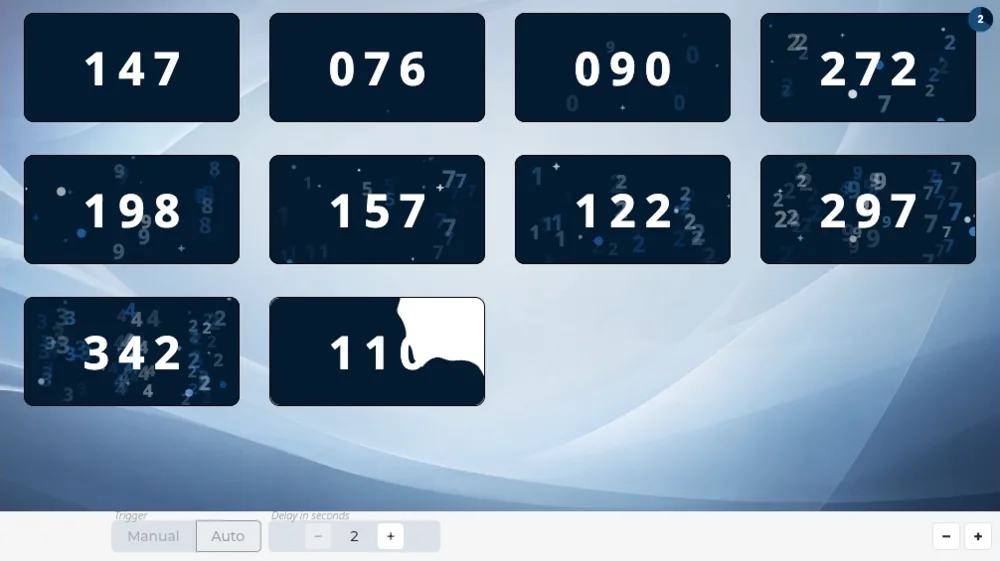
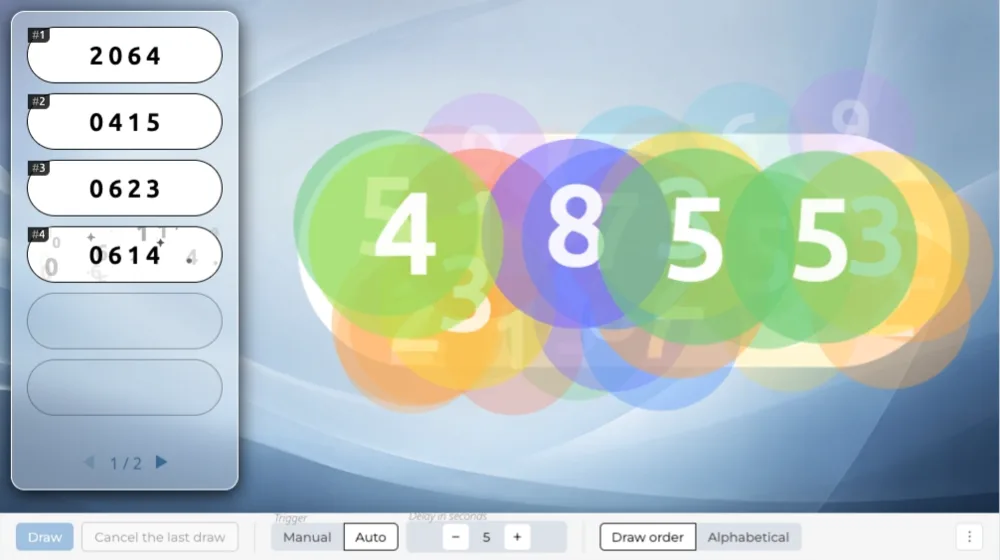
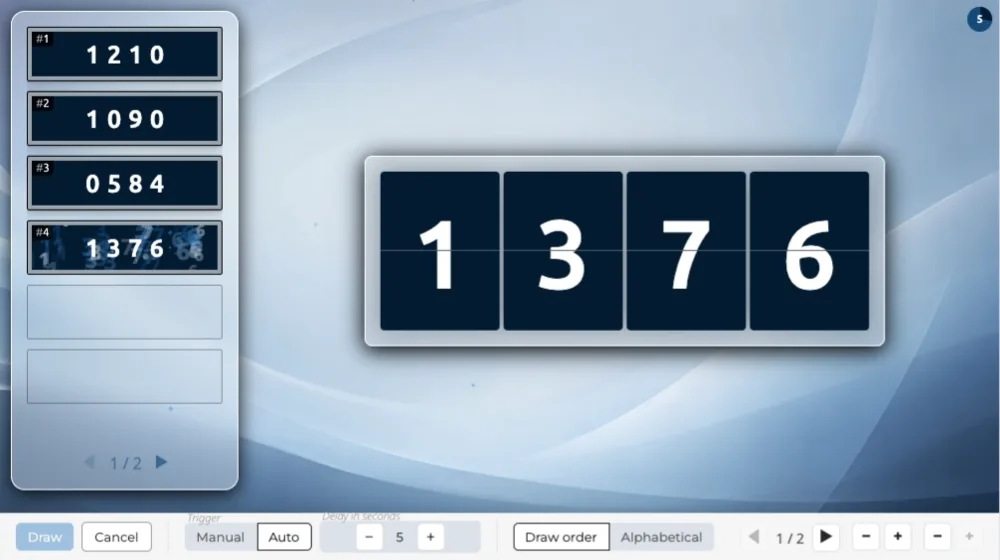
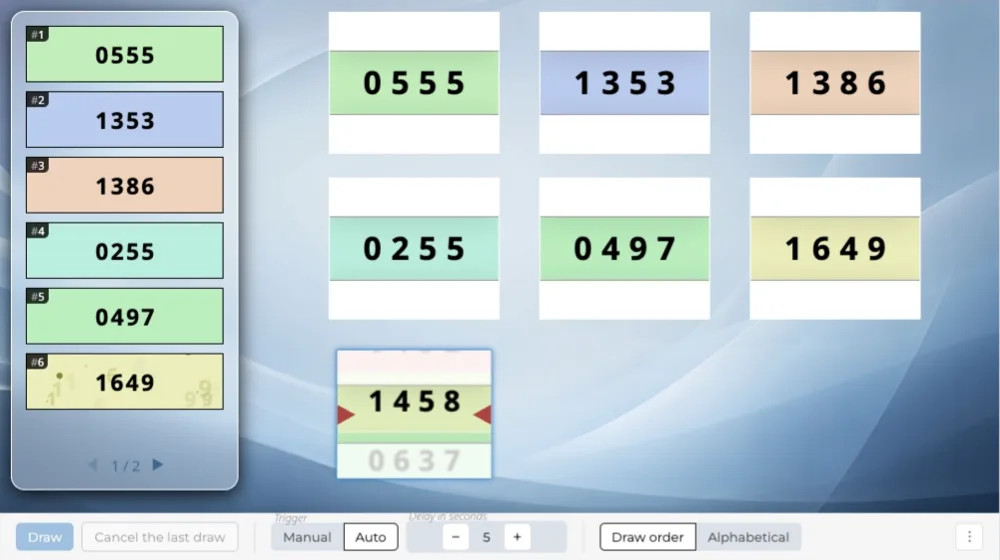
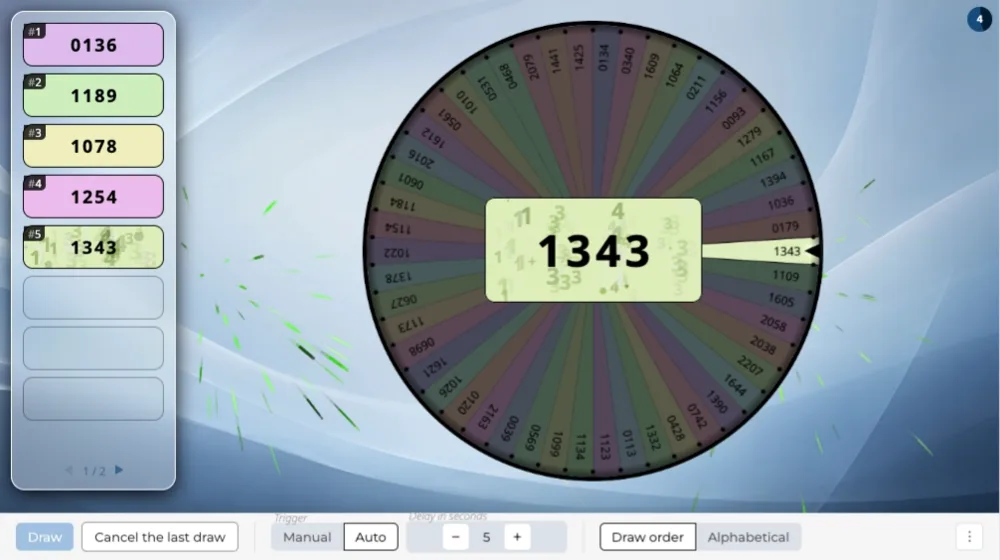
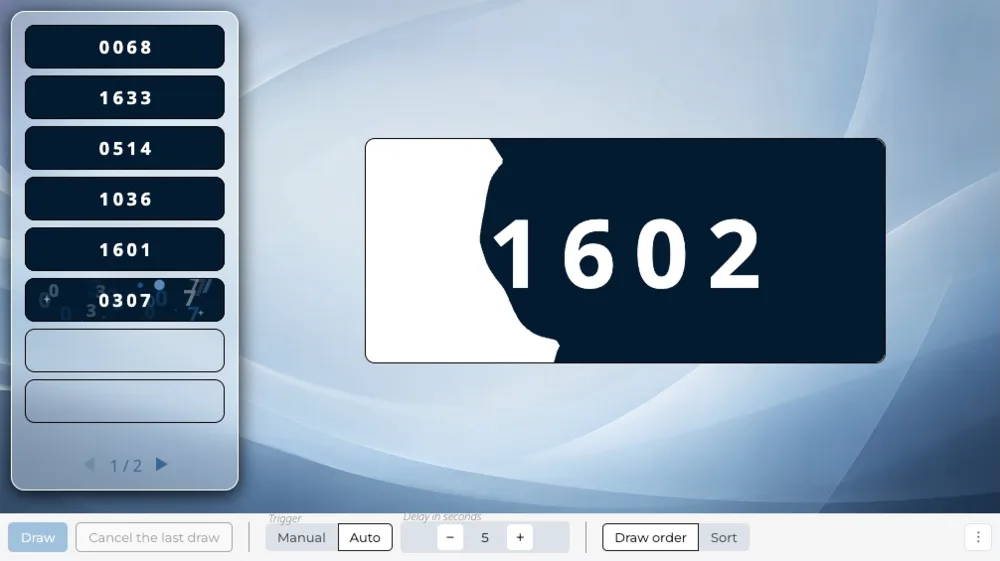
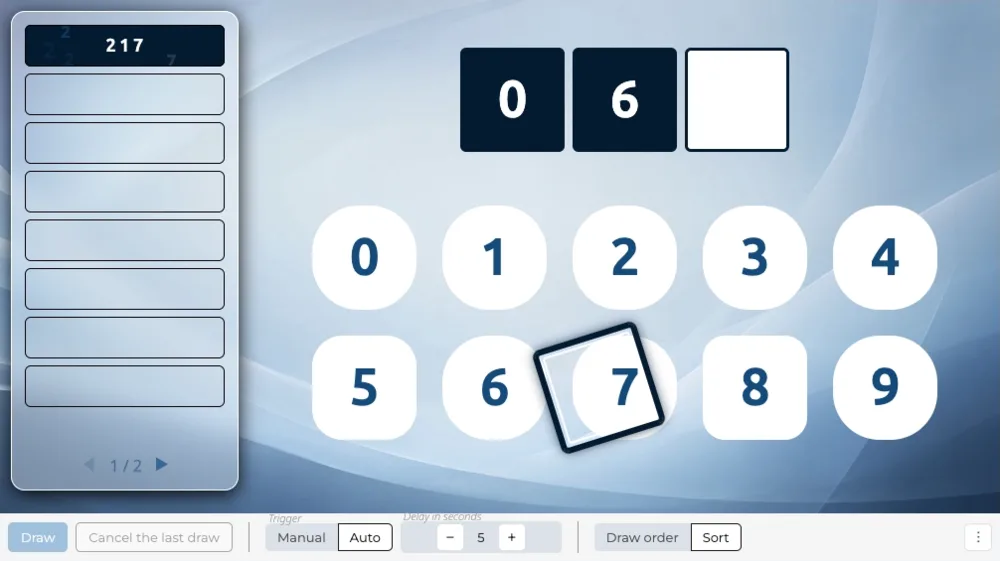
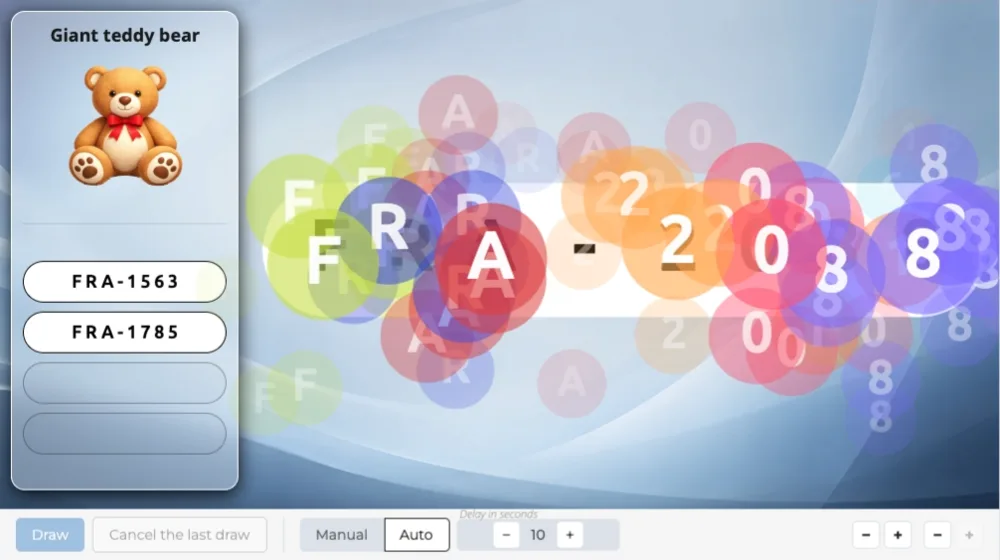
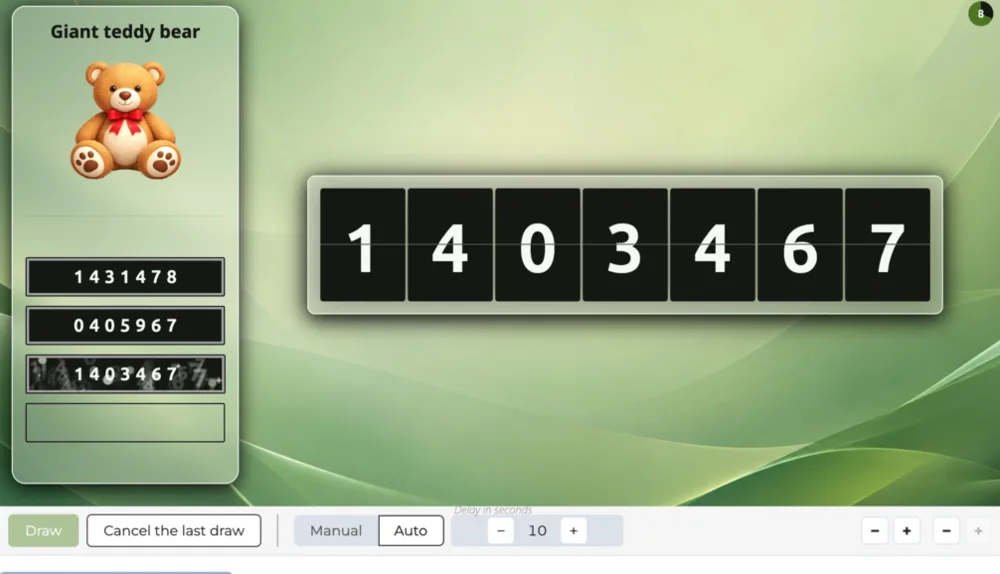
Draw the winning numbers in front of the whole room!
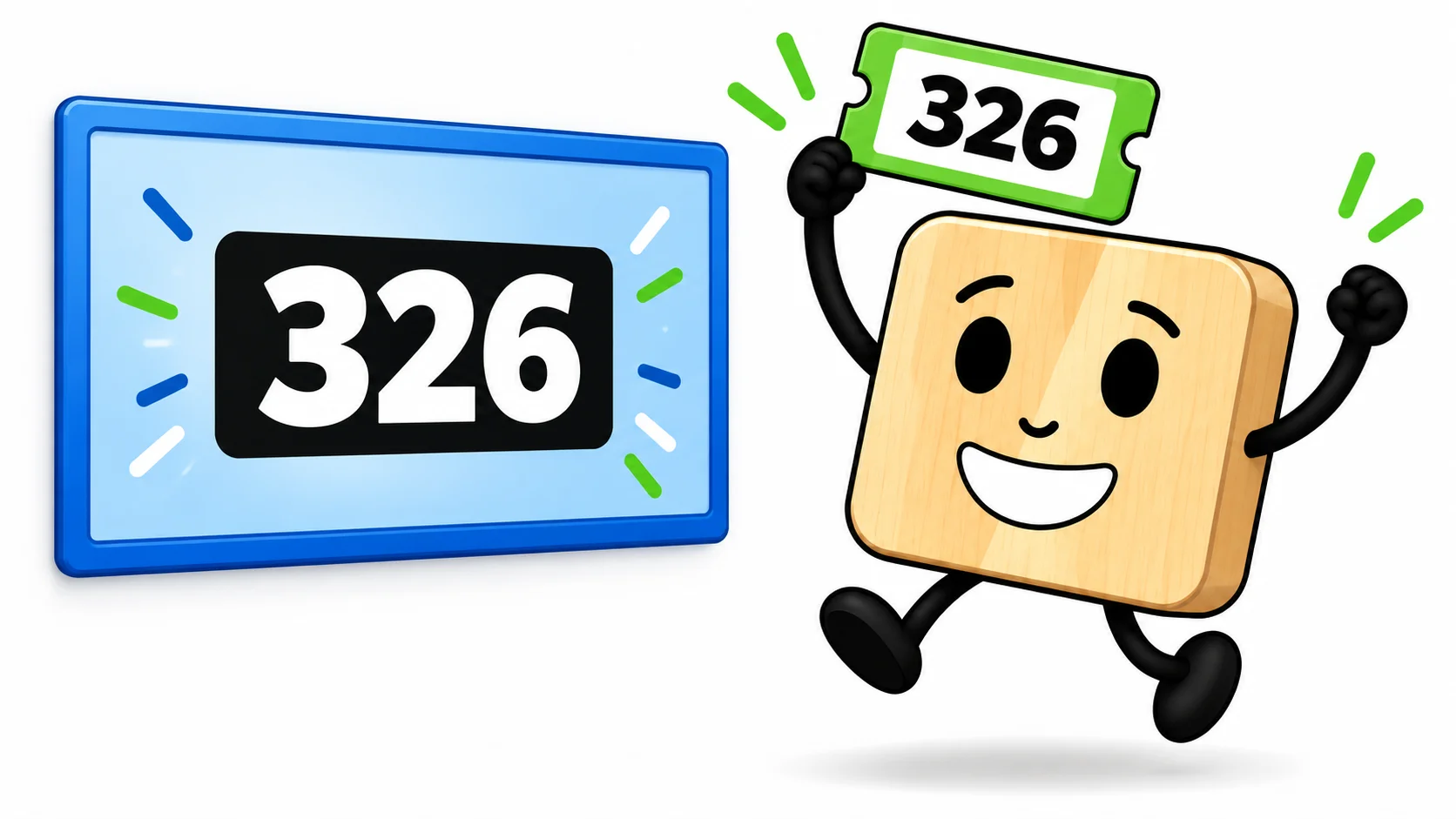
A participant holds up the winning raffle ticket, number 326 displayed on the big screen

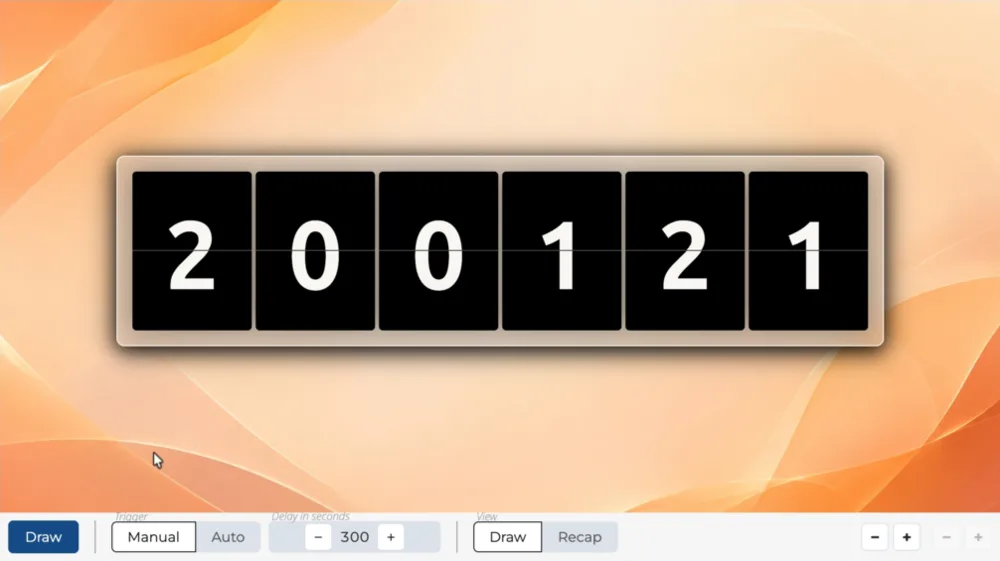
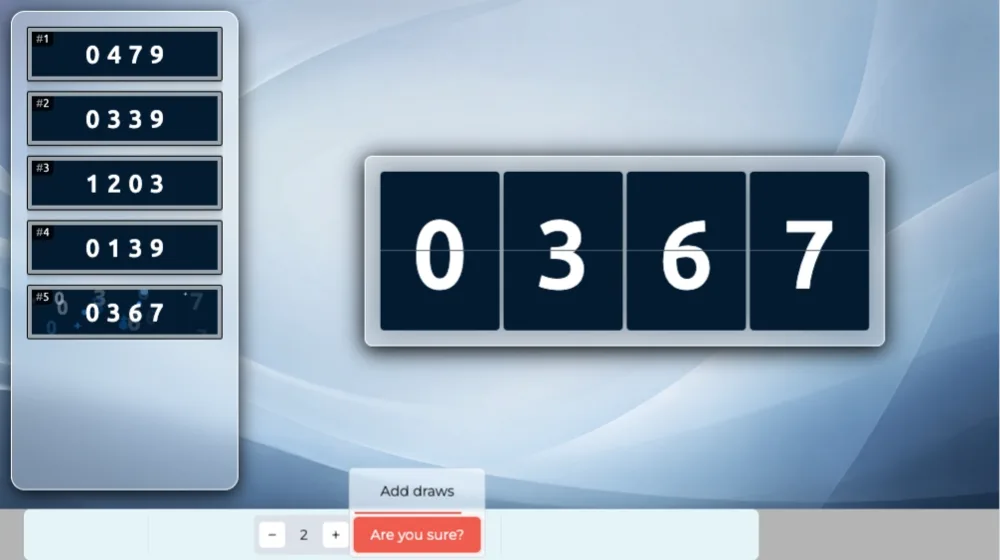
You registered the numbers handed out before the event. On the day, they come out one by one on the big screen, and everyone checks their ticket.

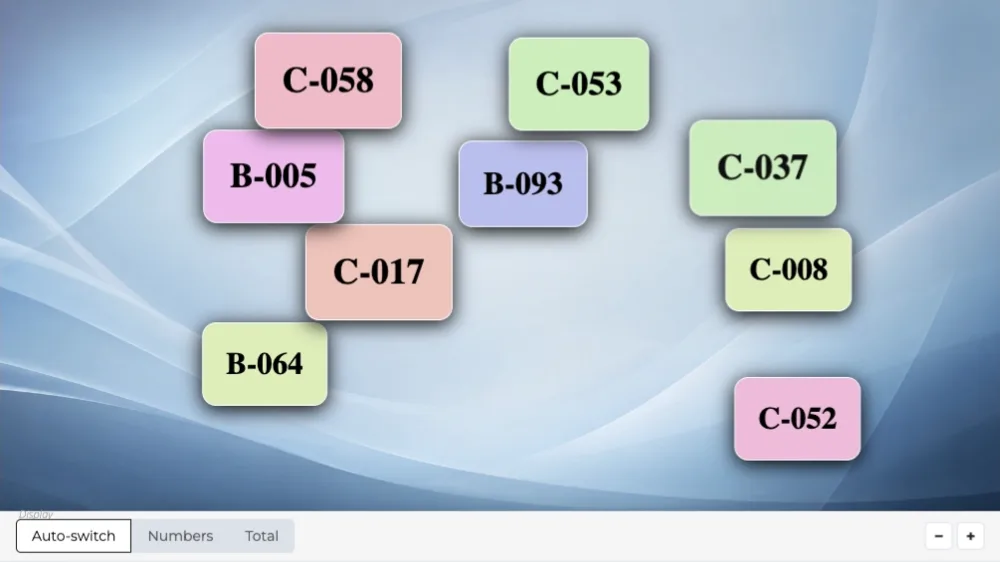
Your numbers need not be a plain sequence: they can carry a prefix (A001, B001) and span several ranges.

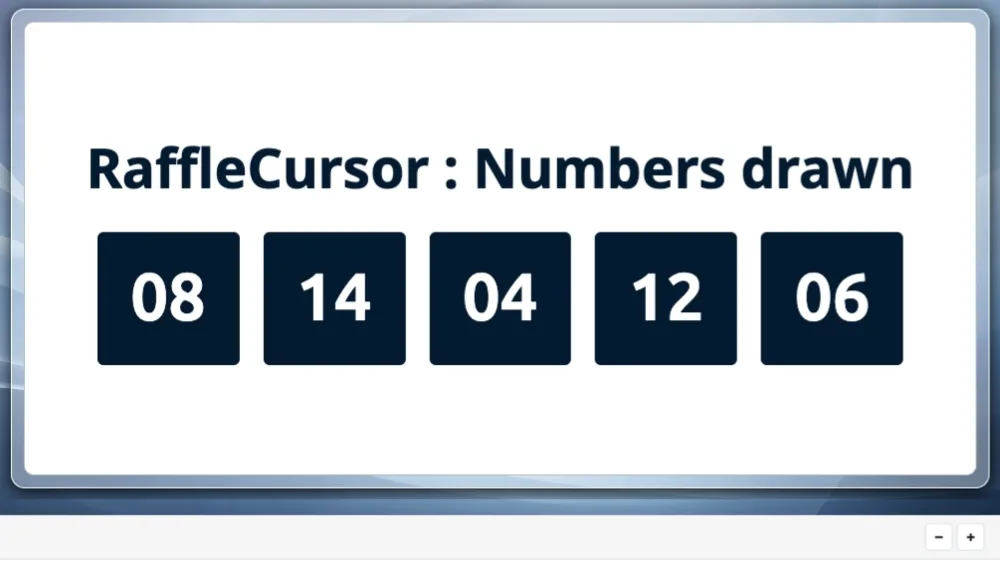
Anything is possible! The draw runs on its own or within a scenario: open with the ranges of numbers in play, and close with a recap of all the numbers drawn. Our raffle draw scenarios are at the bottom of this page.
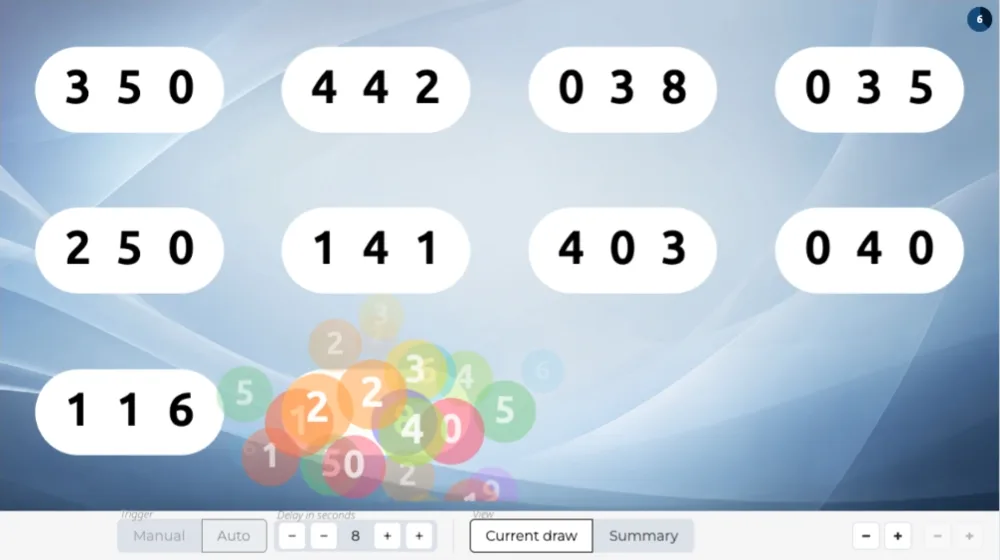
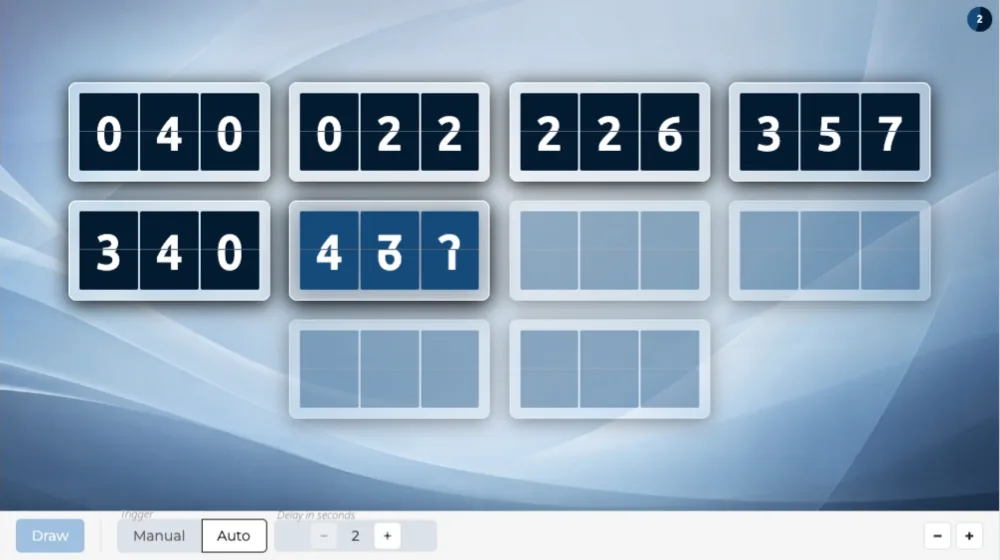
Raffle draw scenes

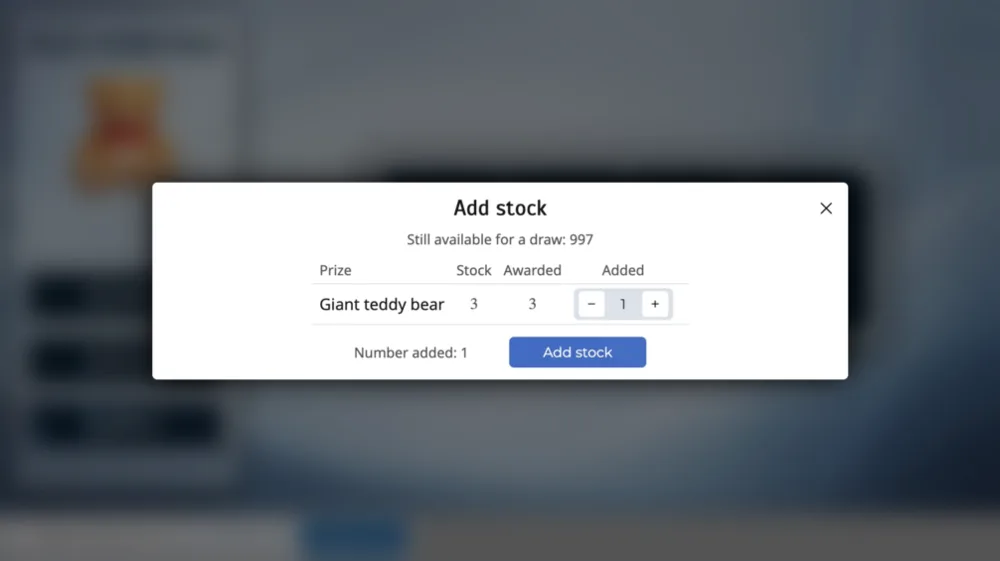
Award prizes

Set up a list of prizes, each with its own stock.

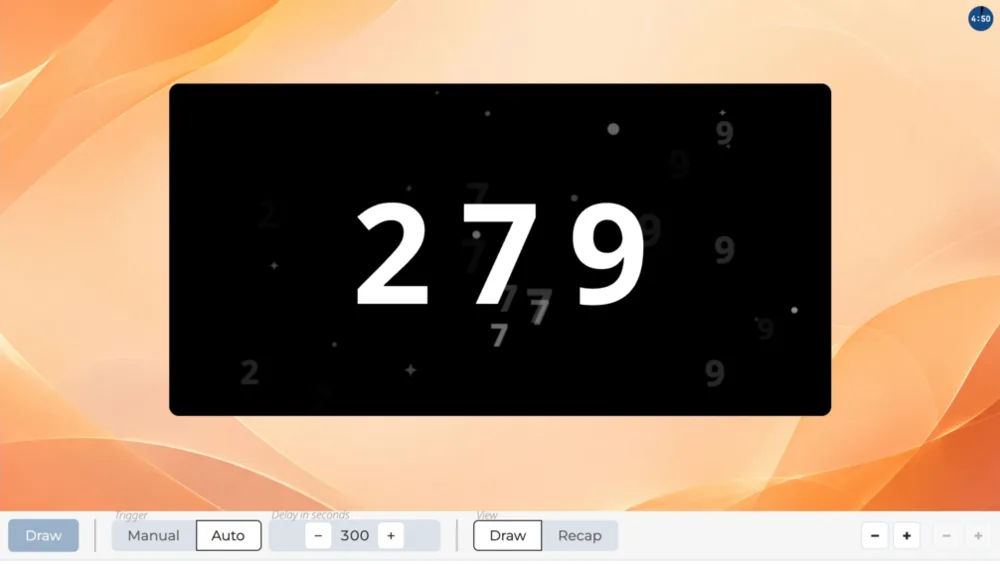
Continuous raffle draw with automatic recap

Schedule a draw every five minutes, or every hour!

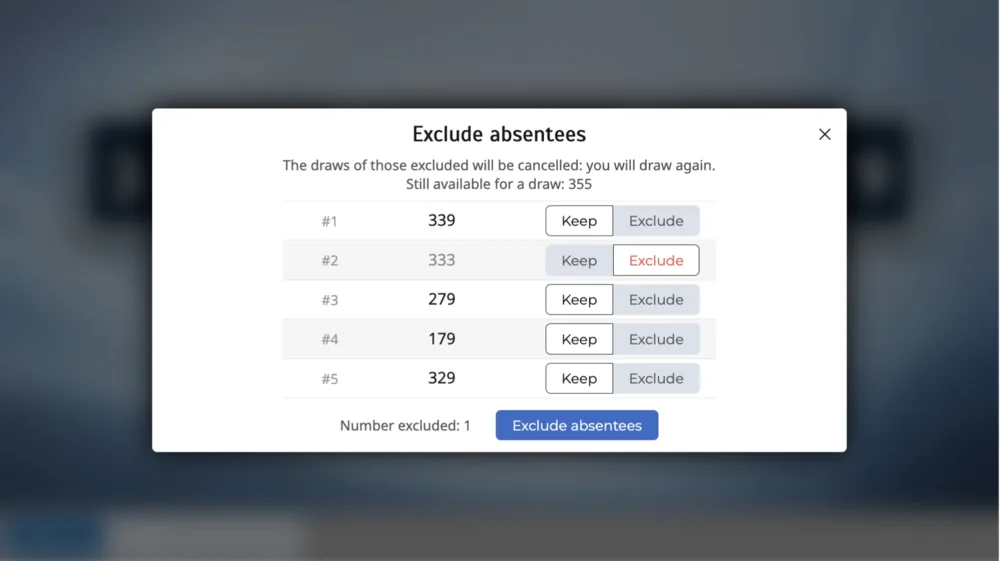
Handling absentees

You may need to cancel a result. Someone must not win twice, or is absent and cannot collect the prize: the number has to be redrawn!

The number comes up, no one stands, and you have to redraw in front of the room.

During the broadcast, you can cancel the last number, or at the end of the draws: exclude the absentees, confirm those present or simply add draws!

Raffle draw scenarios

A scenario chains several scenes: announce the numbers in play, draw the numbers, then display the winning numbers.

The ones below are ready to play. From your account, you can also use them as a starting point and edit them, or create your own scenarios as you see fit.

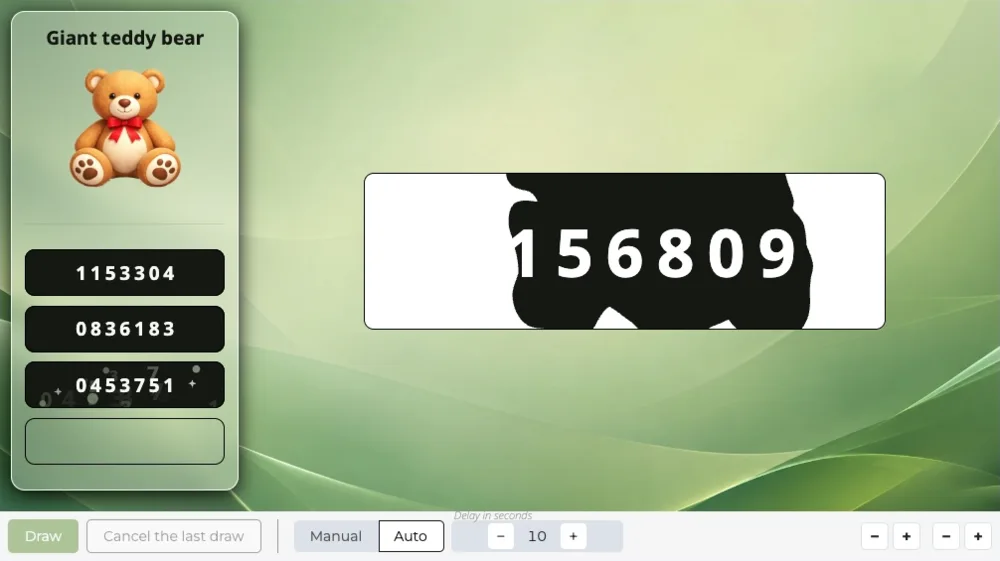
Raffle draw, one by one

The event announcement, the numbers in play, the raffle number ranges, the numbers drawn one by one with the scene of your choice, then the winning numbers.

Create a studio
RaffleReveal
IntroRaffle
RafflePluck
ShowRaffle

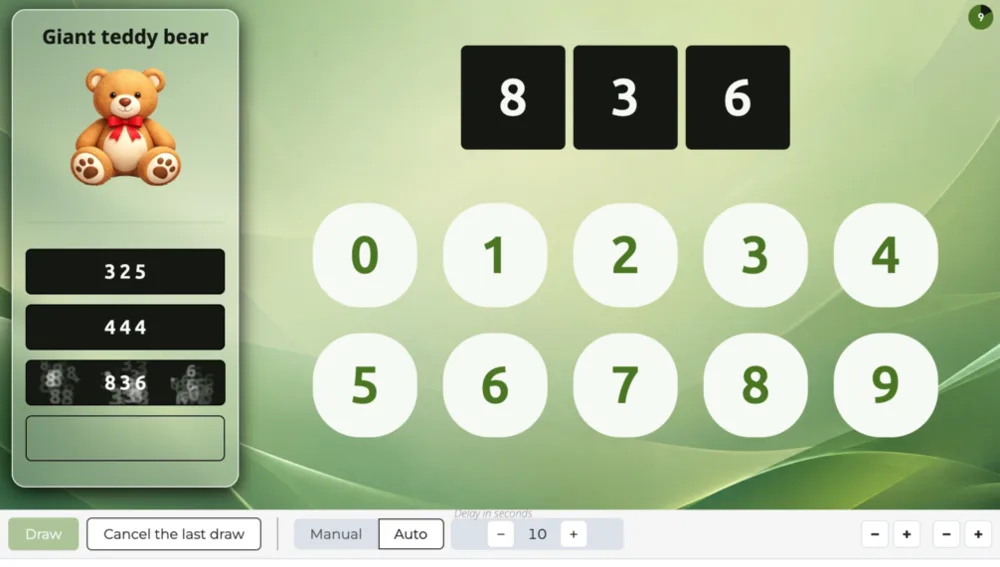
Raffle draw with prizes

The raffle numbers, the prize draw with the scene of your choice, then the winning numbers.

Create a studio
RafflePrizes
IntroRaffle
PrizePluck
6/6
ShowRaffle

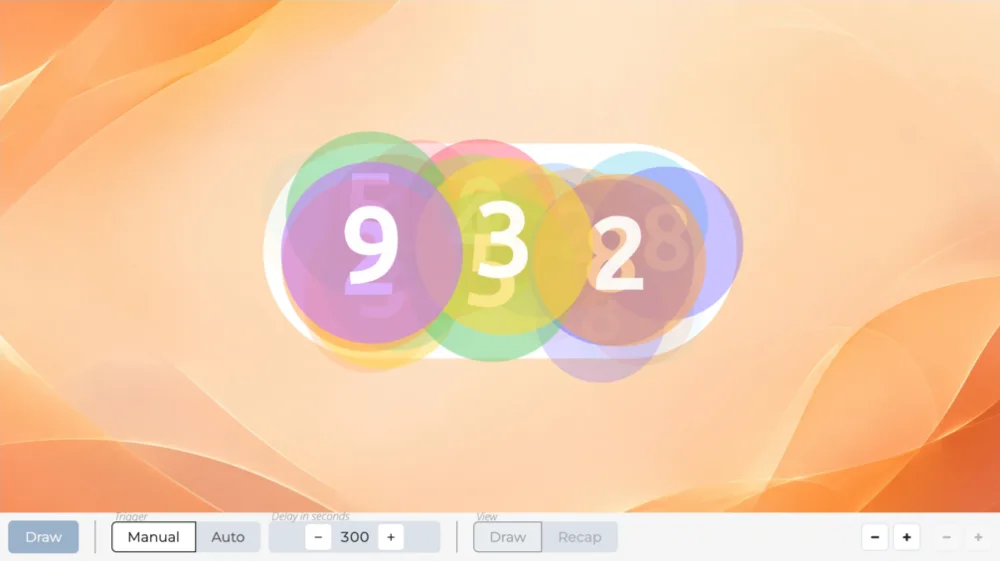
Raffle winners

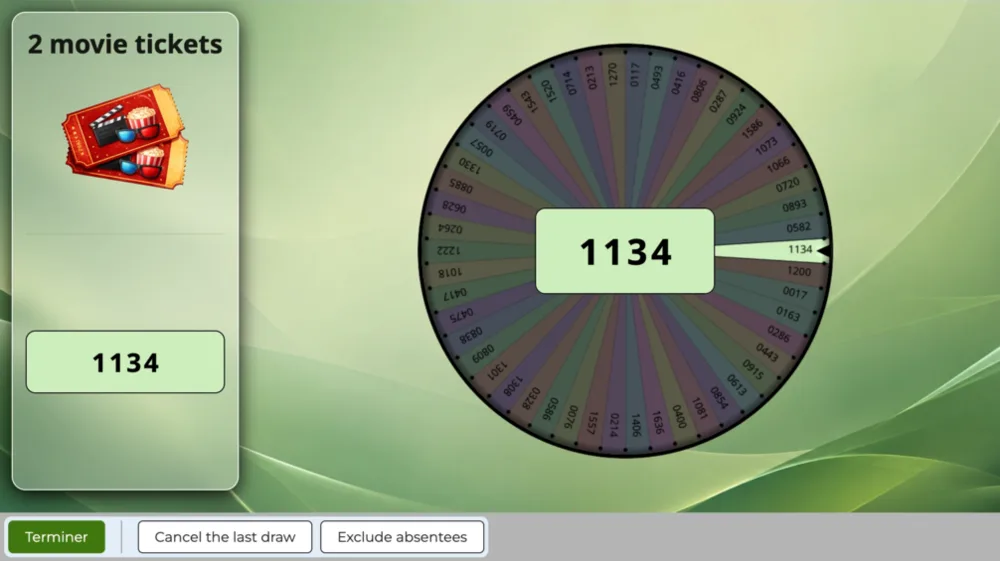
The event announcement, the numbers in play, the raffle number ranges, the winning number draw with the scene of your choice, then their display.

Create a studio
RaffleWins
IntroRaffle
WinsCursor
1/6
ShowRaffle

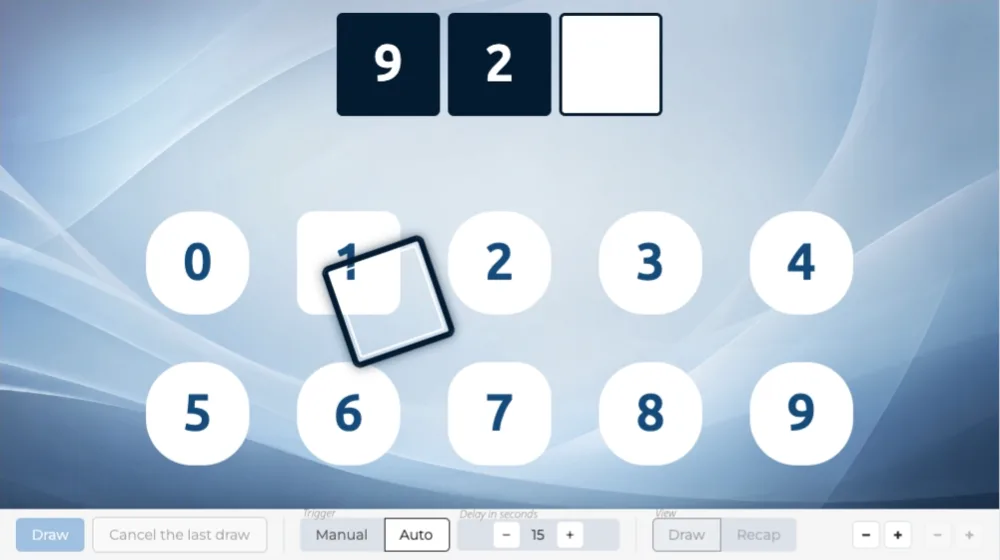
Raffle grid

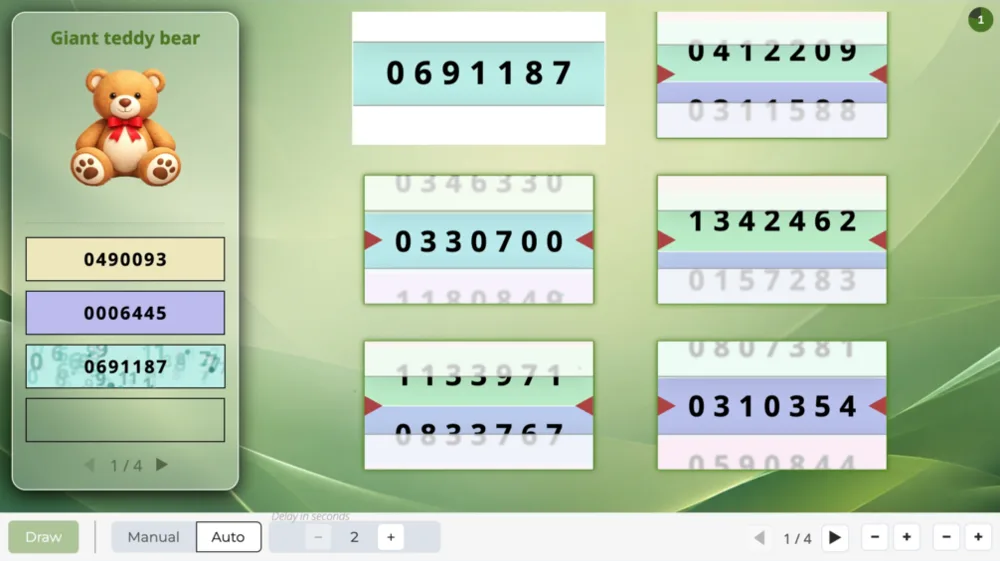
The raffle number ranges, the draw on a grid with the scene of your choice, then the winning numbers.

Create a studio
RaffleGrid
IntroRaffle
RaffleFlapGrid
ShowRaffle

Raffle draw in three rounds

Three draws of twenty-five numbers running one after the other on their own, each round keeping only the numbers that have never come out.

Create a studio
RaffleRounds
RaffleFlapGrid
RaffleFlapGrid
RaffleFlapGrid

Frequently asked questions about raffle draws

How many raffle numbers can I create?

500 raffle numbers on the “Discovery” plan, 5,000 on the “Essential” plan, 50,000 on the “Pro” plan.

Do I have to enter my numbers one by one?

No: a range of numbers goes on a single line, giving the first and the last.

Enter one line per range or per single number, and mix the two freely:

A : 1-500
B : 1-200
42

The letter before the colon is optional: it tells apart several books of tickets that each start again from 1. Pasting from a spreadsheet works: spaces, tabs and letter case are tidied up.

How many participants can I add?

The number of participants depends on your plan:

  • 100 participants on the “Discovery” plan,
  • 1,000 participants on the “Essential” plan,
  • 10,000 participants on the “Pro” plan.

Same-day sign-ups have their own limit

Having people sign up on the day is counted separately:

  • 25 sign-ups on the “Discovery” plan, by QR code,
  • 100 sign-ups on the “Essential” plan, by QR code or at a kiosk,
  • 1,000 sign-ups on the “Pro” plan, by QR code, at a kiosk or from a web form.