Give prizes to winners through a magic veil

Give prizes to winners through a magic veil

Connections between scenes

Inputs

  • Participants
  • Prizes

Outputs

  • Winners
  • Remaining
  • Canceled

Results

Publication

  • Winners
  • Prizes awarded

Download

  • Winners
  • Prizes awarded

Record (Pro plan only)

  • Winners
  • Prizes awarded
  • Canceled draws

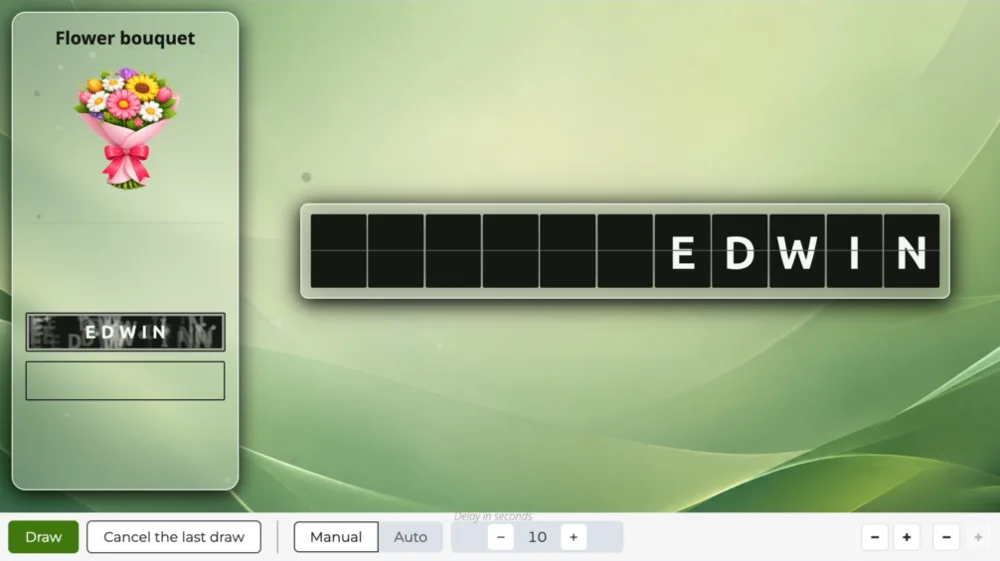
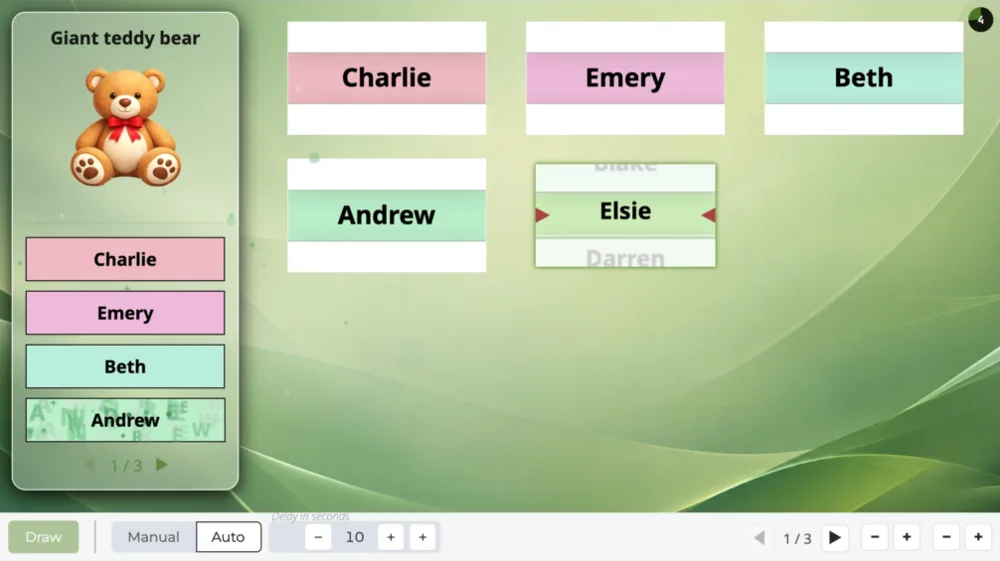
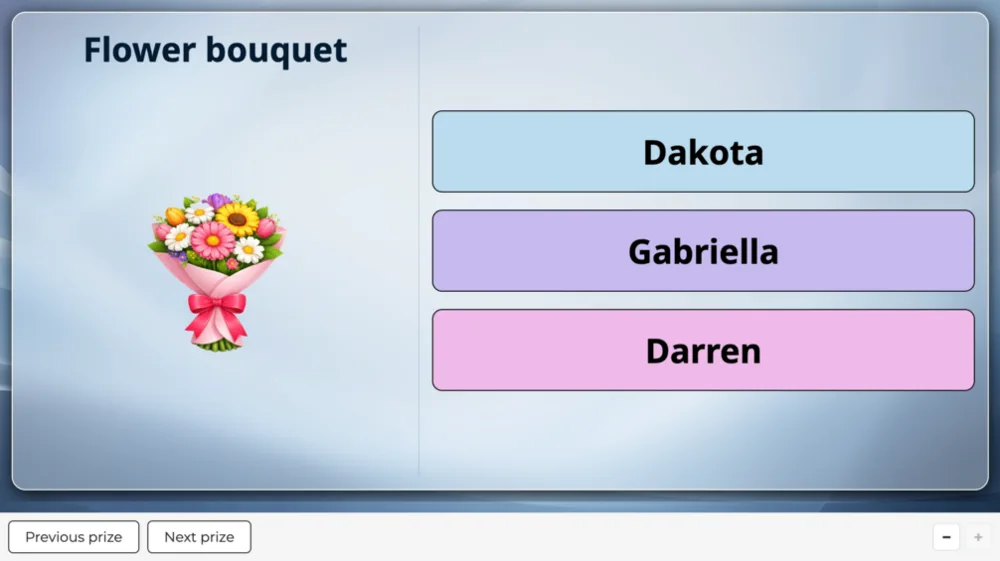
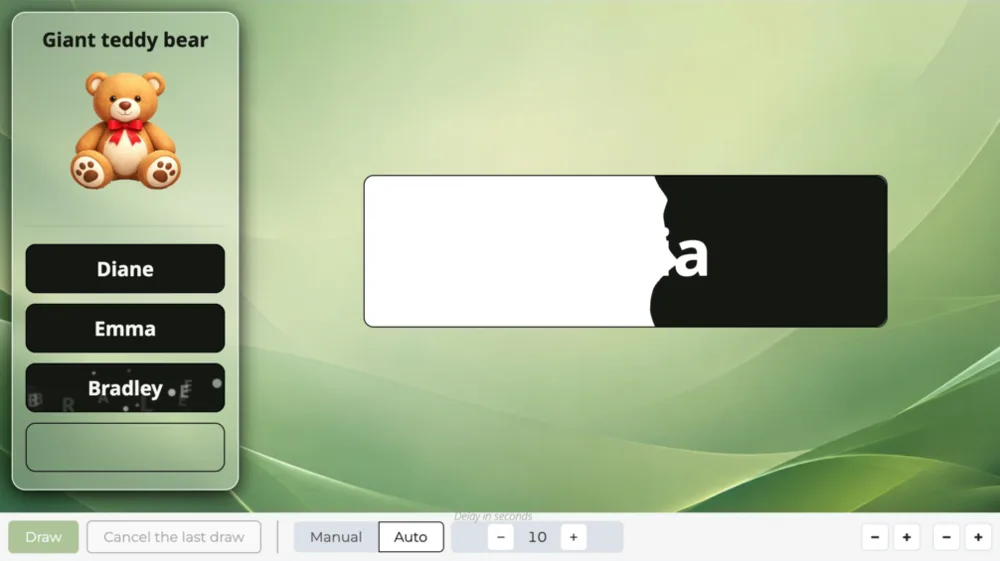
The color spreads, then the name of the drawn winner appears in it, beside the prize they win.

Overview

A color spreads, then the winner's name appears in it, beside the prize they win: nothing spins, nothing scrolls, a burst of sparks greets the revealed name.

When to use it

To give out a series of prizes without keeping the audience waiting: each reveal takes less than a second.

The order in which prizes are given out

The prizes are given out in the order of your choice, each one as many times as it has items.

Frequently asked questions

How many participants can I add?

The number of participants depends on your plan:

  • 100 participants on the “Discovery” plan,
  • 1,000 participants on the “Essential” plan,
  • 10,000 participants on the “Pro” plan.

Same-day sign-ups have their own limit

Having people sign up on the day is counted separately:

  • 25 sign-ups on the “Discovery” plan, by QR code,
  • 100 sign-ups on the “Essential” plan, by QR code or at a kiosk,
  • 1,000 sign-ups on the “Pro” plan, by QR code, at a kiosk or from a web form.

Can I display my logo and title on screen?

Yes, from the “Essential” plan up: the screen header carries your logo and the title of your event, on every scene.

On the “Discovery” plan, the header stays the Randraw.studio header: its logo, in place of yours.

Scenarios that include this scene

Prize draw, then recap

Three scenes in a row: the participants on display, the prize draw, then the winners recap, fed automatically by the draw.

Create a studio
PrizeChain
IntroUsers
PrizeInk
PrizeRecap